
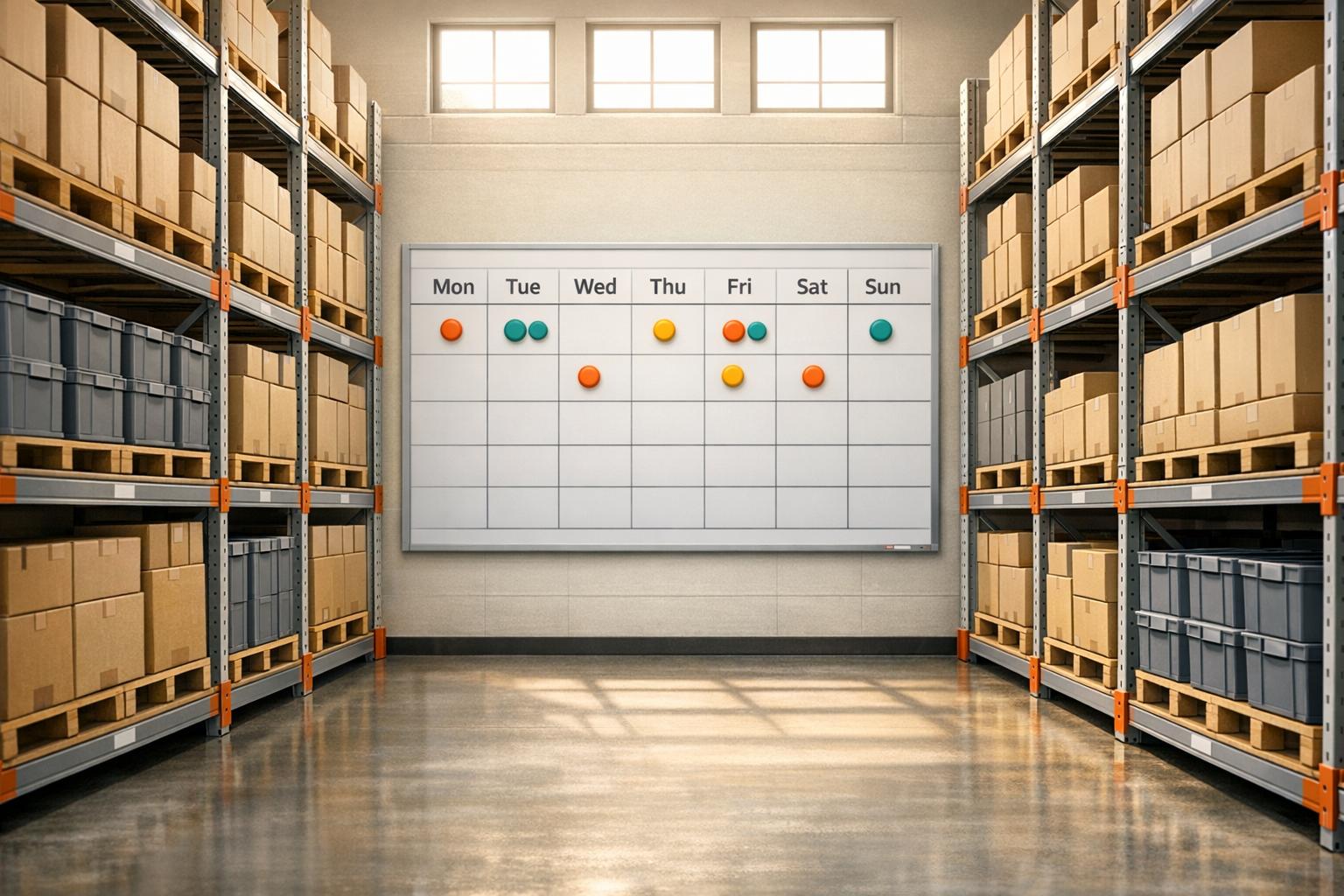
Optimize Your Warehouse with a Cycle Count Scheduler
Managing inventory audits doesn’t have to be a headache. For warehouse teams, creating an efficient plan to track stock levels is crucial to avoiding costly errors and downtime. That’s where a tool like our inventory audit planner comes in, helping you break down the daunting task of counting thousands of items into a doable daily routine.
Why Cycle Counting Matters
Regular stock checks ensure accuracy in your records, prevent shrinkage, and keep your operations humming. But without a solid strategy, it’s easy to fall behind or miss items. By using a digital solution to schedule your counts, you can assign clear targets to your staff, whether they’re working solo or in groups. This approach saves hours of manual planning and lets you focus on other priorities.
Tailored for Your Needs
Whether you’re overseeing a small storage space or a massive distribution center, a tool designed for planning stock audits adapts to your unique setup. Input your data, get your numbers, and adjust as needed. It’s a simple way to bring order to the chaos of inventory management, ensuring nothing slips through the cracks.
FAQs
How does the Cycle Count Scheduler calculate daily counts?
It’s pretty straightforward! The tool divides your total number of items by the counting period in days, rounding up to the nearest whole number to ensure everything gets covered. If you’ve got multiple teams, it splits the daily count across them, again rounding up so no item is missed. This way, you’ve got a practical plan that accounts for every piece of inventory.
Can I use this tool for a small warehouse with one person counting?
Absolutely, it works for any size operation. If you’re a solo counter, just leave the ‘Number of Teams’ field blank—it defaults to 1. You’ll get a daily target tailored to your total items and timeline. It’s perfect for small setups where you’re juggling multiple tasks and need a clear schedule.
What if my counting period is too short for my team?
No worries! The tool will still calculate your daily targets based on the numbers you input, but it also includes a handy note suggesting you adjust the counting period if the daily load feels too heavy. Play around with the days until you find a pace that works for your crew—flexibility is the name of the game.



