
October 26, 2026
Live Inventory Reports for Multi-Location Stock
Use live, location-level on-hand, available, and in-transit reports to reduce stockouts, improve transfers, and set reorder points.
October 22, 2026
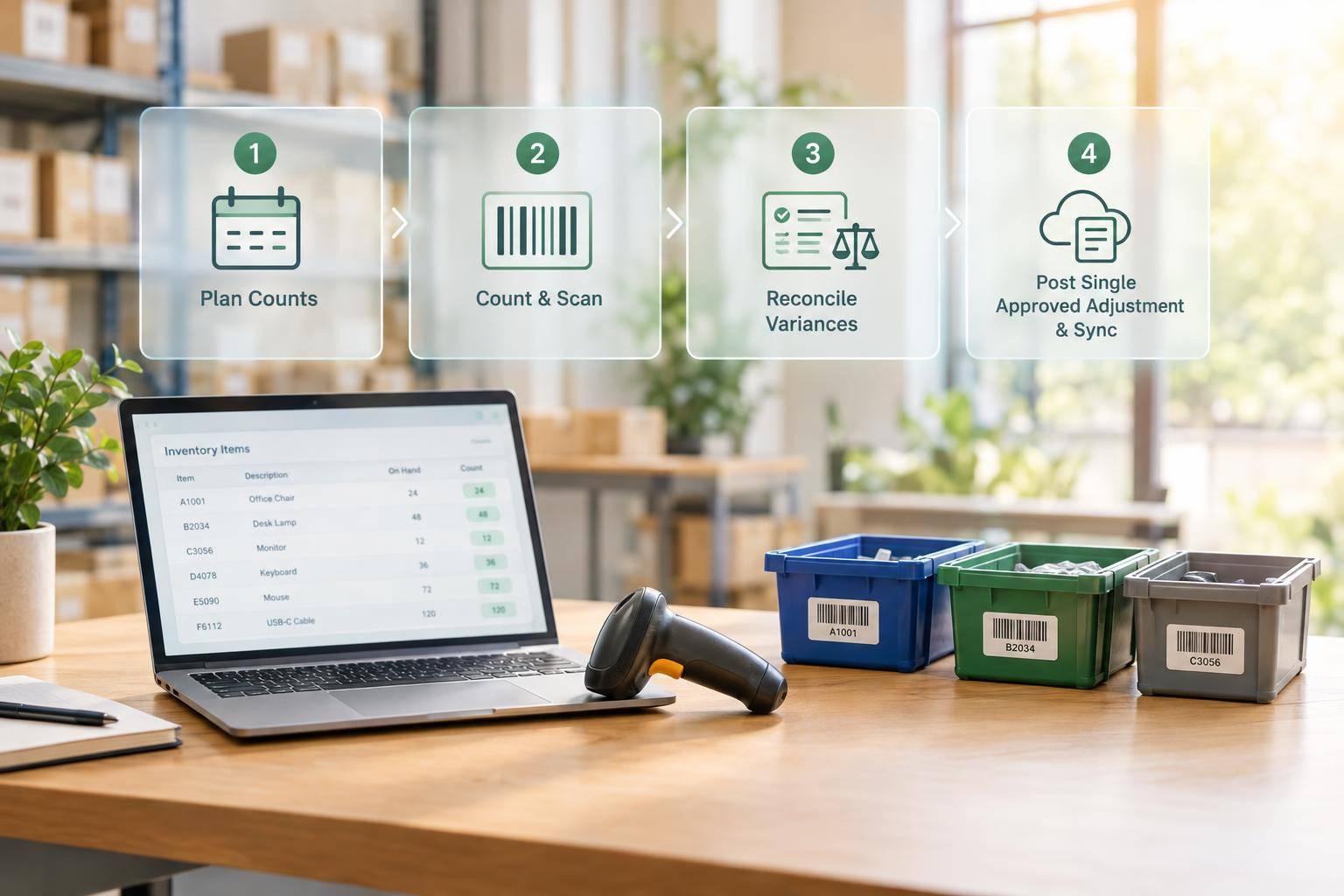
Cycle Count in QuickBooks Desktop
Step-by-step cycle count for QuickBooks Desktop: plan counts, reconcile variances, post single approved adjustment and sync barcode scans.
October 20, 2026
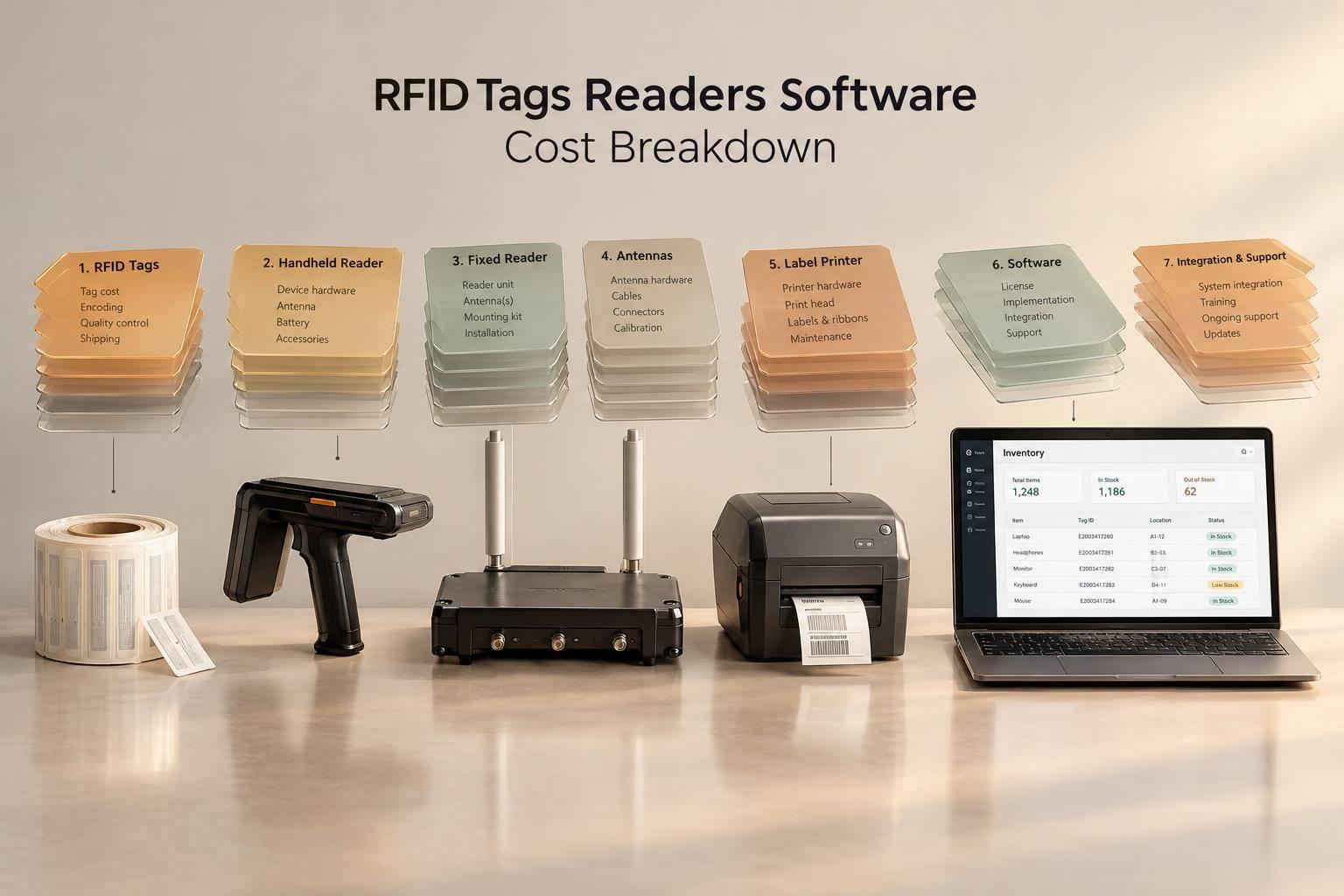
RFID Tags Readers Software Cost Breakdown
First-year RFID cost guide: tags, handhelds, fixed readers, antennas, printers, middleware, and inventory software.

October 19, 2026
Cantilever Racking System Selection Guide
Size and specify cantilever racks: load calculations, aisle layout, anchoring, safety, and barcode tracking for growth.

October 18, 2026
Hidden Costs In Barcode Inventory Systems
Budget 3–5 years for barcode inventory: include hardware, labels, Wi‑Fi, training, QuickBooks sync, and rollout costs—track TCO quarterly.
October 16, 2026
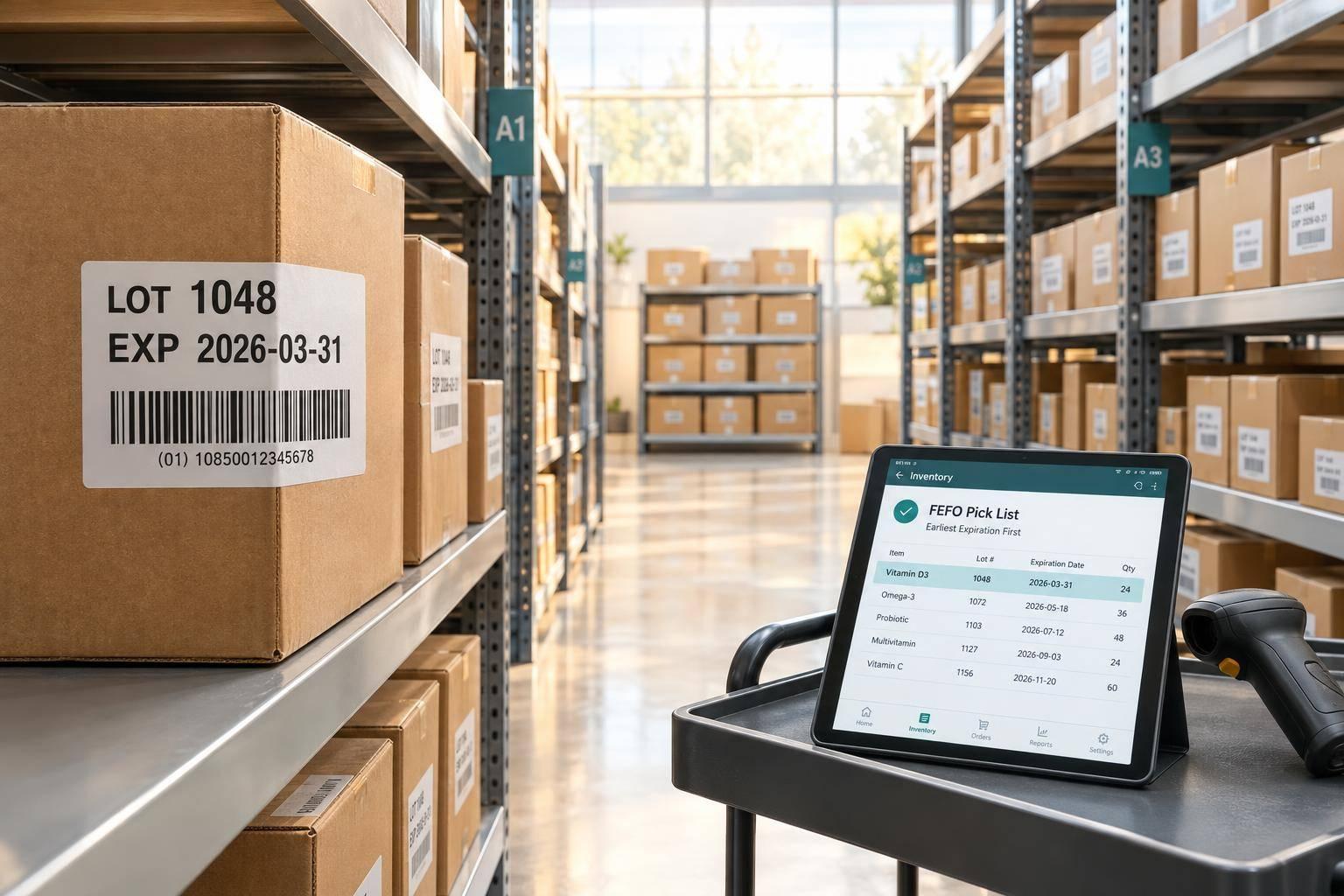
Use Lot Numbers and Expiration Dates in QuickBooks
Set up lot numbers and expiration dates in QuickBooks Desktop Enterprise; use FEFO picking, sync with warehouse tools, and fix lot errors.

October 15, 2026
Hourly vs Daily Sync: QuickBooks Inventory
Compare hourly vs daily QuickBooks inventory syncs—trade-offs, peak-hour testing, error costs, and when to use each.

October 13, 2026
Cloud Sync Setup for QuickBooks Desktop
Step-by-step guide to prepare, map, test, and launch QuickBooks Desktop cloud sync with backups, mappings, and daily monitoring.
October 12, 2026
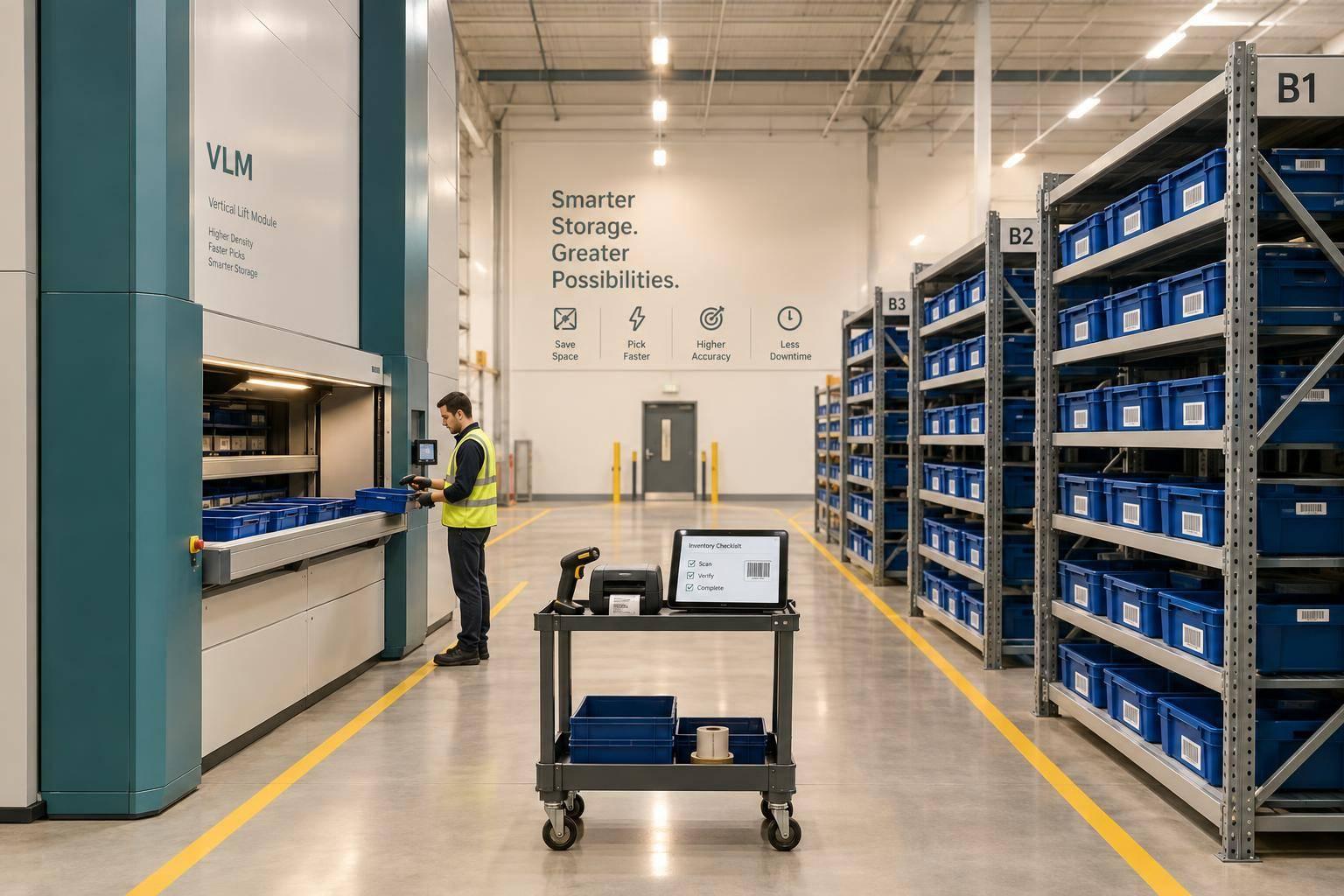
VLMs vs Shelving: Warehouse Storage Comparison
Compare VLMs and shelving by space, pick speed, accuracy, cost, downtime, and QuickBooks barcode workflows to pick the right layout.

October 11, 2026
RFID Integration for QuickBooks Desktop
Guide to safely integrate RFID with QuickBooks Desktop: validate events, map tags, test stock updates, prevent duplicates, and reconcile.

October 9, 2026
7 RFID Methods to Improve Inventory Accuracy
Seven RFID controls to verify reads, prevent duplicate counts, manage exceptions, and sync validated inventory to QuickBooks Desktop.

October 8, 2026
Backorder Reports Guide For QuickBooks Desktop Users
Practical QuickBooks Desktop steps to reconcile open sales orders, POs, and warehouse data for accurate backorder reports.

October 6, 2026
QuickBooks Inventory Pricing Review: Fees and Limits
Compare Rapid Inventory and QuickBooks Enterprise plan costs, user limits, warehouse controls, and hidden fees to estimate total inventory expenses.
October 5, 2026
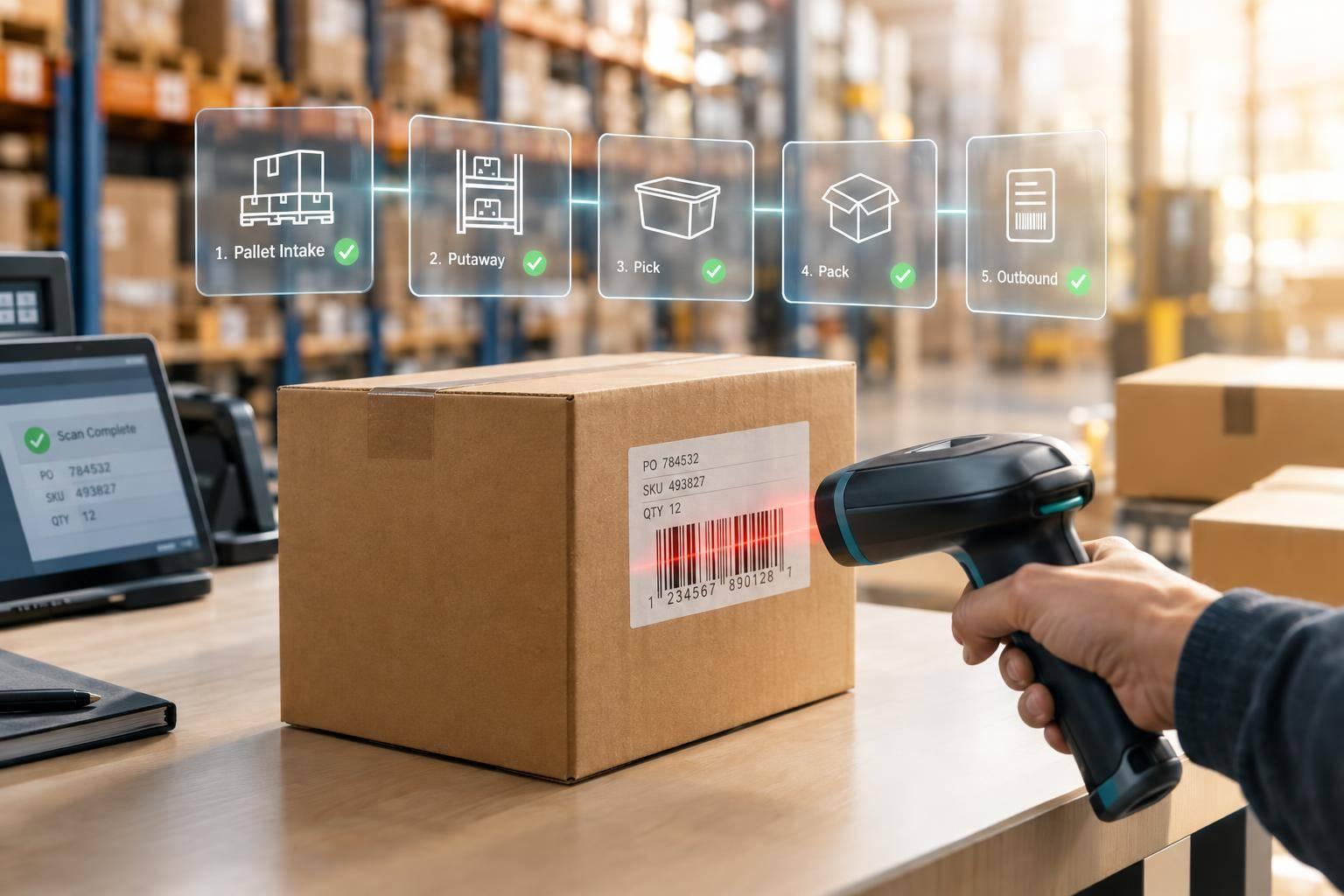
Best Barcode Workflows for Receiving and Picking
Use scan-and-verify checks at five inventory handoffs to prevent receiving, picking, packing errors and duplicate postings.
October 4, 2026
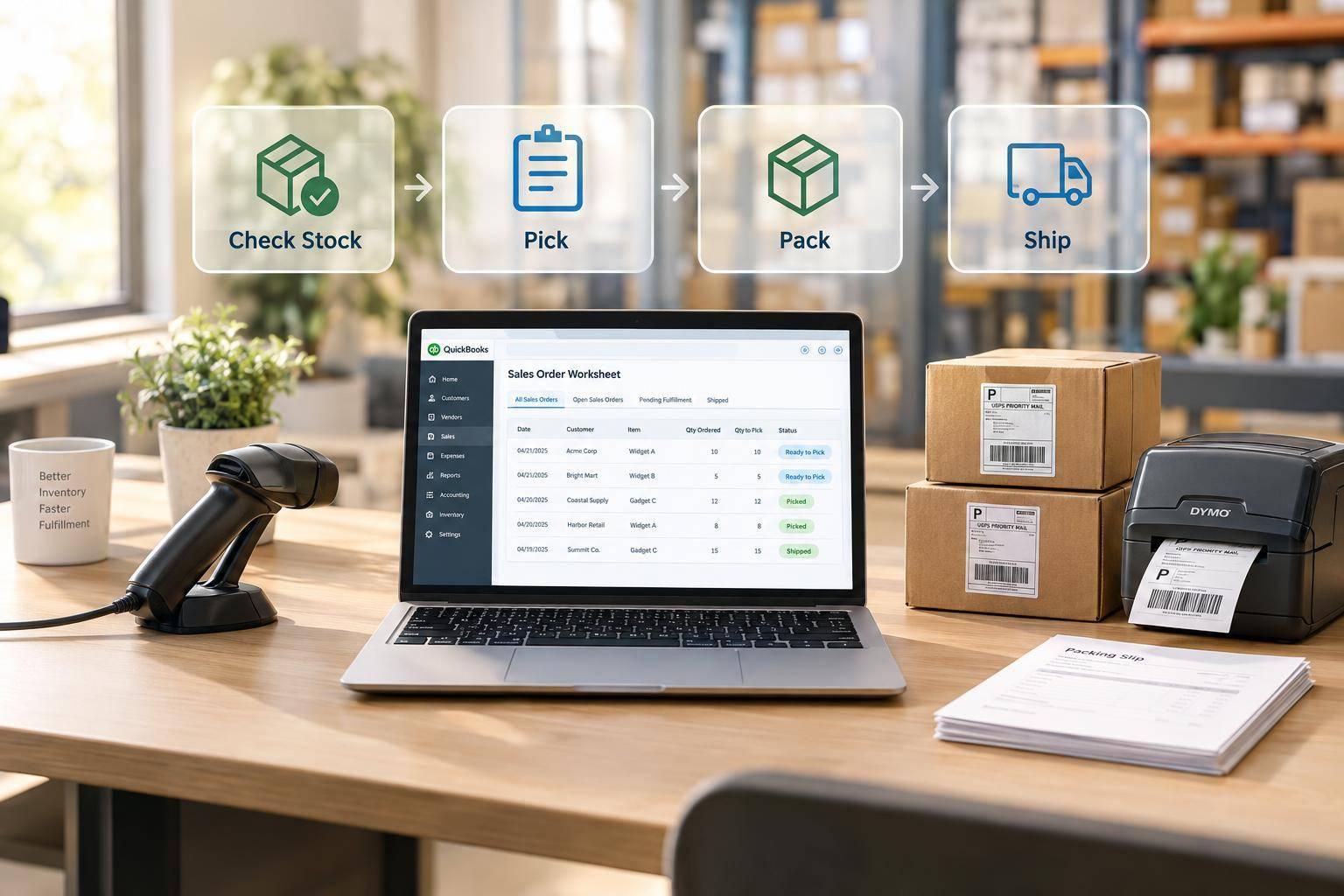
Sales Order Worksheet in QuickBooks Desktop
How to use the Sales Order Fulfillment Worksheet to check stock, pick, pack, and mark shipments in QuickBooks Desktop.

October 2, 2026
Best Mobile Barcode Workflows for QuickBooks
Seven mobile barcode workflows for QuickBooks Desktop—receiving, putaway, picking, packing, transfers, backorders, and cycle counts.
October 1, 2026
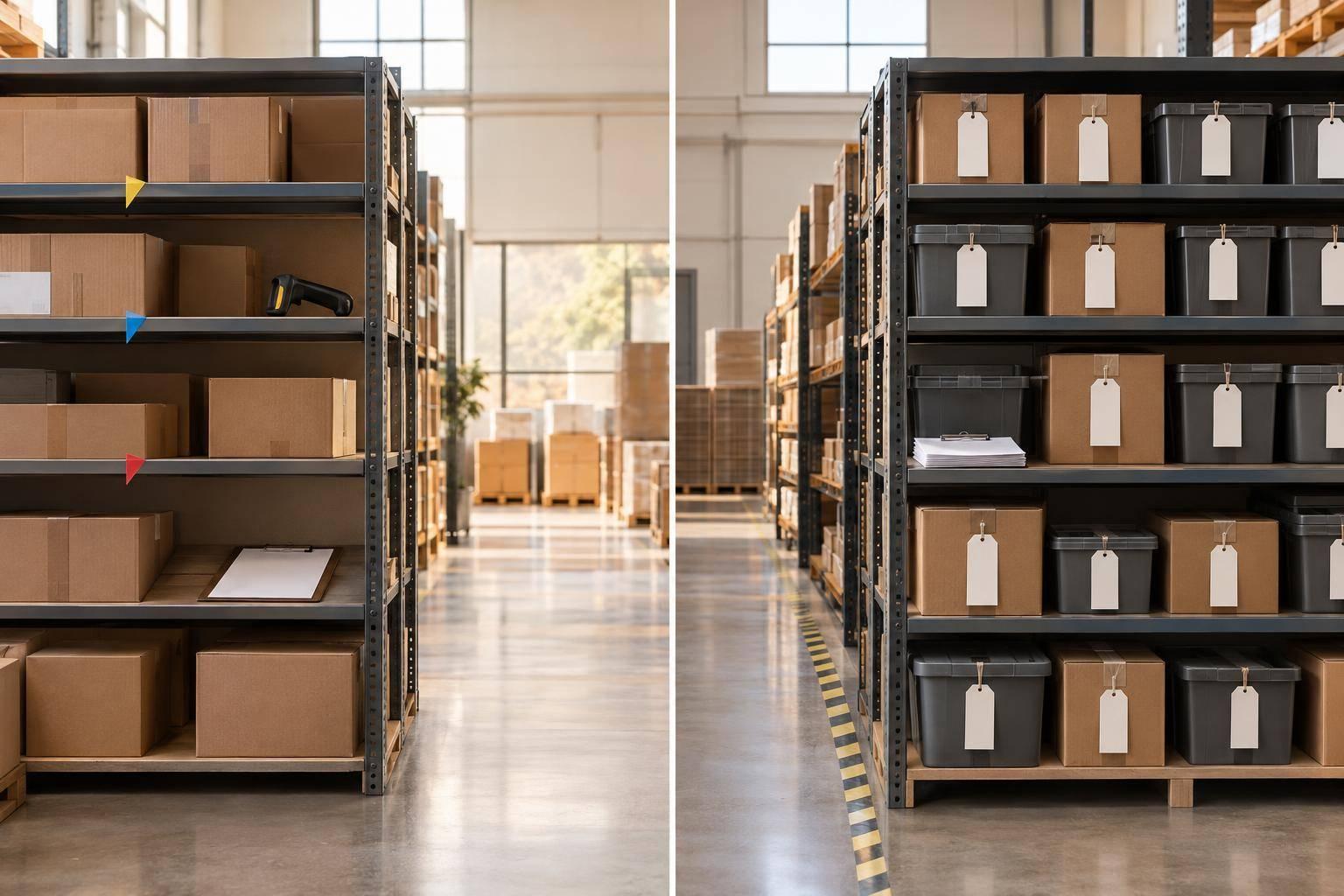
Cycle Counts vs Full Counts for Shrinkage Cost Control
Compare cycle counts and full physical counts to control shrinkage by measuring cost, accuracy, coverage, and investigation effort.
September 29, 2026
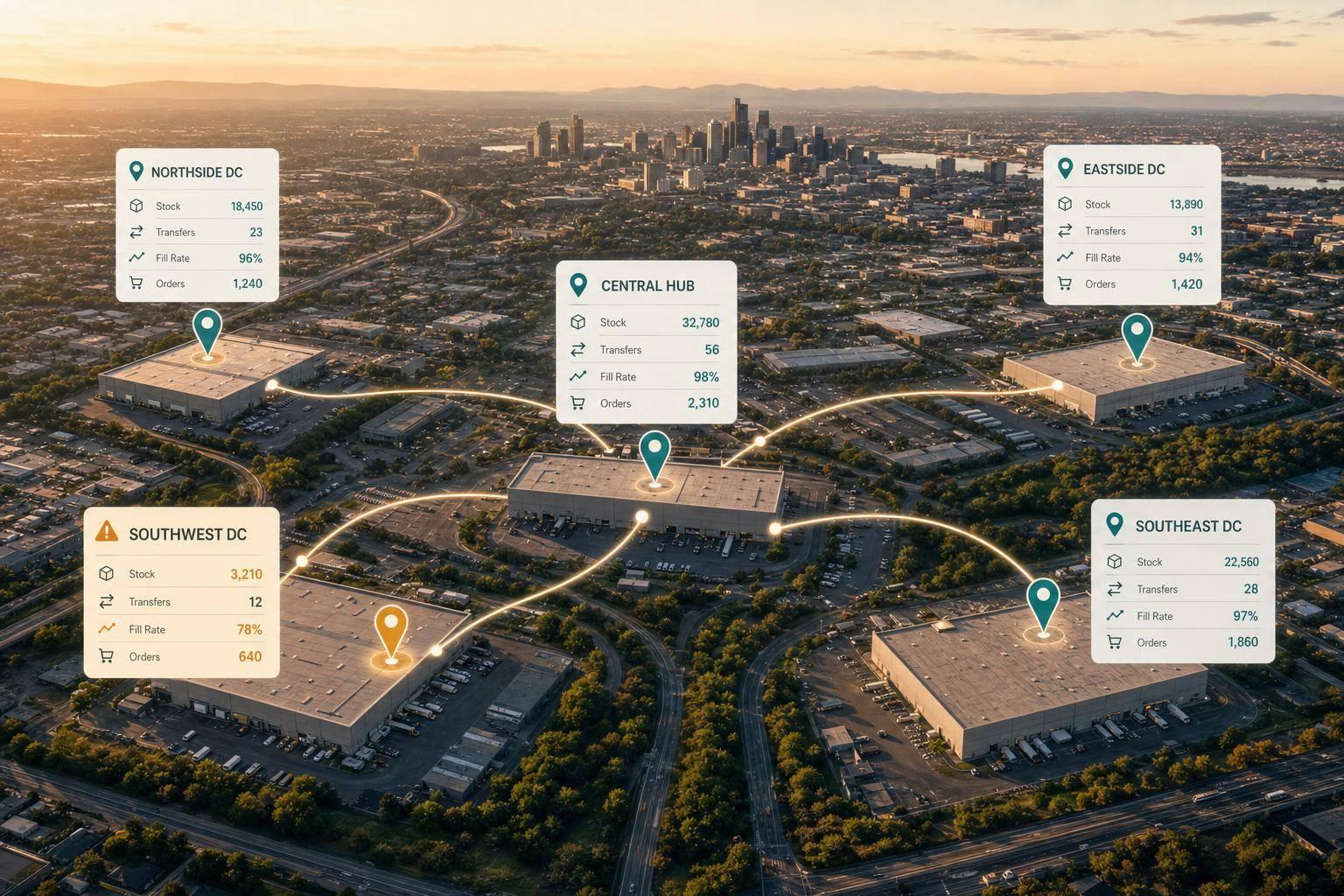
Live Inventory Analytics for Multi-Location QuickBooks Teams
See site-level stock, transfers, fill rates, and order status to avoid masked warehouse shortages in multi-location QuickBooks setups.
September 28, 2026
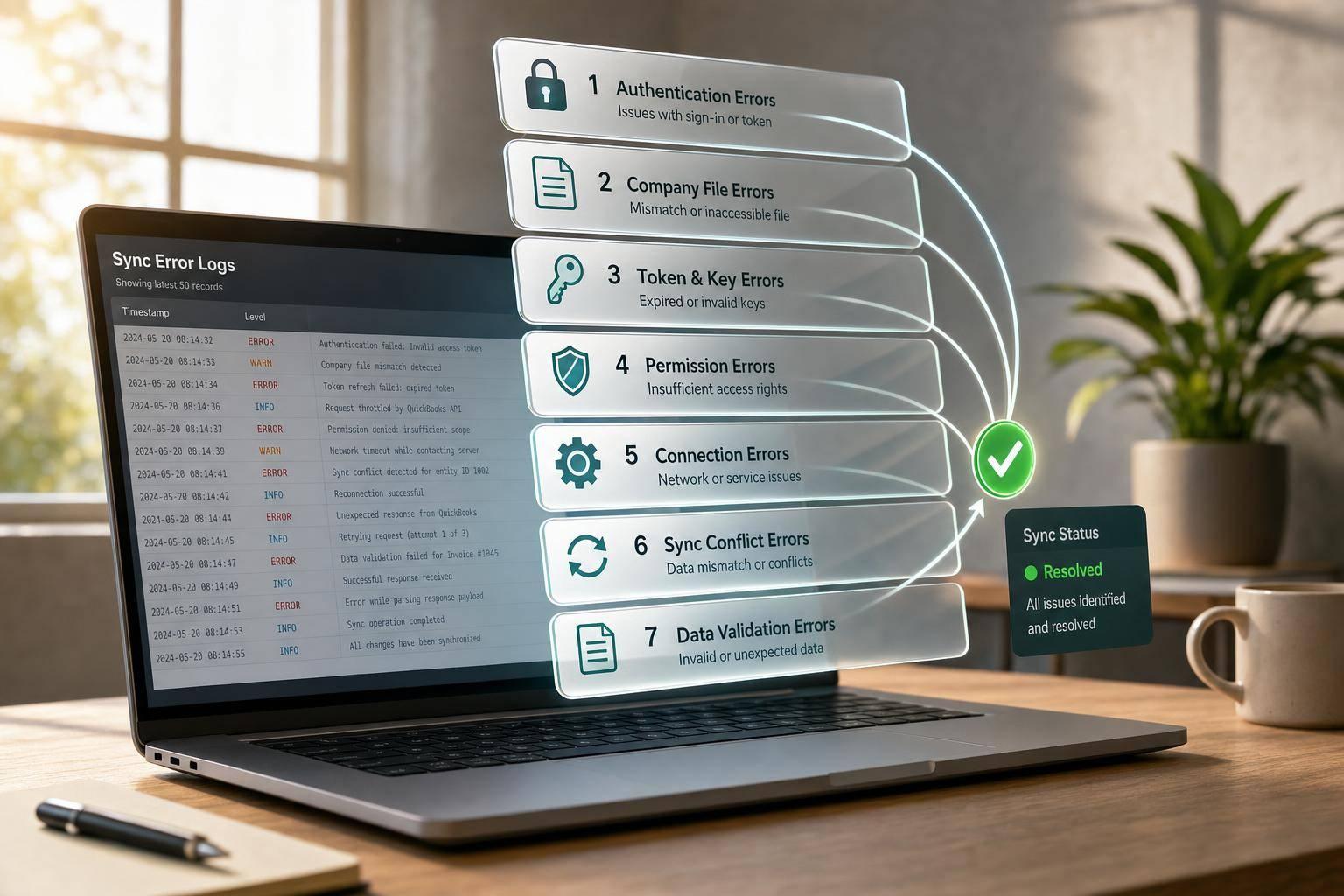
7 QuickBooks Sync Error Codes: Fix and Logs
Troubleshoot seven QuickBooks Desktop sync errors using log-first checks and targeted fixes for auth, XML, permissions, and iterators.
September 28, 2026
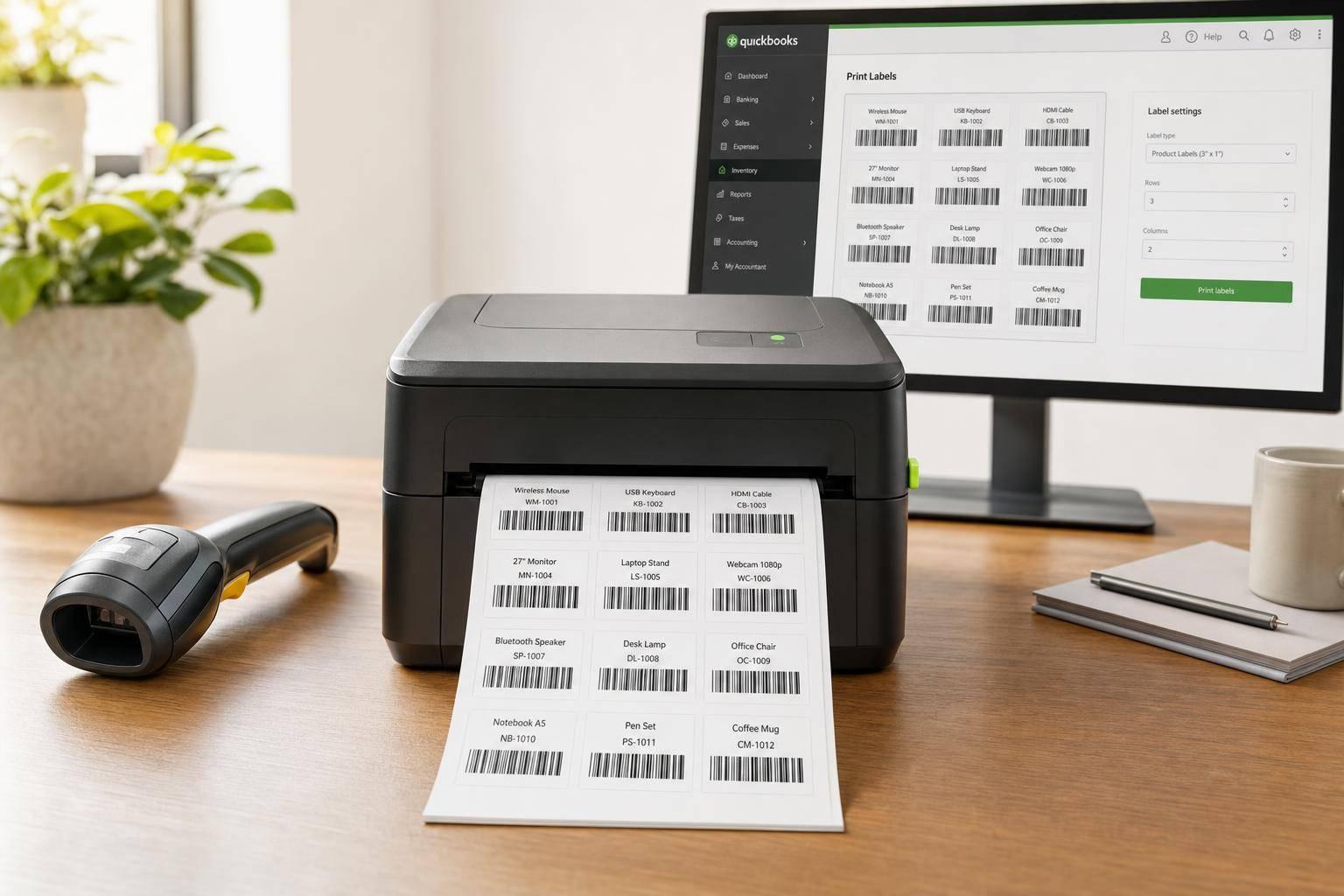
Batch Print Barcode Labels from QuickBooks
Guide to batch printing barcode labels from QuickBooks Desktop: setup, barcode types, label templates, test prints, and scan checks.
September 26, 2026
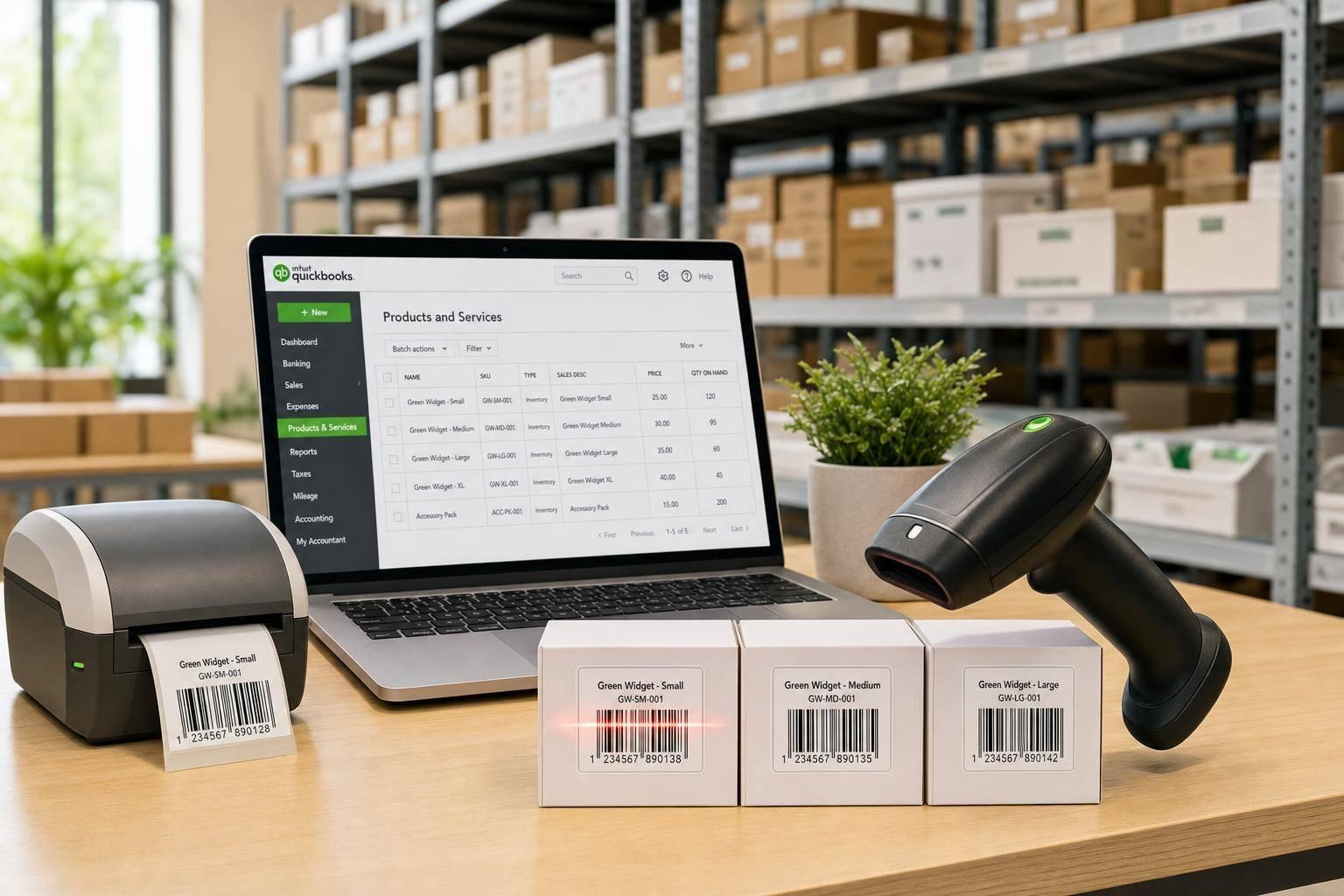
QuickBooks Barcode Scanning: Labels, Setup, Workflows
Fix bad scans by cleaning item data, enabling barcodes, standardizing labels, and using consistent scanning workflows.

September 21, 2026
Mobile Barcode Scanning for Lot and Serial Tracking
Mobile barcode scanning with one scan flow prevents lot and serial tracking gaps across receiving, moves, and returns.
September 20, 2026
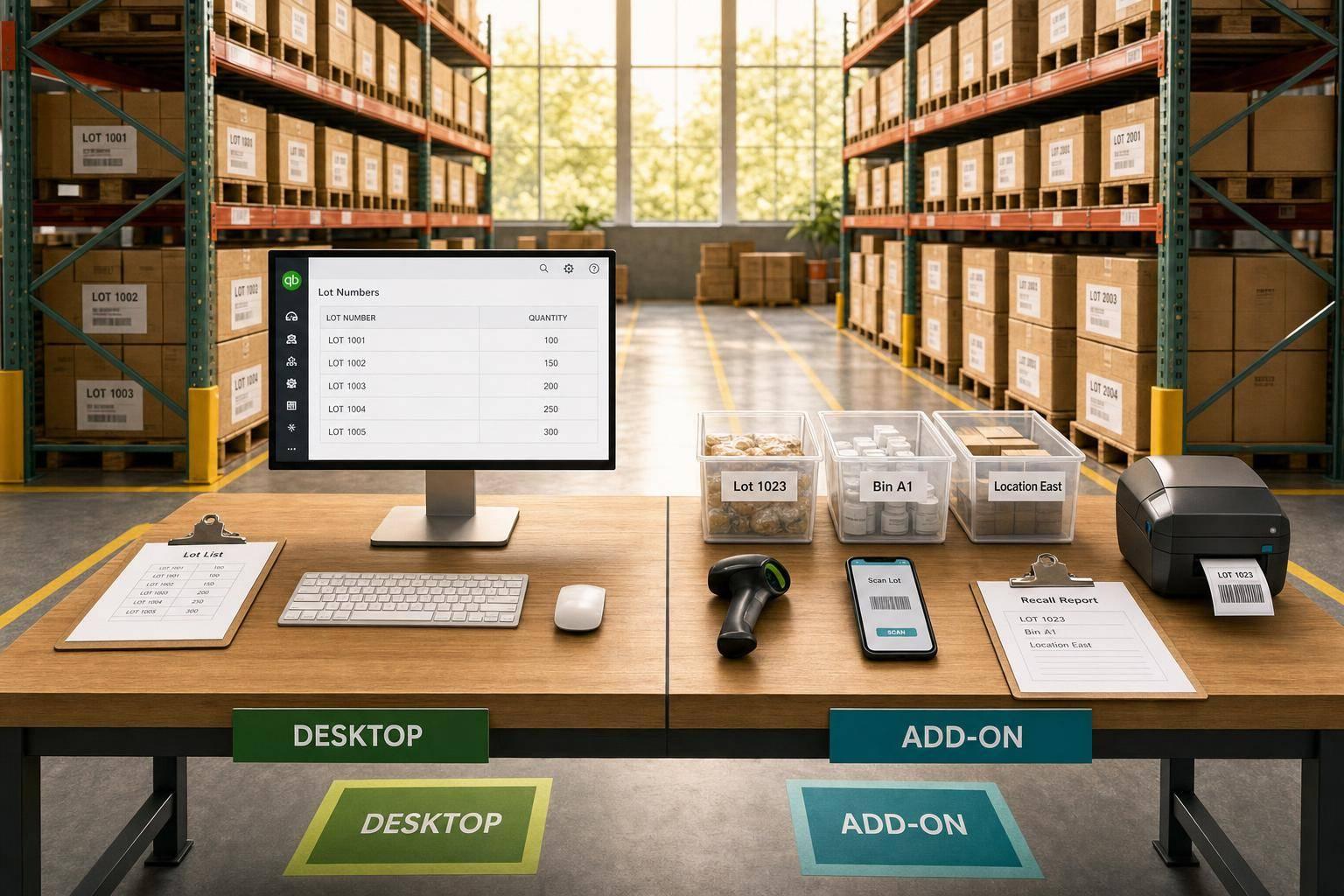
QuickBooks Lot Tracking Tools: Desktop vs Add-On
Compare QuickBooks Desktop's native lot tracking with add-ons for mobile scanning, bins, multi-location, and recall-ready reporting.
September 18, 2026
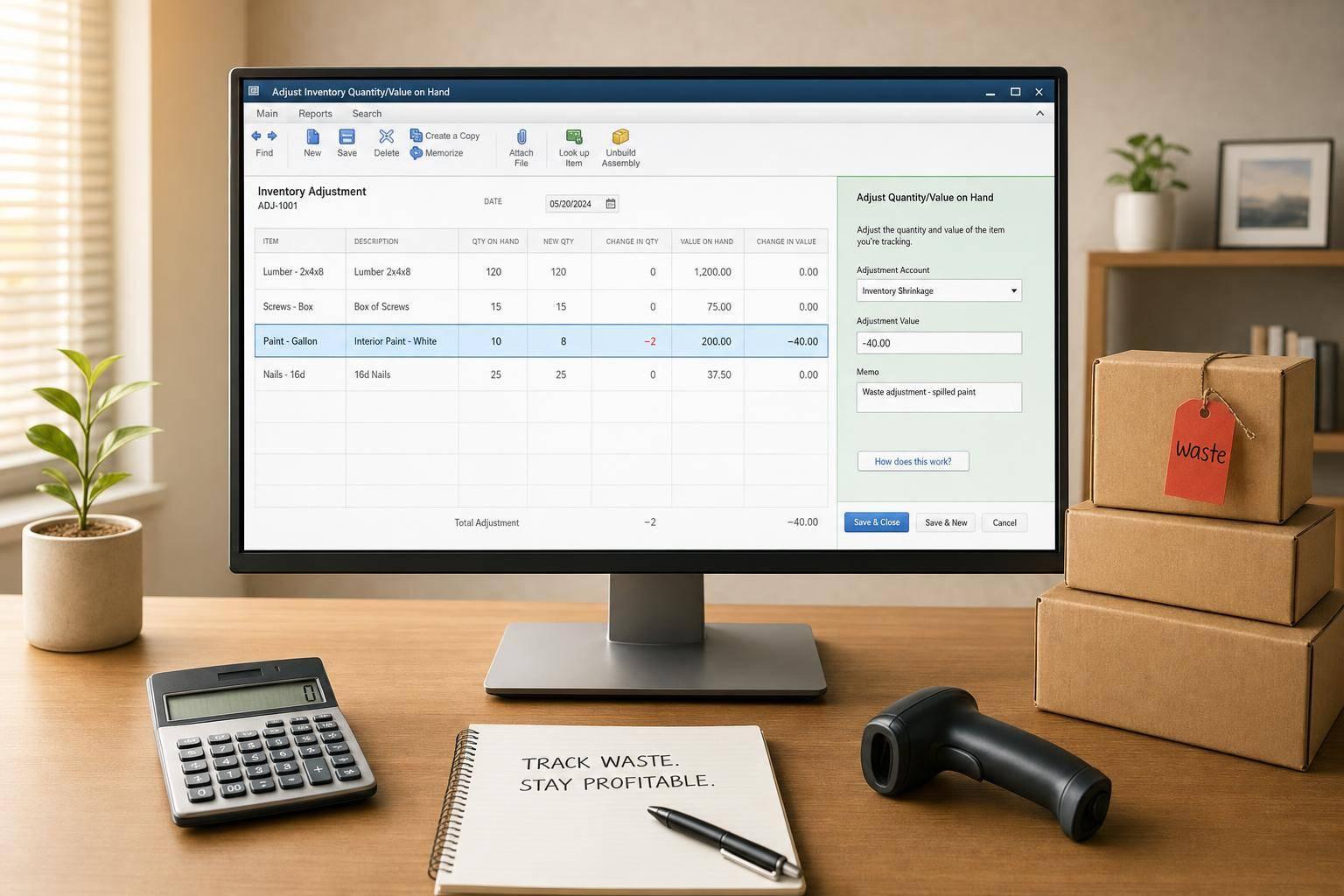
How to Track Waste in QuickBooks Desktop
Step-by-step guide to recording spoilage, shrinkage, and expired stock using Adjust Quantity/Value on Hand in QuickBooks Desktop.
September 17, 2026
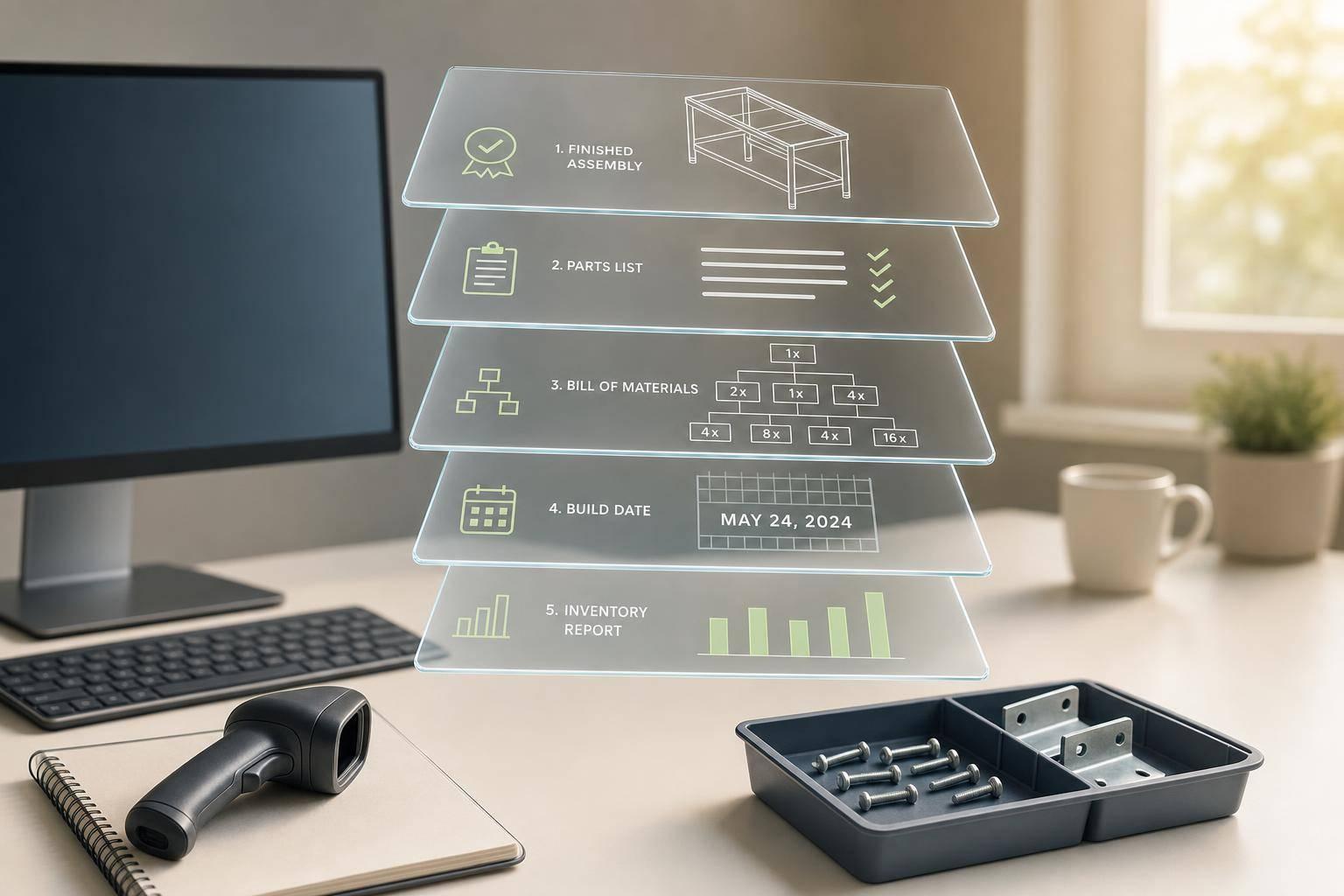
Assembly Part Tracking: Guide for Desktop Users
How to set up parts, build BOMs, record builds by date, and use reports and scanning to keep QuickBooks Desktop inventory accurate.

September 15, 2026
Zone Picking Results: 6 Metrics to Track
Use six zone-picking KPIs—pick time, accuracy, travel, congestion, backorders, stock variance—to find root causes and improve fulfillment.
September 15, 2026
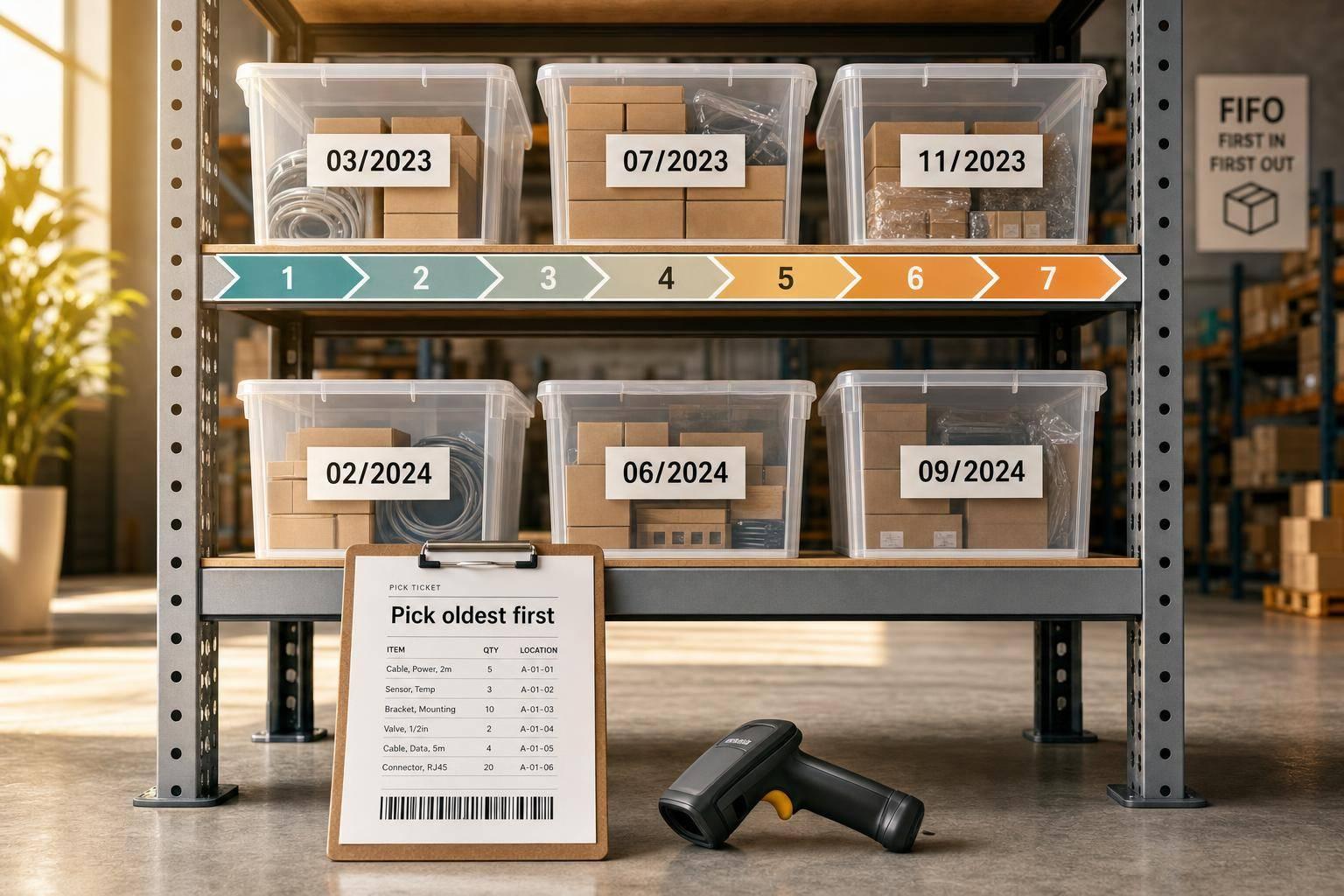
FIFO Picking in QuickBooks Desktop: 7 Steps
Enable FIFO costing, clean item records, standardize dates, set bins and pick tickets, and enforce roles for oldest-first picking.

September 13, 2026
10 Warehouse Labor KPIs to Track
Track 10 labor KPIs—speed, accuracy, overtime, utilization, and cost—to expose warehouse waste and guide staffing decisions.
September 11, 2026
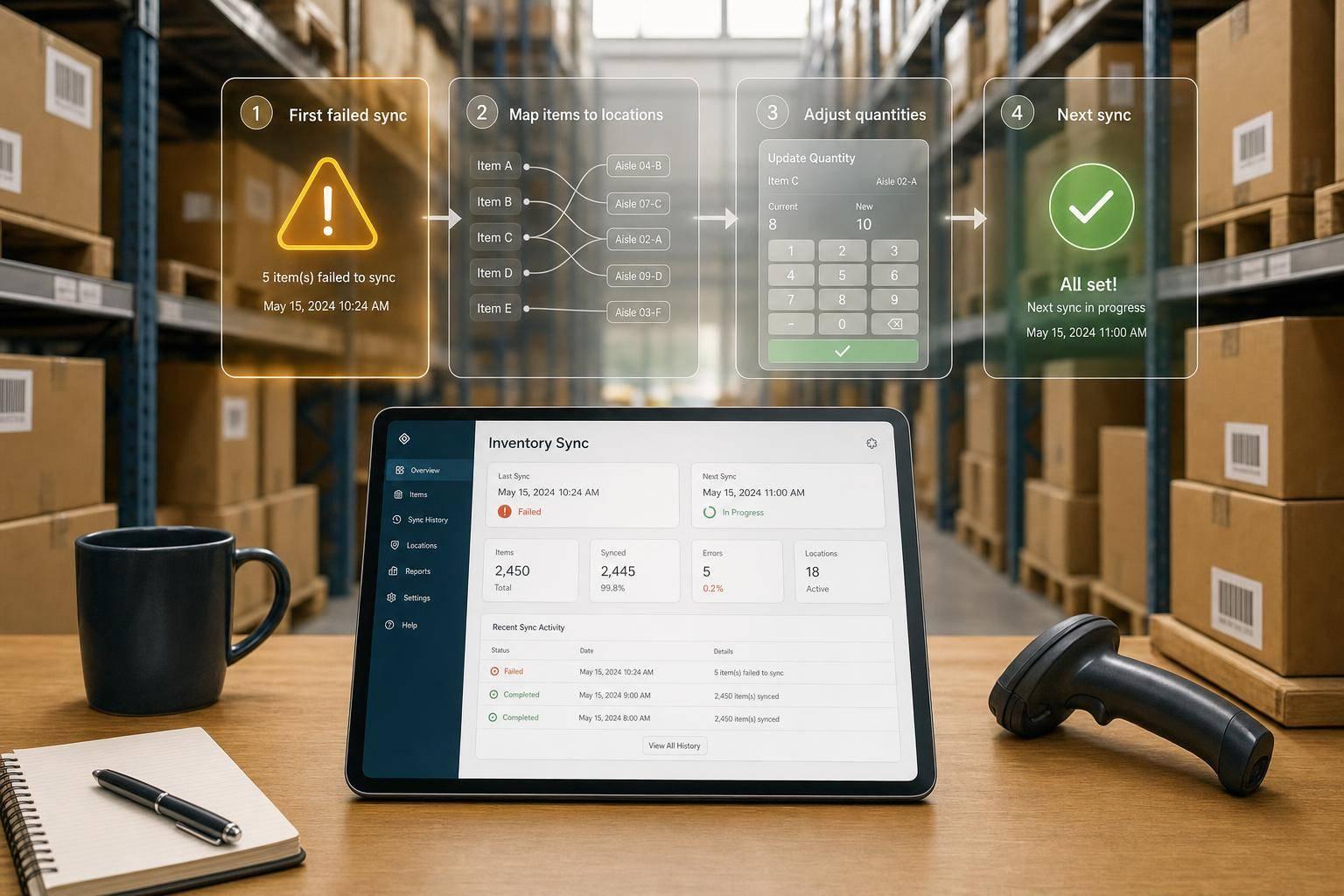
Resolve QuickBooks Quantity Sync Errors
Identify the first failed sync, verify item and location mapping, then correct confirmed counts and monitor the next sync.
September 10, 2026
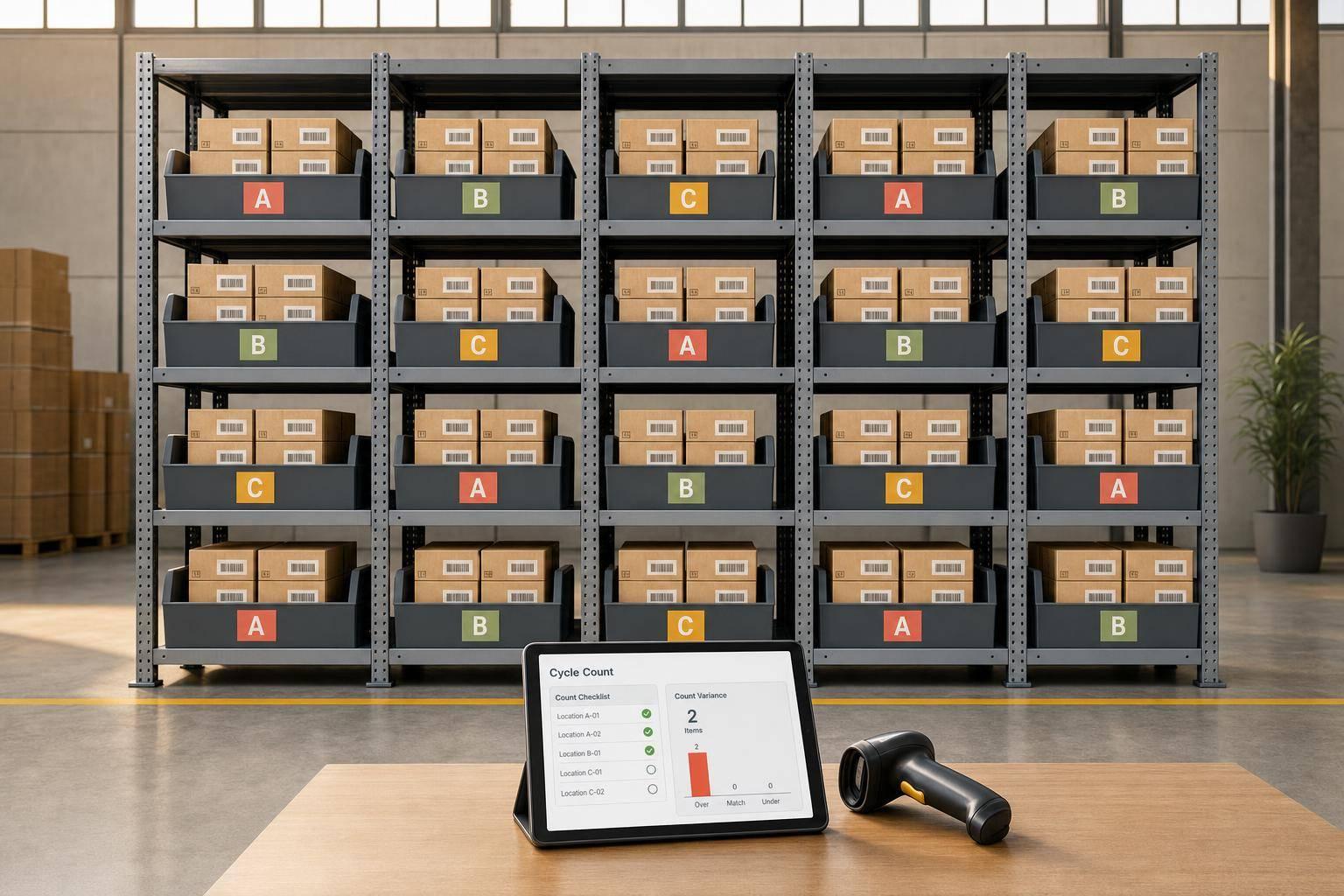
QuickBooks Cycle Counting Guide for Better Accuracy
QuickBooks Desktop cycle counting: setup, ABC scheduling, mobile scanning, variance review, and posting adjustments to boost accuracy.

September 8, 2026
How to Launch Inventory Software with QuickBooks
Get inventory software live with QuickBooks in about 7 days: clean data, test two-way sync, run a pilot, and control cutover.
September 7, 2026
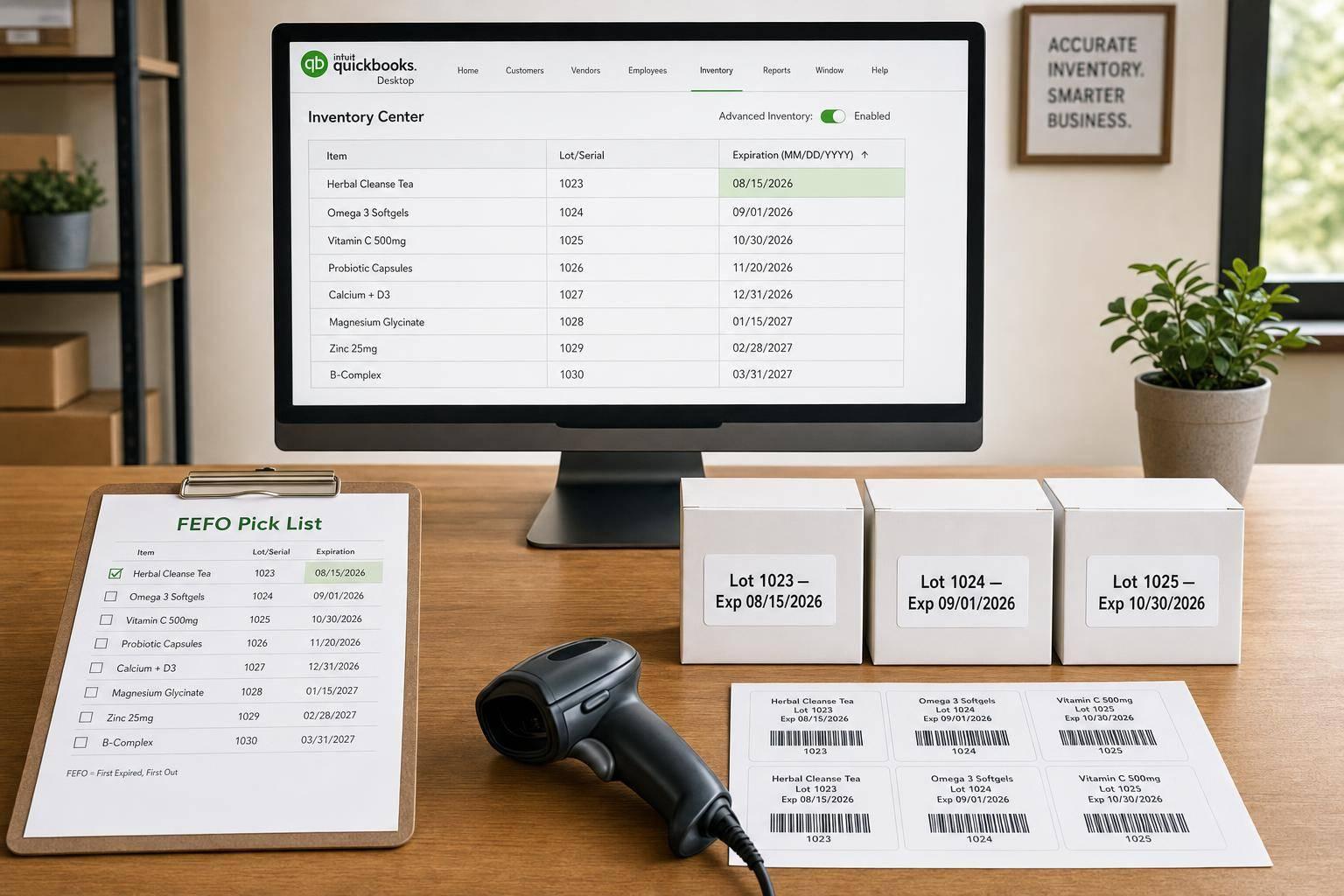
Expiration Date Tracking in QuickBooks Desktop
Enable Advanced Inventory, record lot/serial expiration dates in MM/DD/YYYY, run FEFO reports, and adjust expired stock.
September 6, 2026
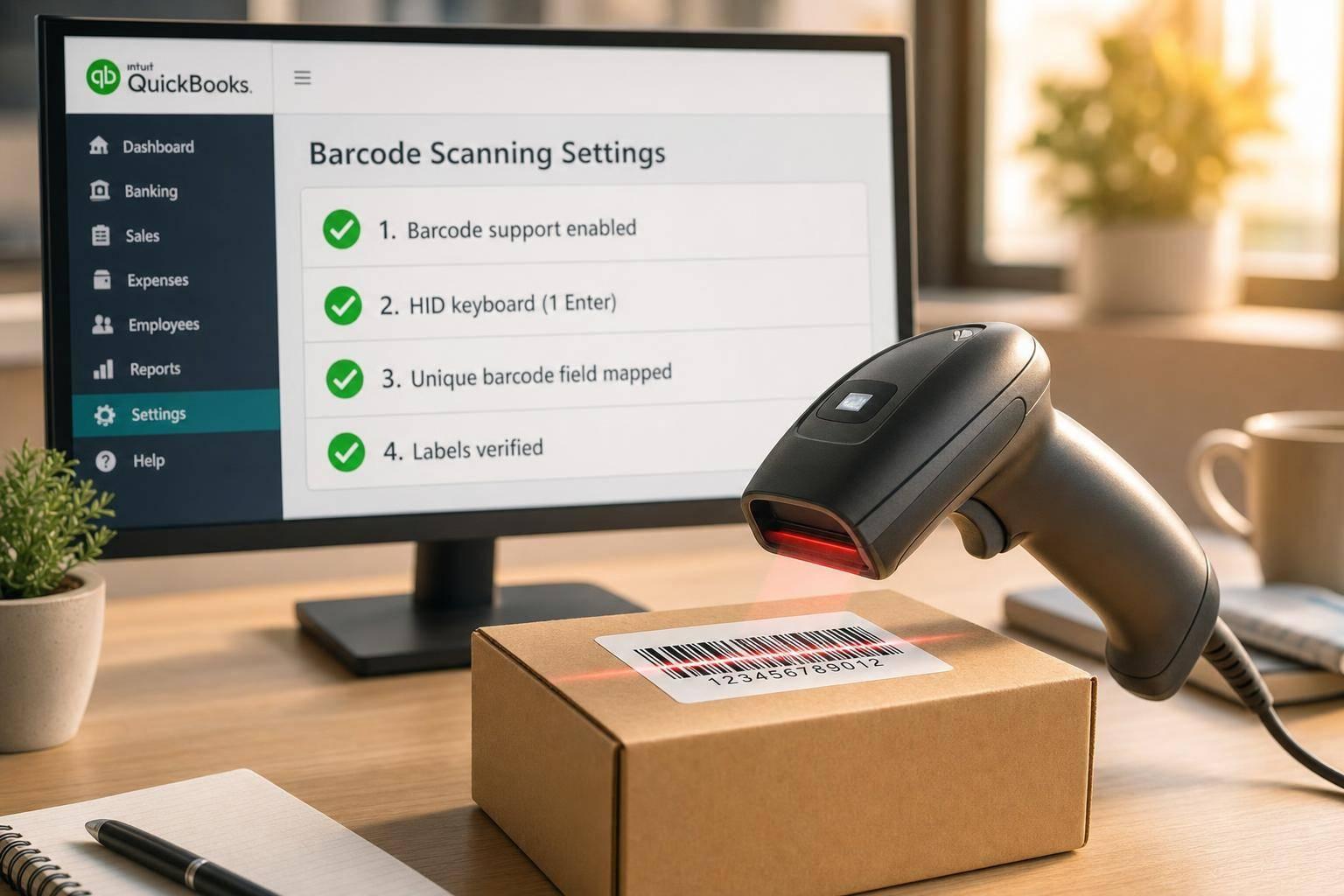
Fix Barcode Scanning Problems in QuickBooks Desktop
Fix barcode scanning in QuickBooks Desktop: enable barcode support, use HID keyboard with one Enter, map unique barcode fields, and verify labels.
September 4, 2026
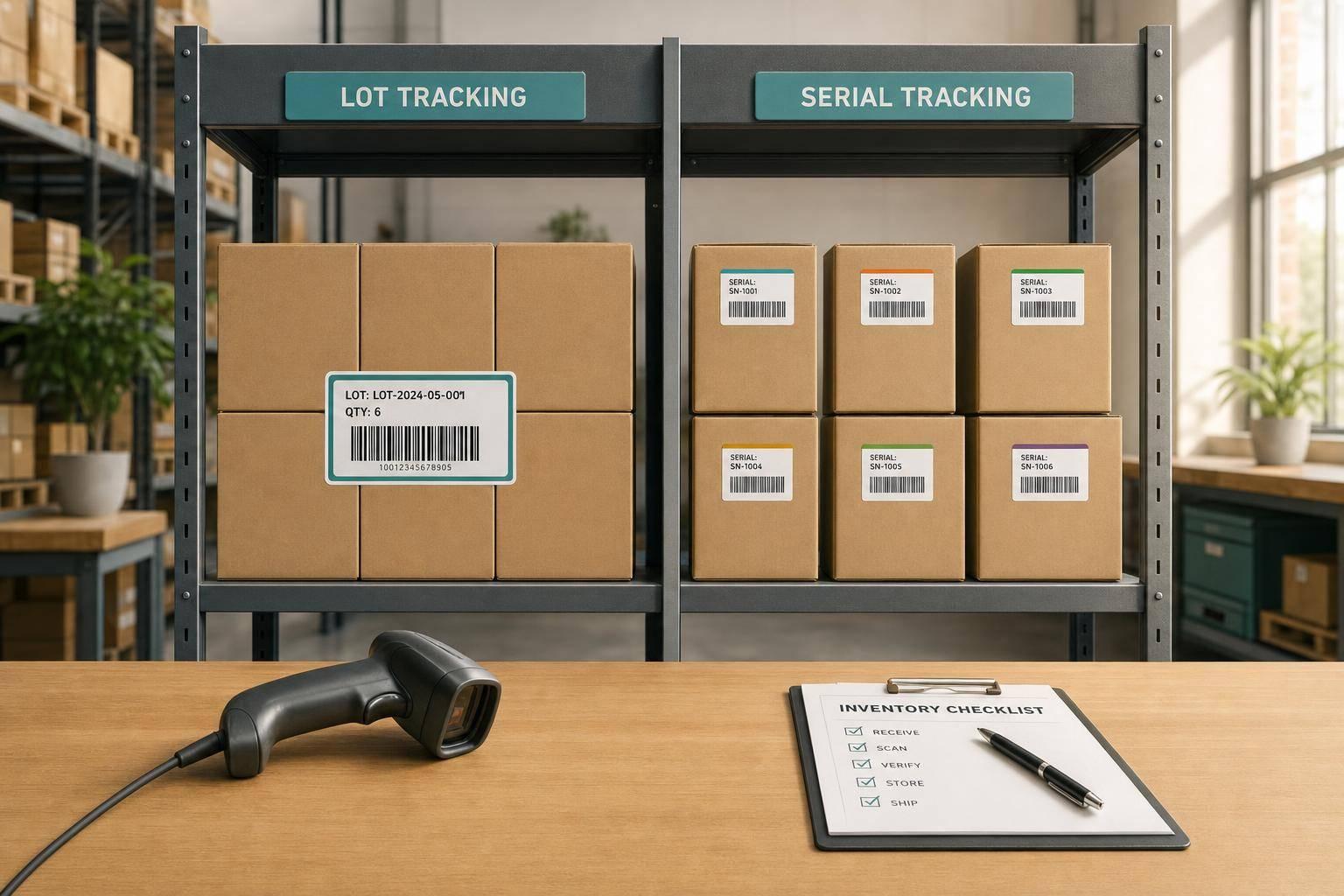
Lot vs Serial Numbers: QuickBooks Use Cases
Compare lot vs serial tracking in QuickBooks Desktop: when to use each, how they affect recalls, reporting, and workflows.
September 3, 2026
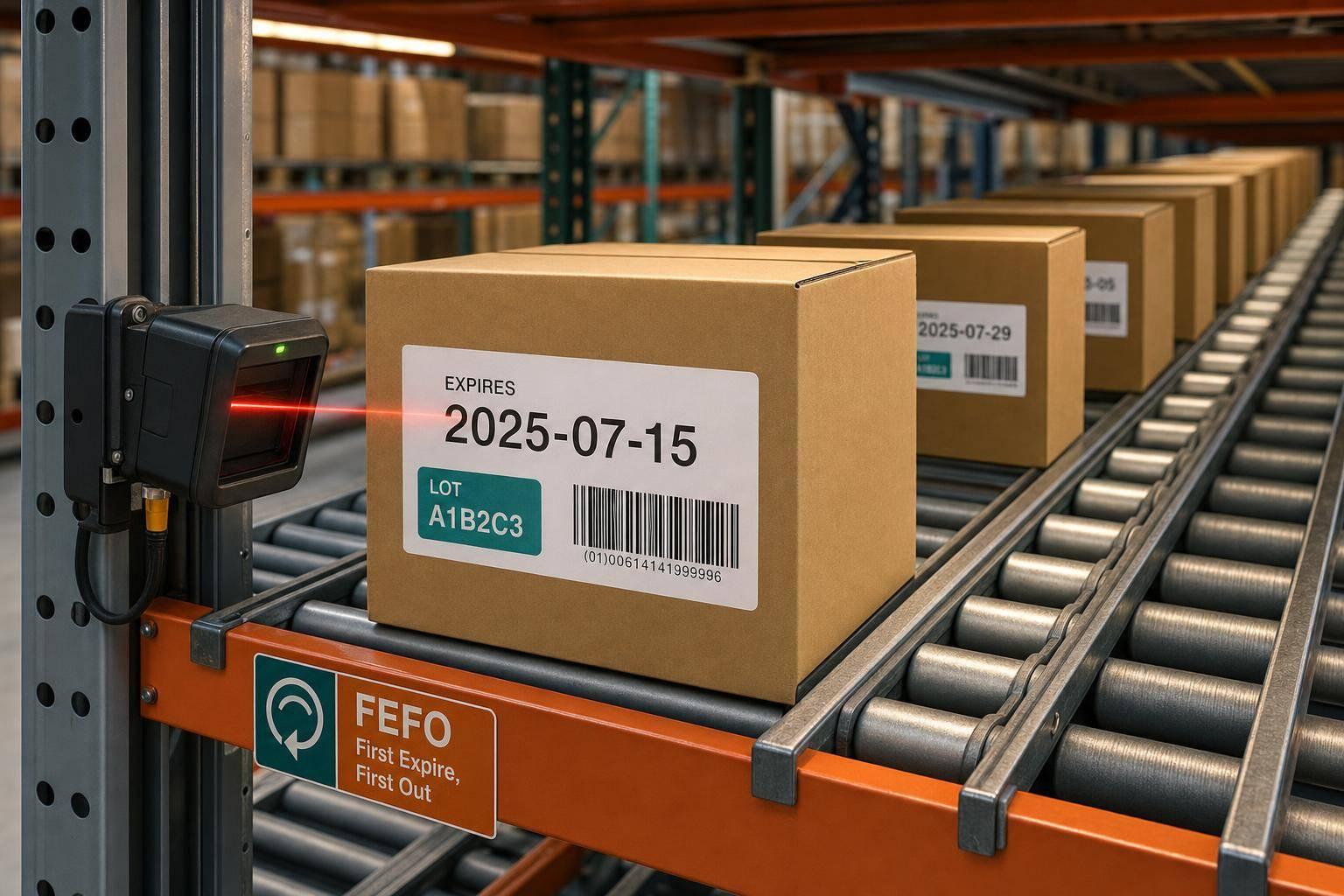
How Carton Flow Rack Supports FEFO Rotation
Carton flow racks enforce FEFO physically — but only with accurate lot, expiration, labeling, and scanning processes in place.
September 1, 2026
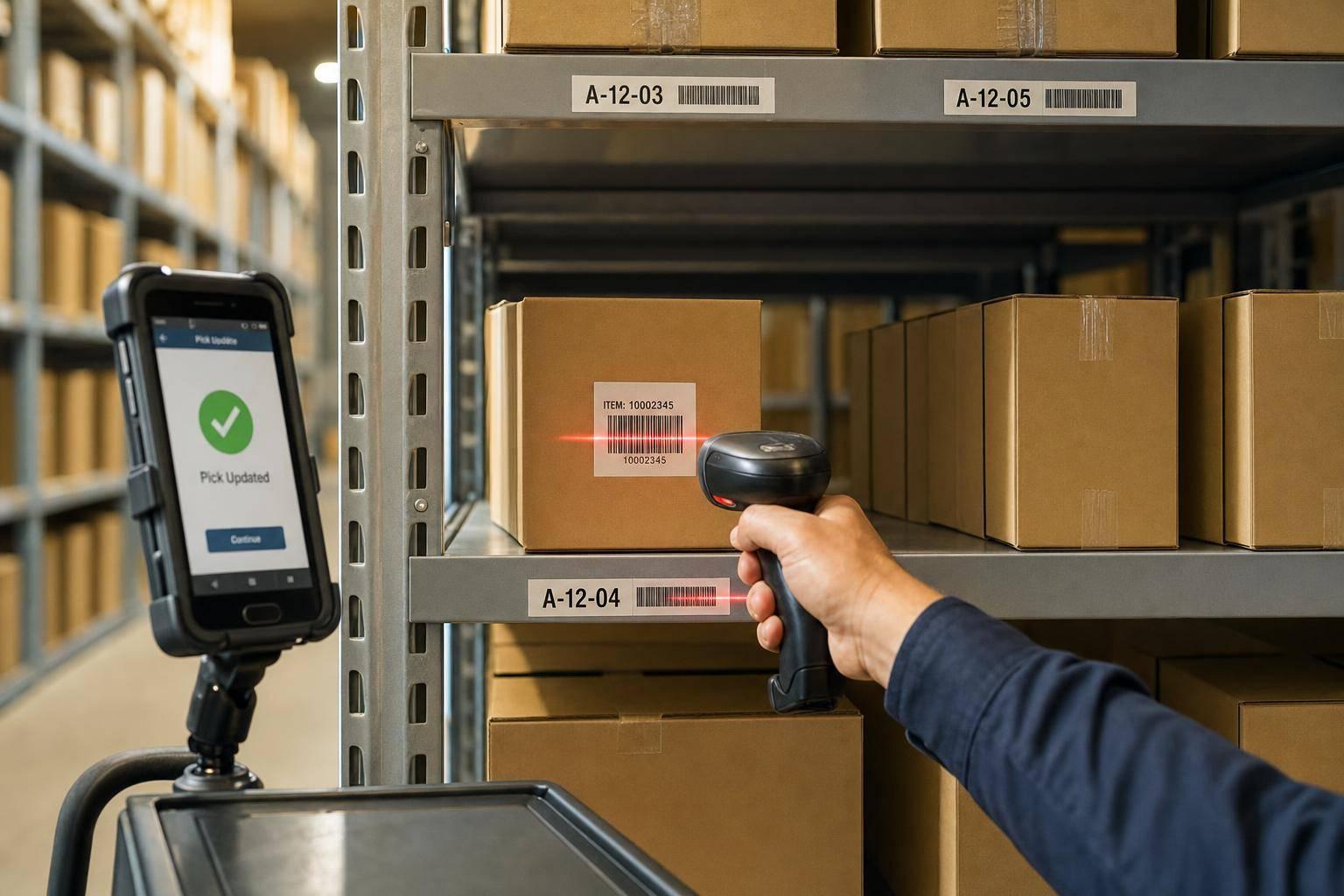
Use Barcode Scanning for Pick Updates
Stop picking errors at the shelf: scan locations, items and serial/lot numbers to validate picks and update inventory in real time.
August 31, 2026
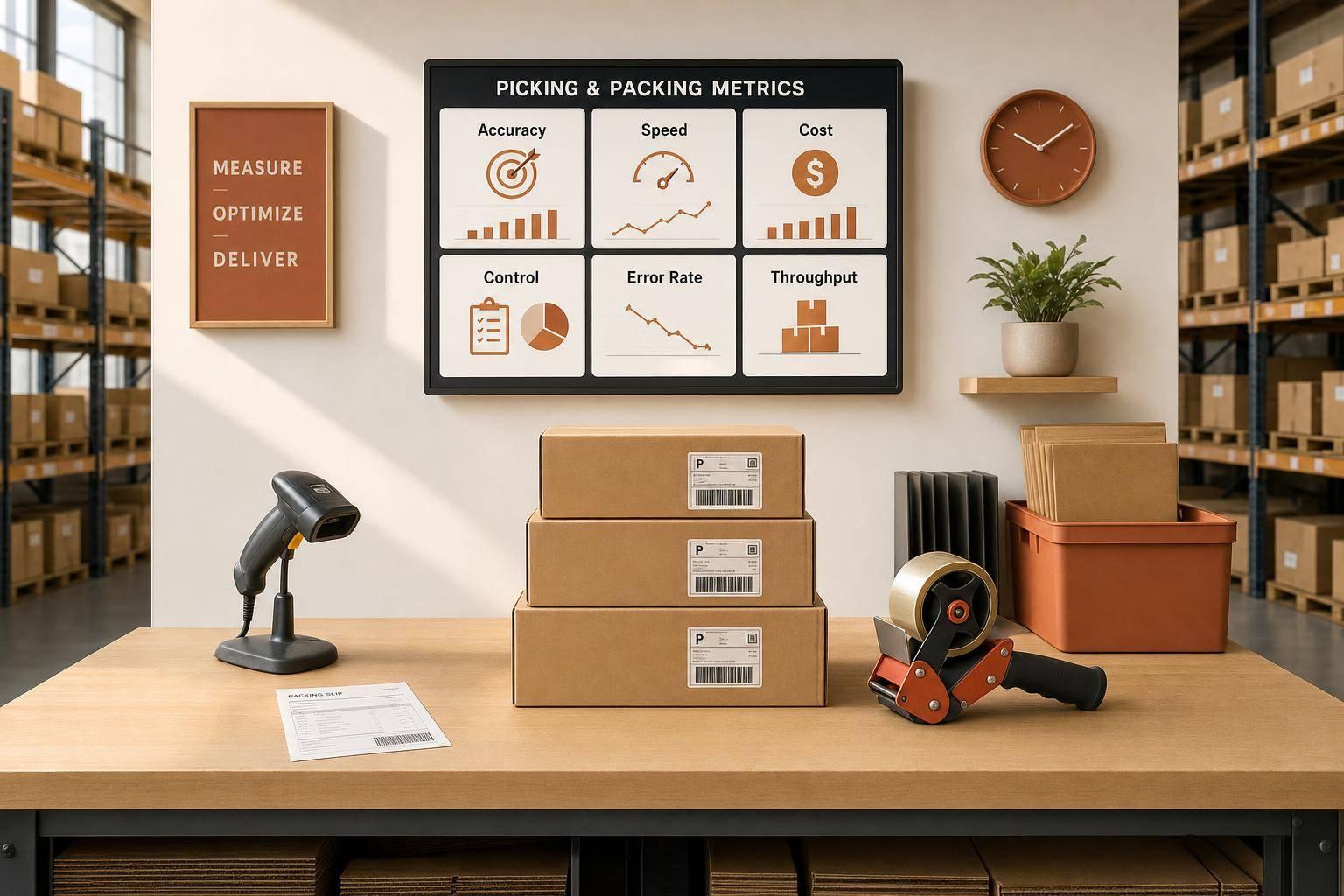
Picking and Packing Metrics: Ultimate Guide
Track six daily KPIs - accuracy, speed, cost, control - reduce shipping errors and lower warehouse costs.
August 30, 2026
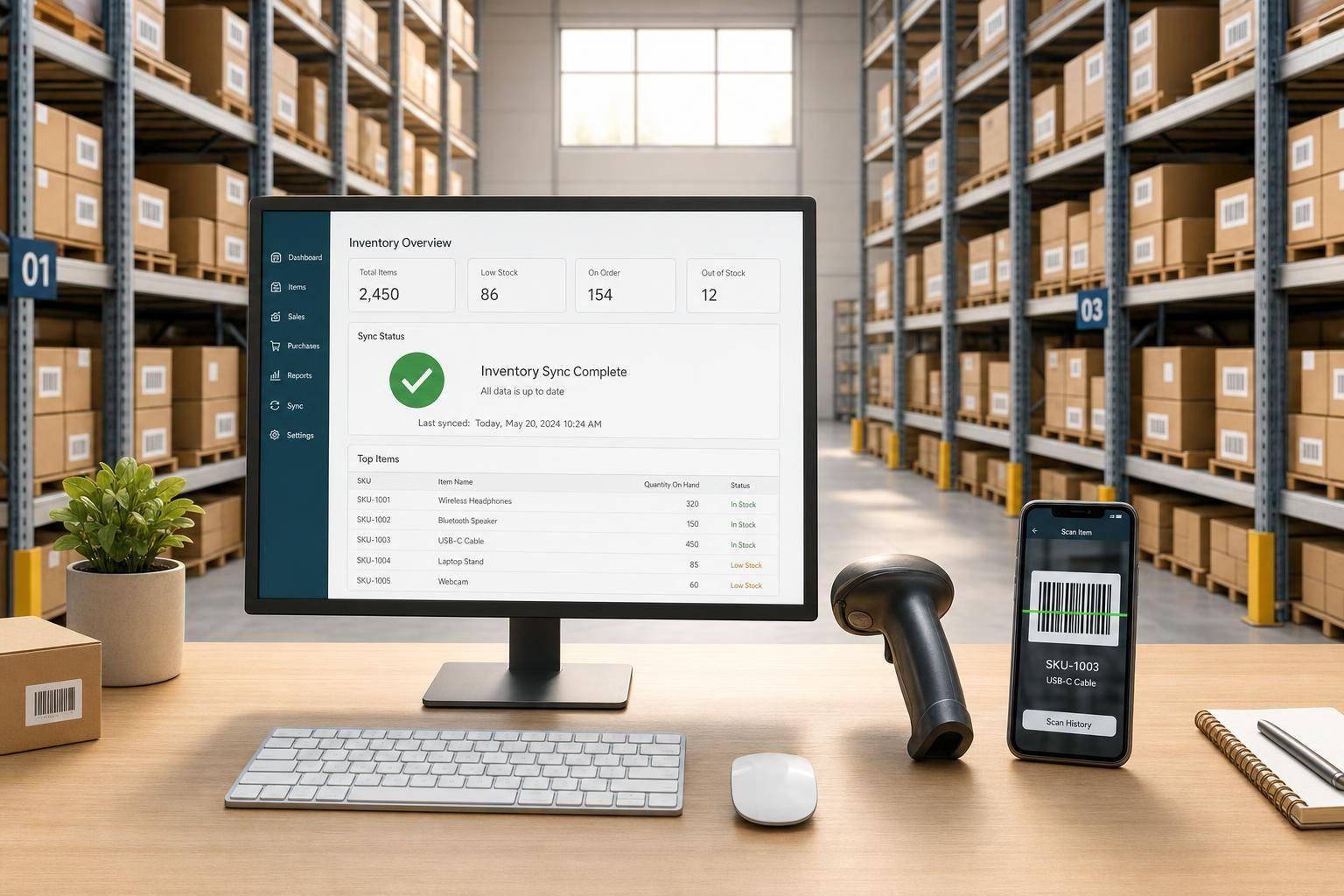
QuickBooks Desktop Mobile Inventory Sync Guide
Set up clean sites, barcodes, and scheduled mobile syncs so warehouse scans update QuickBooks accurately and exceptions are fixed same day.
August 28, 2026
QuickBooks Desktop Inventory Reports After Setup
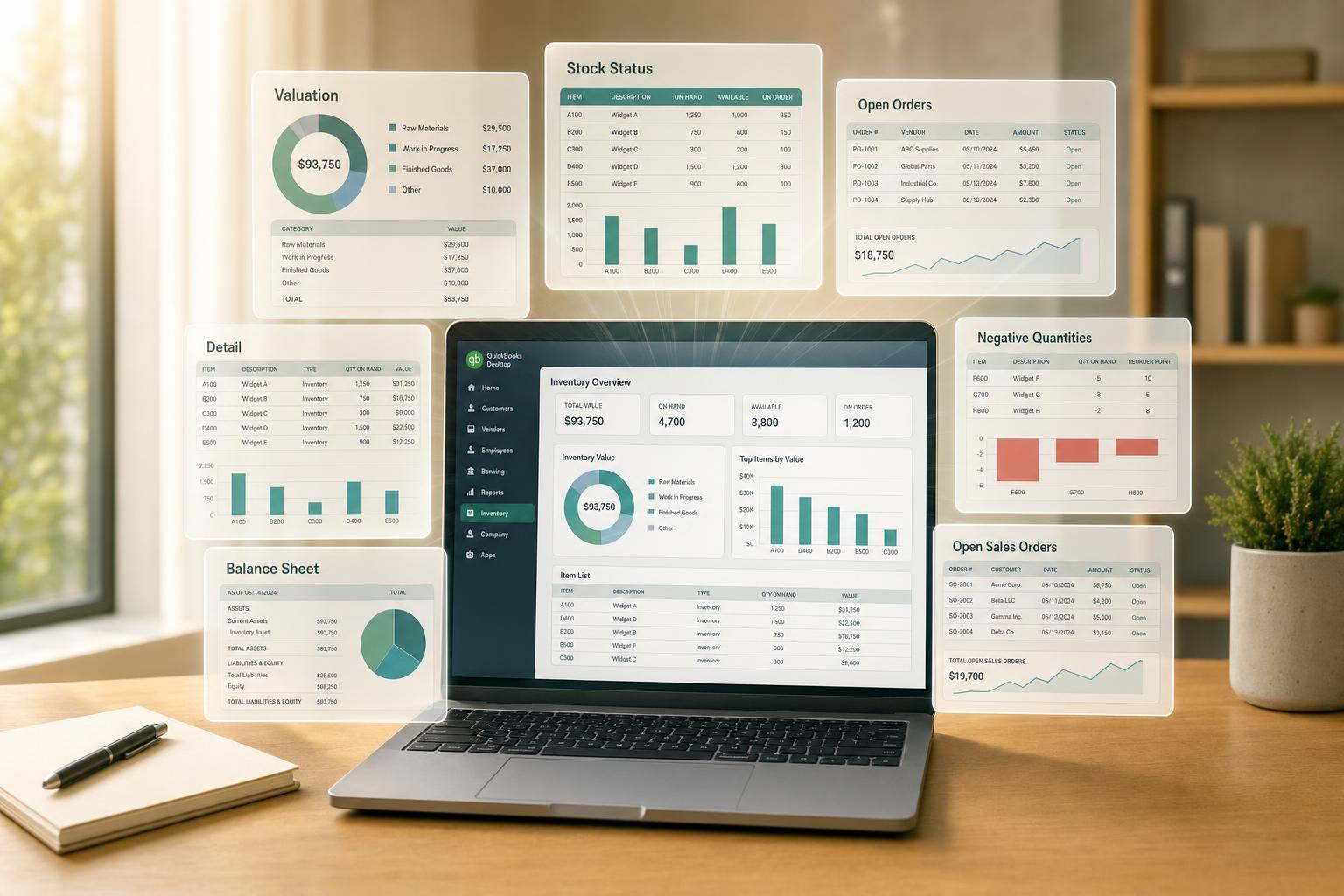
Reconcile QuickBooks Desktop inventory with seven post-setup reports: valuation, detail, stock status, open orders, negatives, and balance sheet.
August 27, 2026
How Barcode Scanning Changes Inventory Software ROI
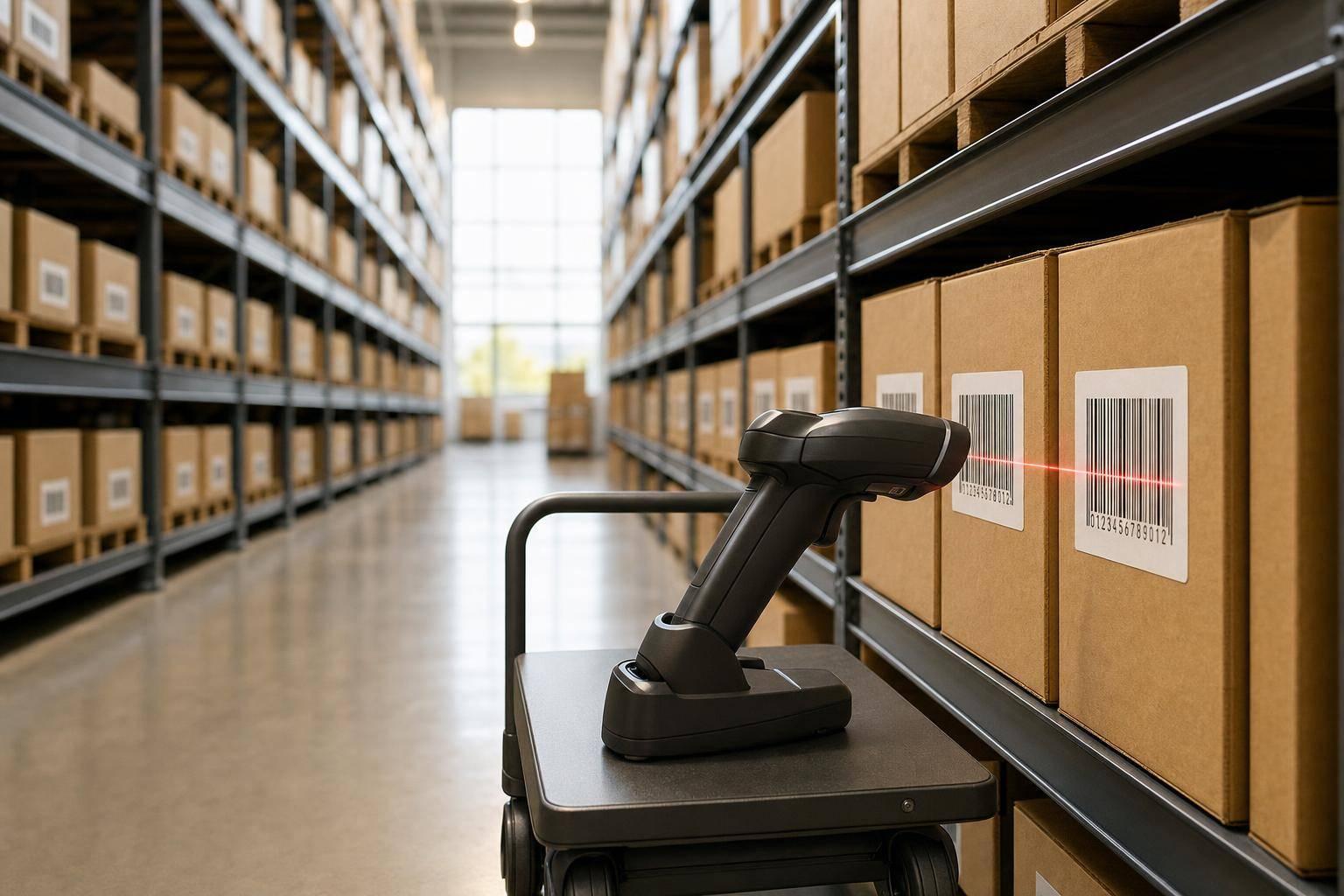
Barcode scanning converts slow, error-prone inventory work into measurable labor and accuracy savings with fast payback.
August 26, 2026
Inventory Forecasting In QuickBooks Desktop: Guide
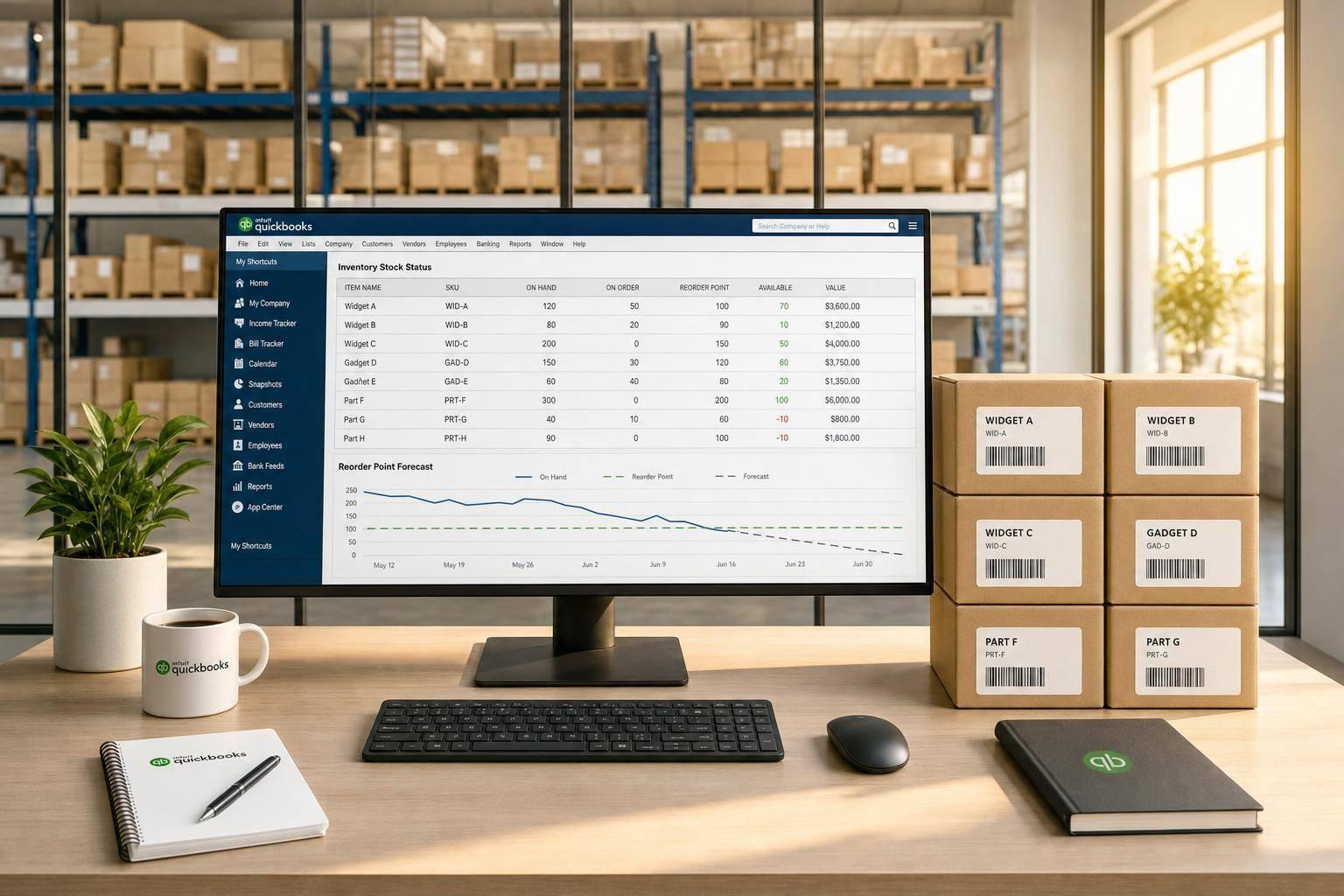
Create reliable reorder points from QuickBooks Desktop: clean item data, use stock reports, set reorder math, and review monthly.
August 21, 2026
How Barcode Scanning Supports FIFO and FEFO
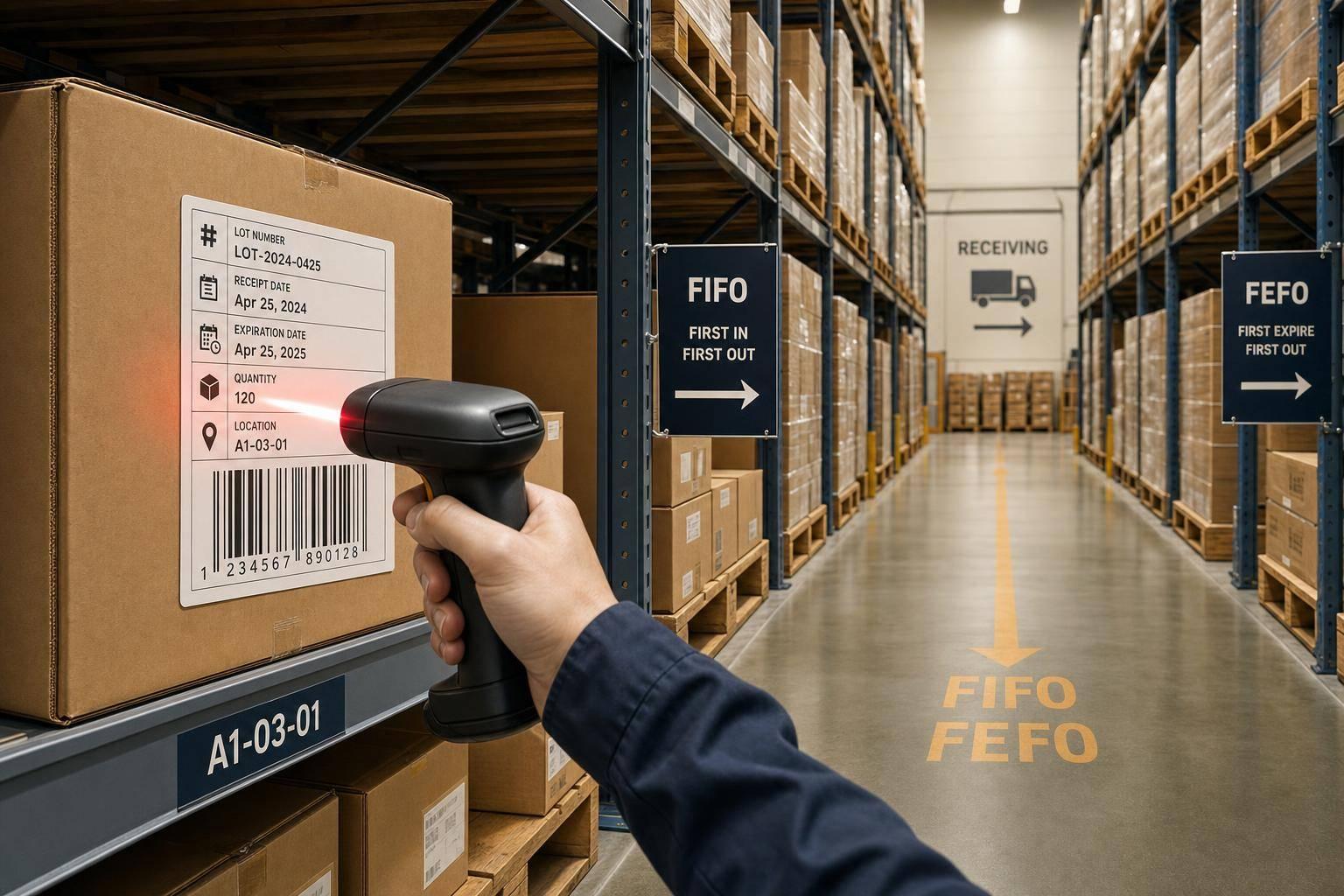
Enforce FIFO and FEFO with barcode scans that capture lot numbers, receipt/expiration dates, quantities and locations.
August 20, 2026
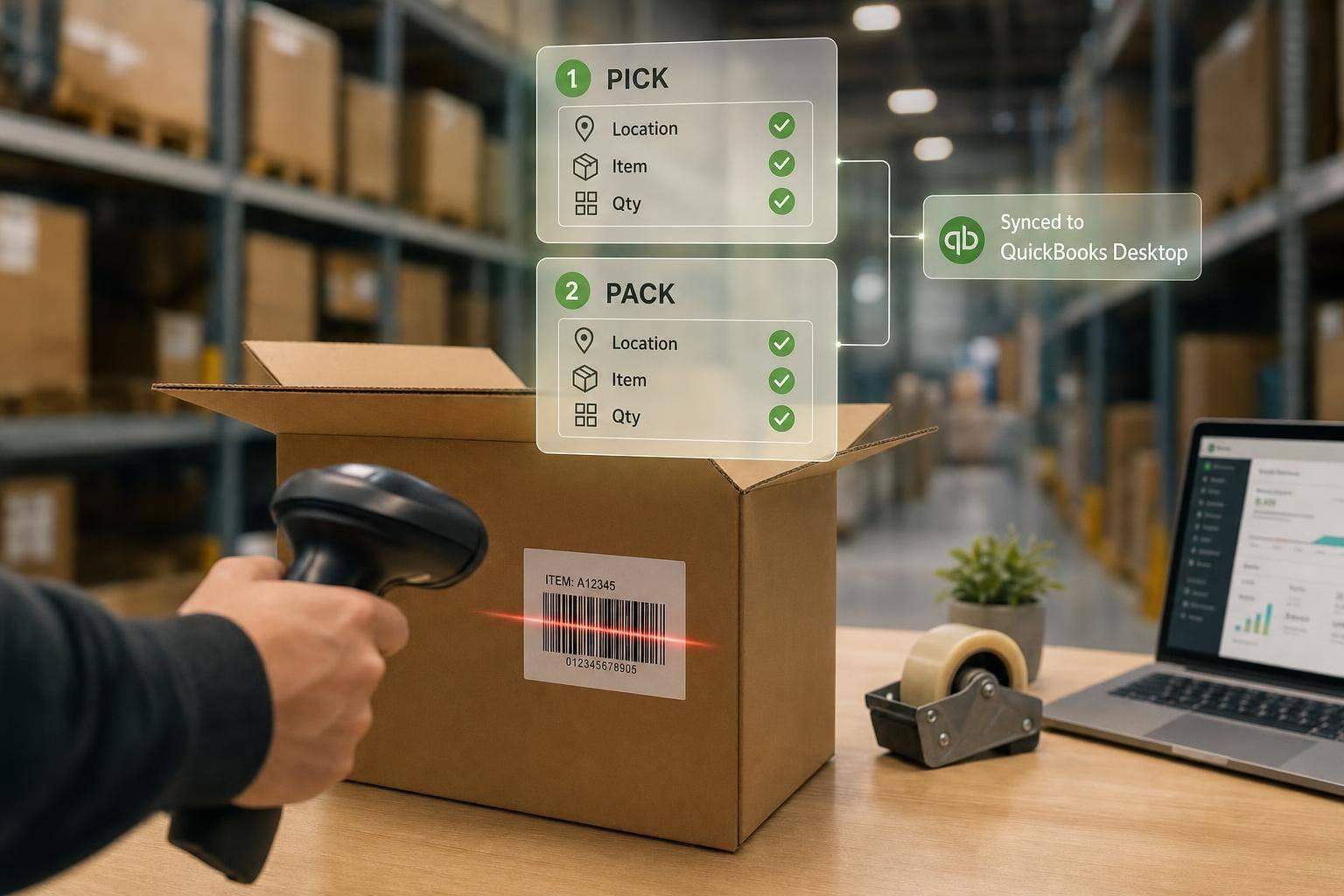
Barcode Scanning in Pick and Pack Areas
Cut shipping mistakes by scanning location, item, and quantity at pick and again at pack, then sync scanned results with QuickBooks Desktop.
August 18, 2026
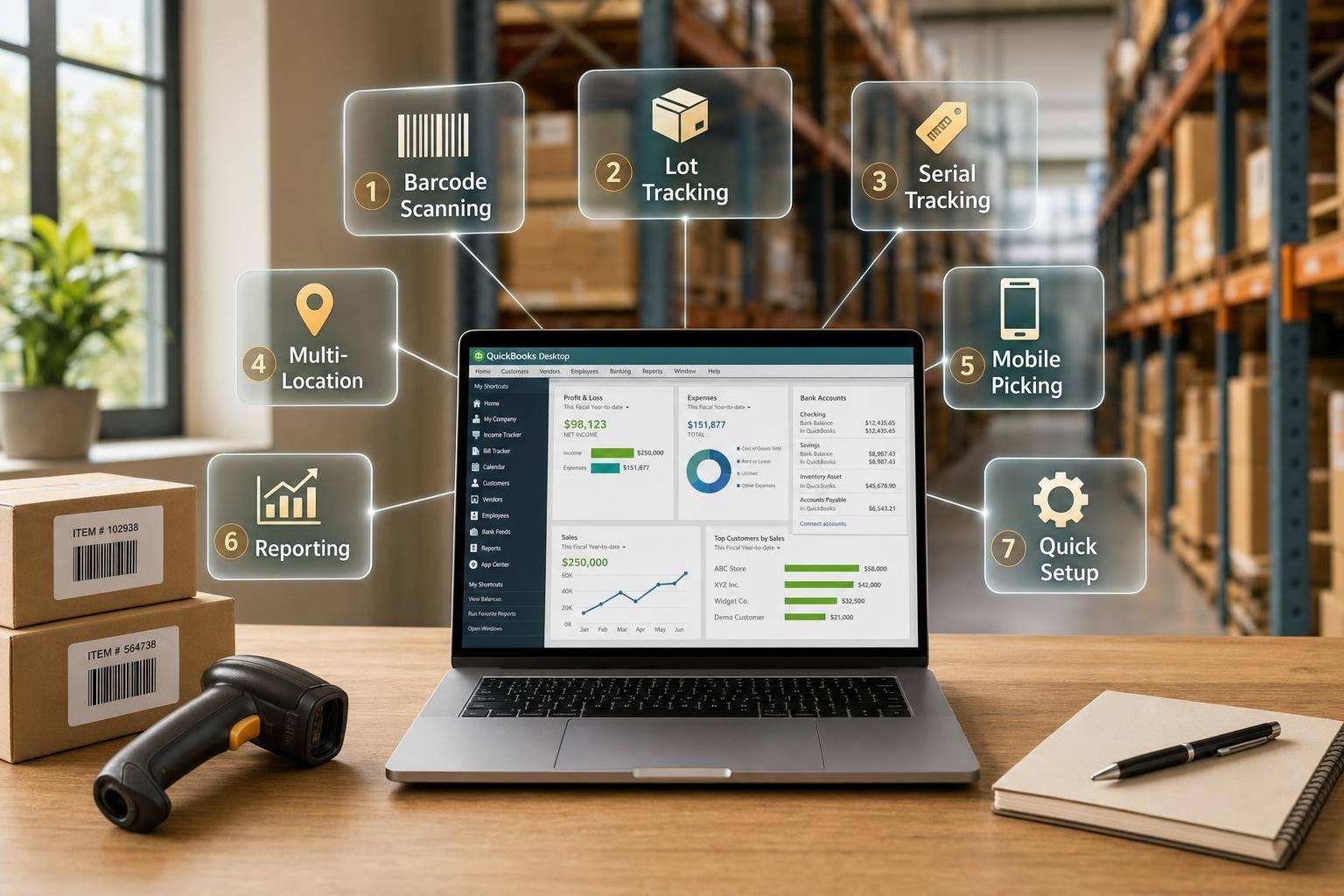
7 Cloud Inventory Tools for QuickBooks Desktop
Compare seven cloud inventory tools that sync with QuickBooks Desktop—features, scanning, lot/serial tracking, locations, and setup time.
August 17, 2026
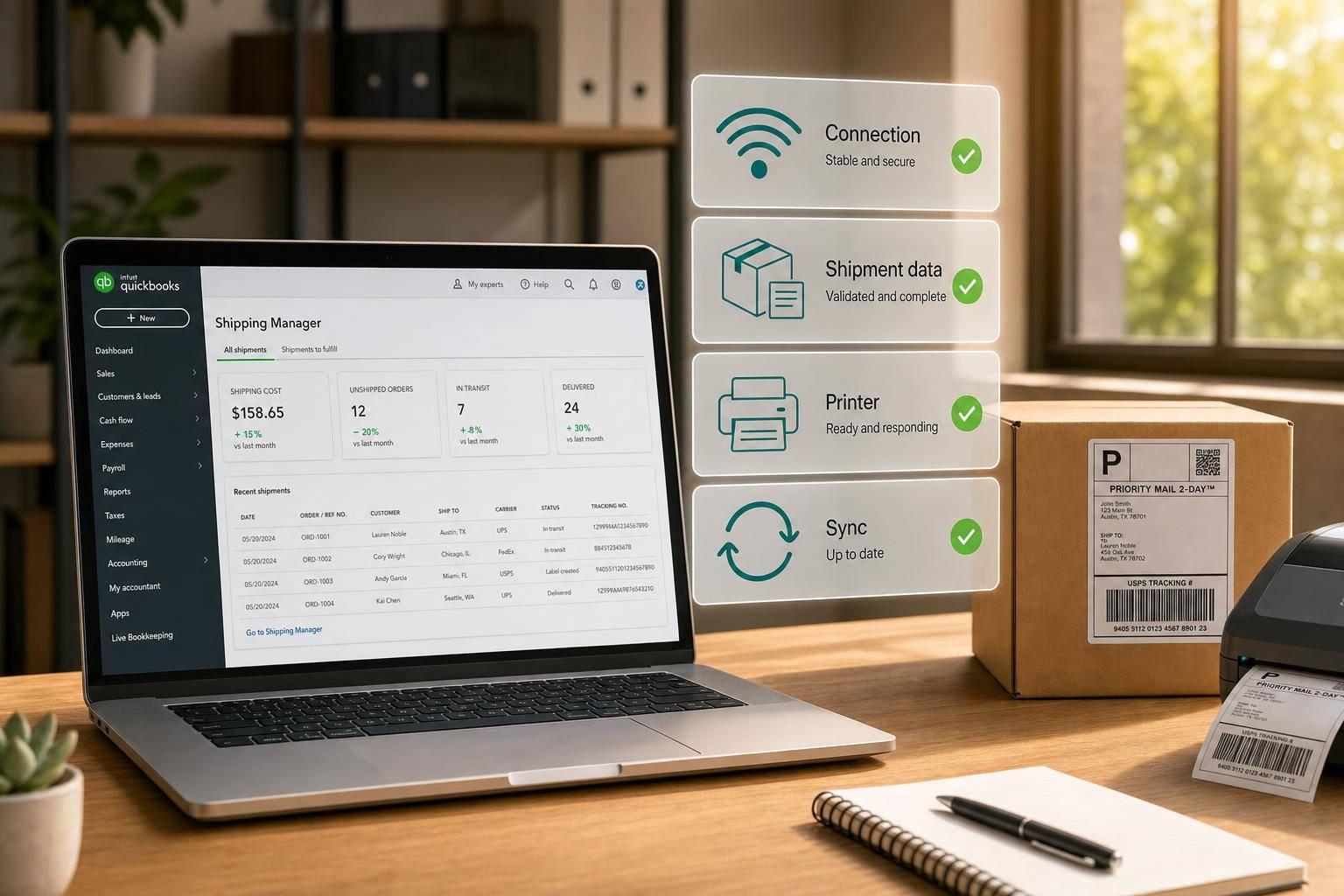
QuickBooks Shipping Manager Problems and Fixes
Step-by-step checks to restore rates, labels, and tracking in QuickBooks: connection, shipment data, printers, and sync fixes.
August 16, 2026
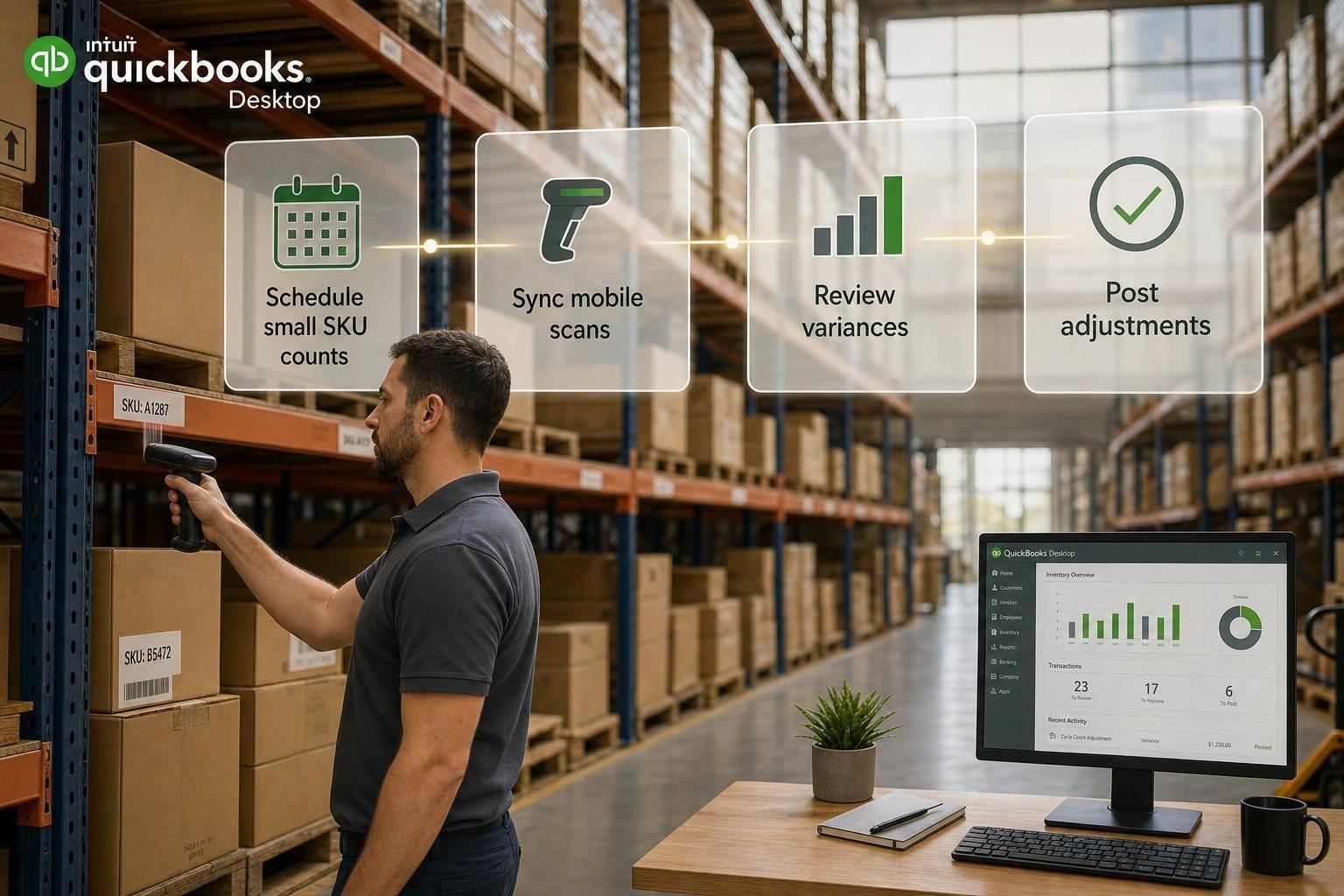
Cycle Count Automation in QuickBooks Desktop
Set up automated cycle counts in QuickBooks Desktop to schedule small SKU counts, sync mobile scans, review variances, and post adjustments.
August 15, 2026
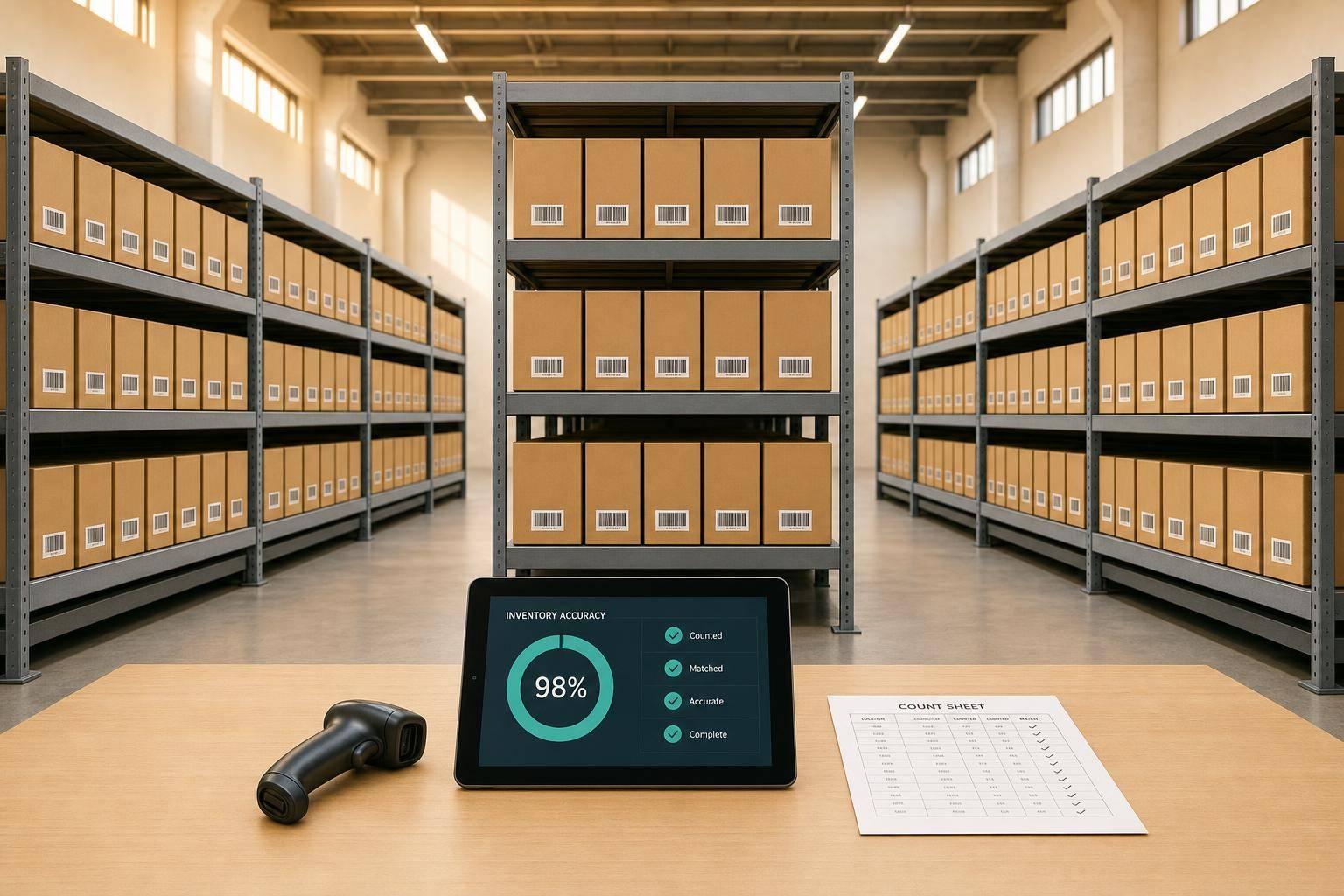
How to Calculate Inventory Accuracy Rate
Step-by-step methods to measure inventory accuracy—unit, record, variance, and value-based formulas plus QuickBooks Desktop workflow.
August 13, 2026
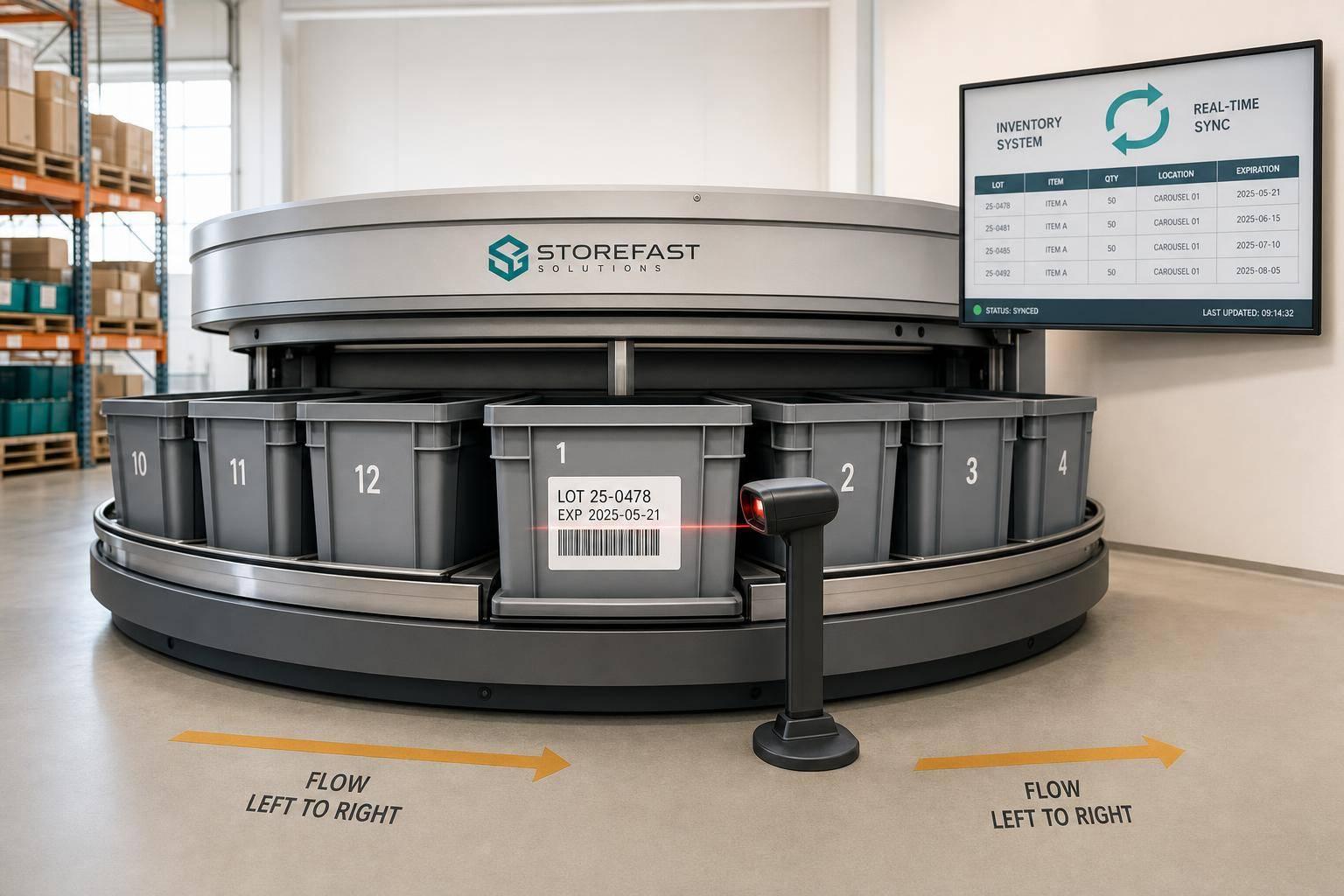
Horizontal Carousel Storage: FIFO and FEFO Picking
Enforce FIFO and FEFO on horizontal carousels with lot-based slotting, barcode validation, and two-way QuickBooks Desktop sync.
August 11, 2026
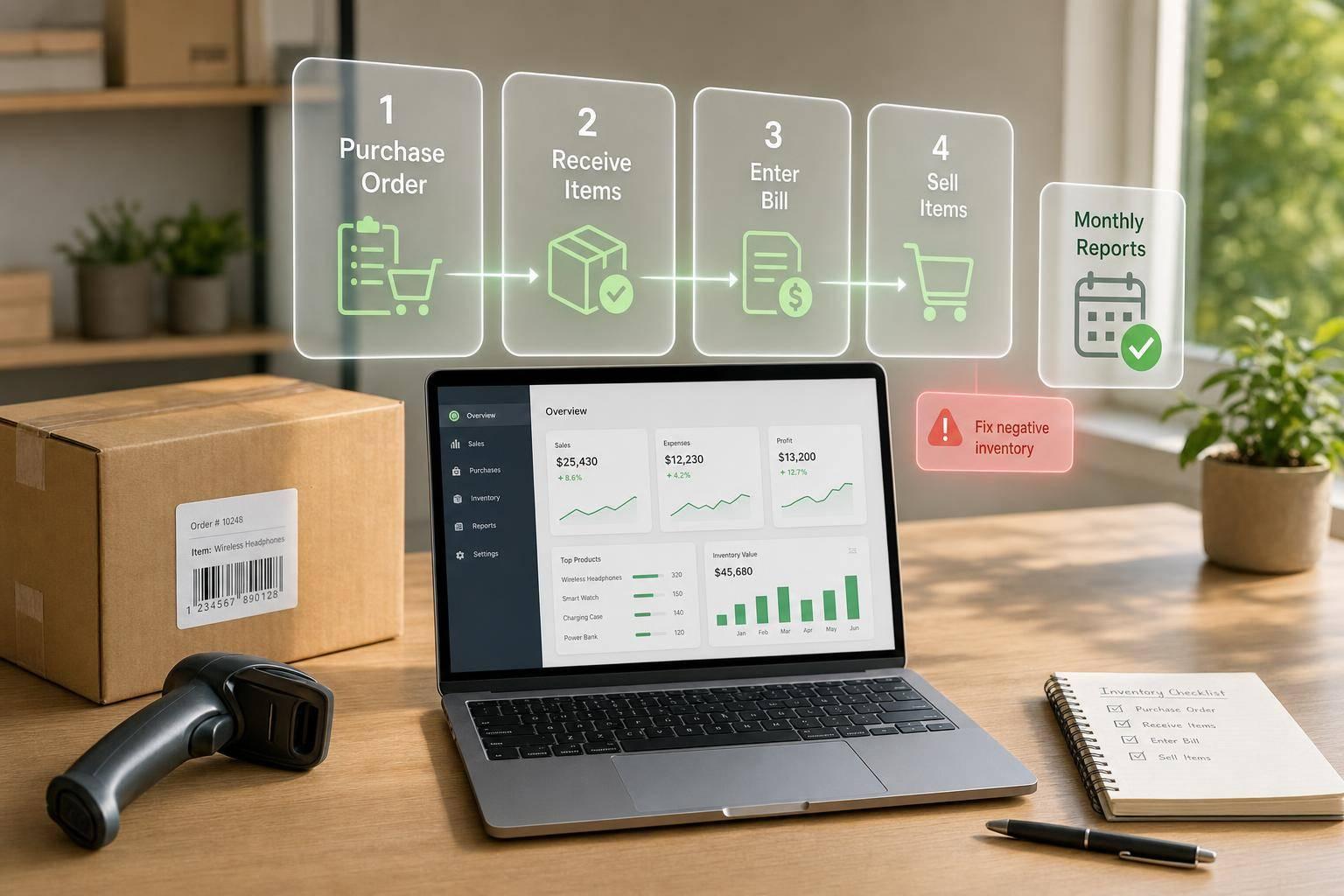
Ultimate Guide to QuickBooks Inventory for Small Business
Set up QuickBooks Desktop inventory right, follow PO→receipt→bill→sale, run monthly reports, and fix negative inventory fast.
August 10, 2026
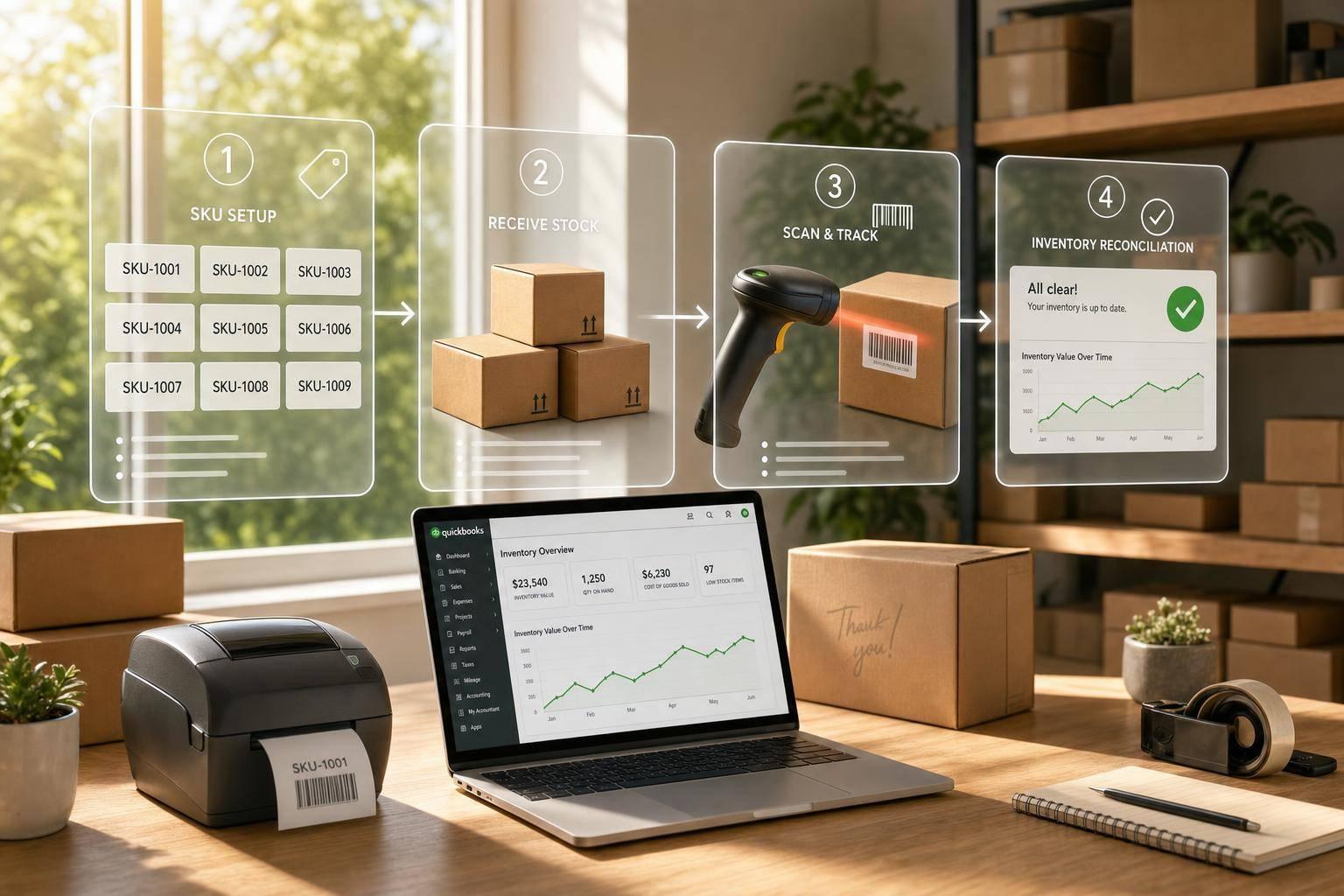
QuickBooks Inventory Integration: Tips for Small Businesses
Clean SKUs, test small batches, use barcode workflows, and reconcile regularly to keep QuickBooks inventory accurate.
August 9, 2026
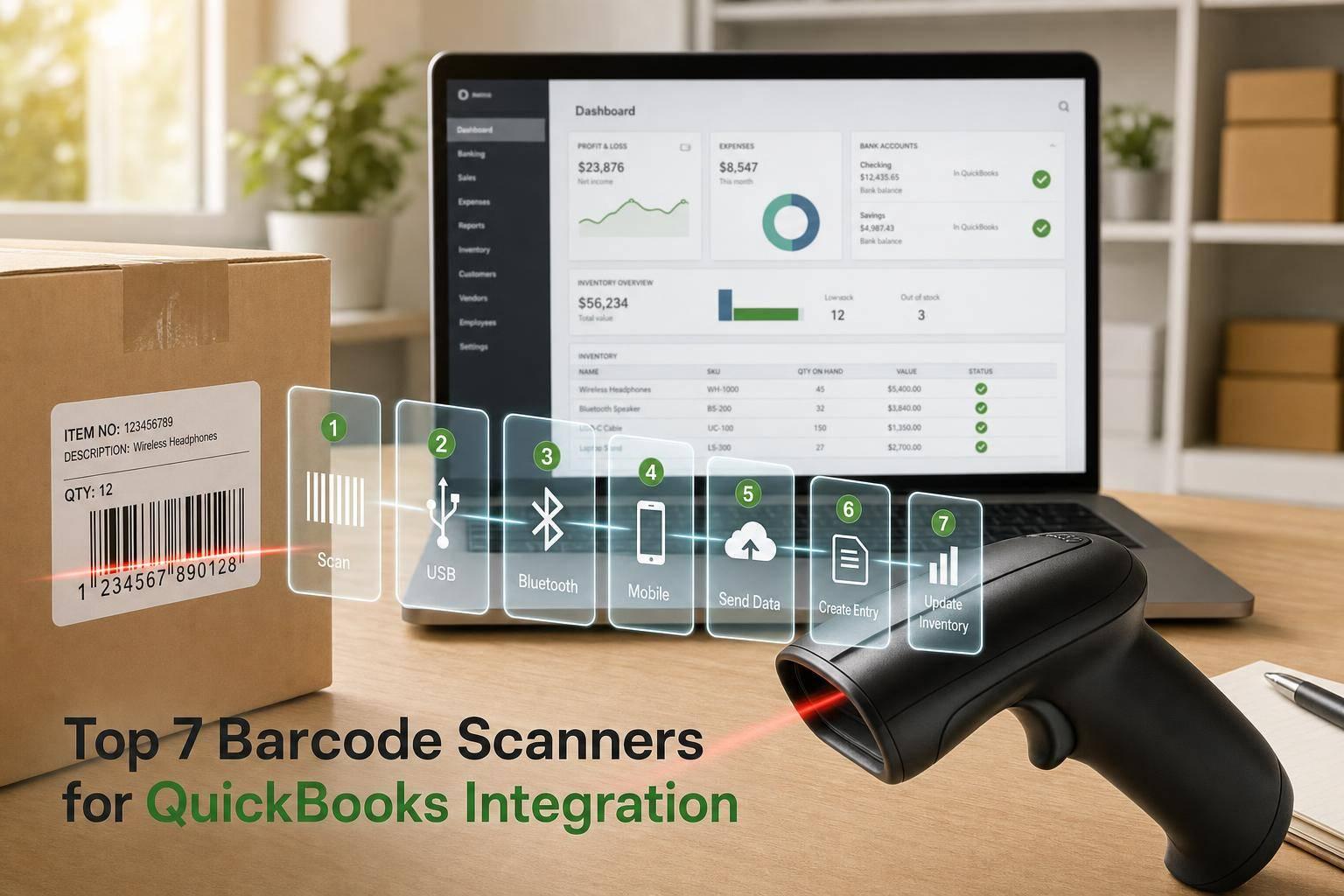
Top 7 Barcode Scanners for QuickBooks Integration
Compare 7 USB, Bluetooth, and mobile barcode scanners for QuickBooks Desktop—choose by barcode type, range, and workflow.
August 7, 2026
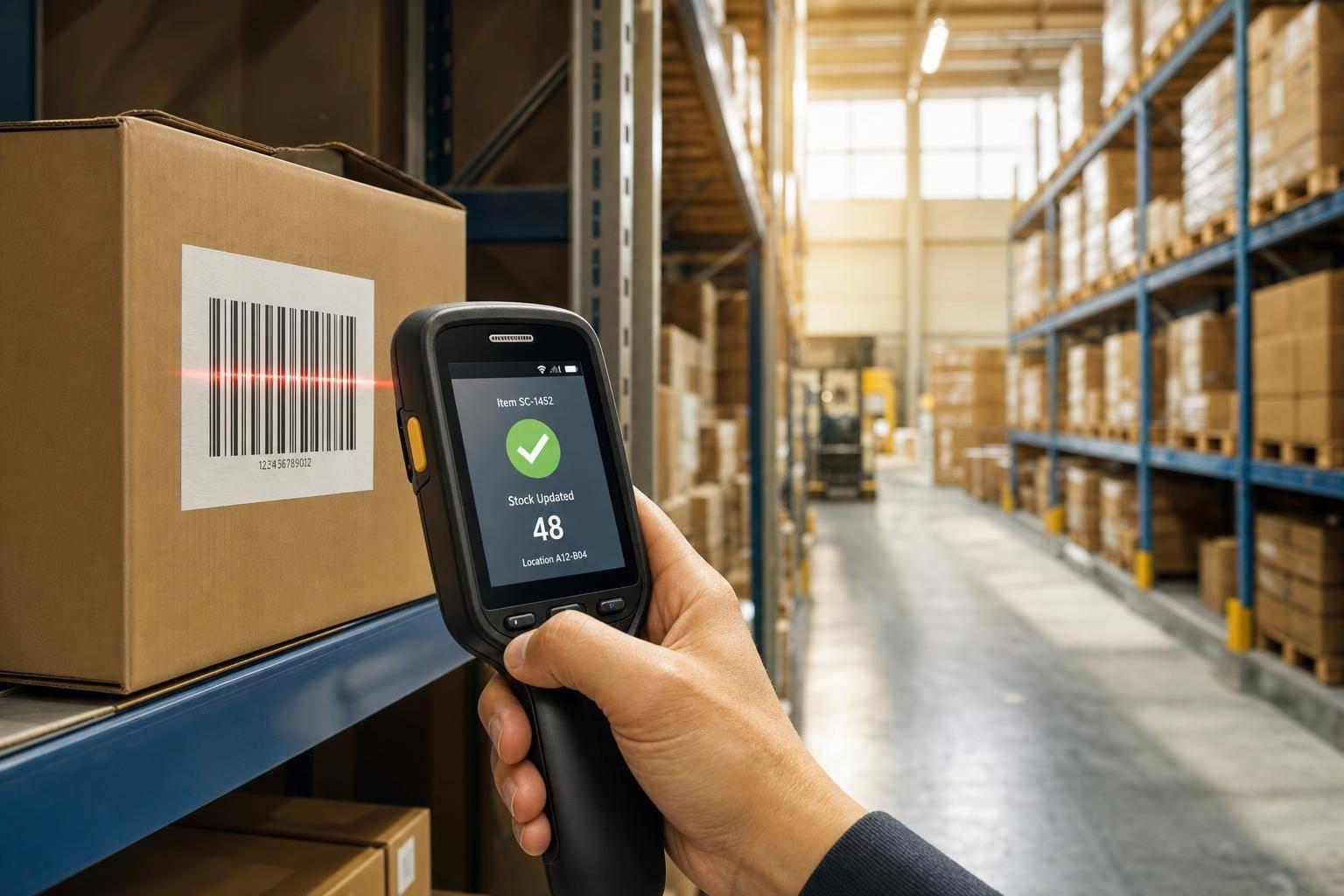
How Barcode Scanning Improves Real-Time Inventory
Barcode scanning closes the gap between floor moves and system records, preventing stockouts and phantom inventory.
August 7, 2026
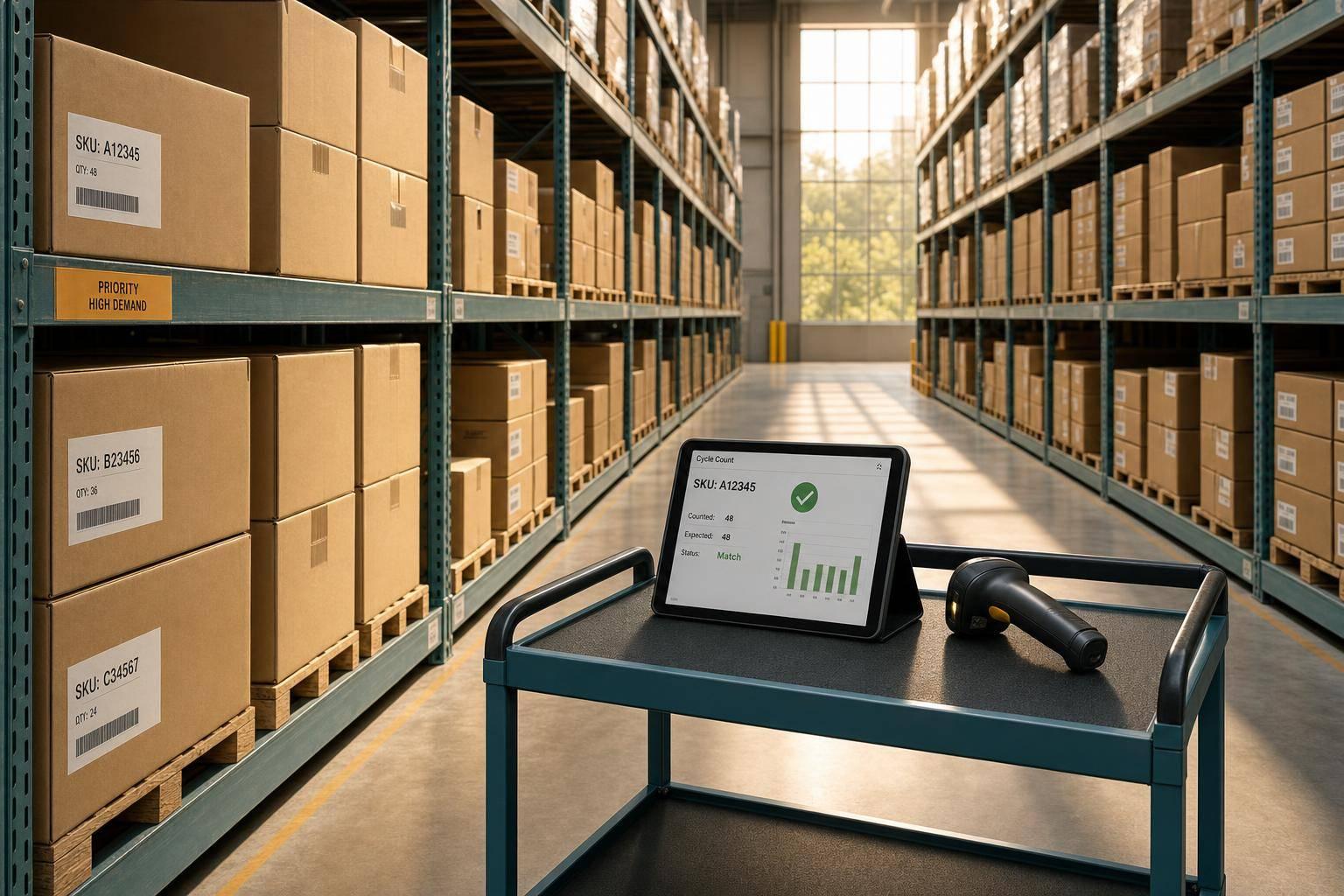
Cycle Counting for Backorder Prevention
Cycle counting focused on high-backorder SKUs keeps QuickBooks Desktop aligned with physical stock, reducing missed shipments and emergency freight.
August 4, 2026
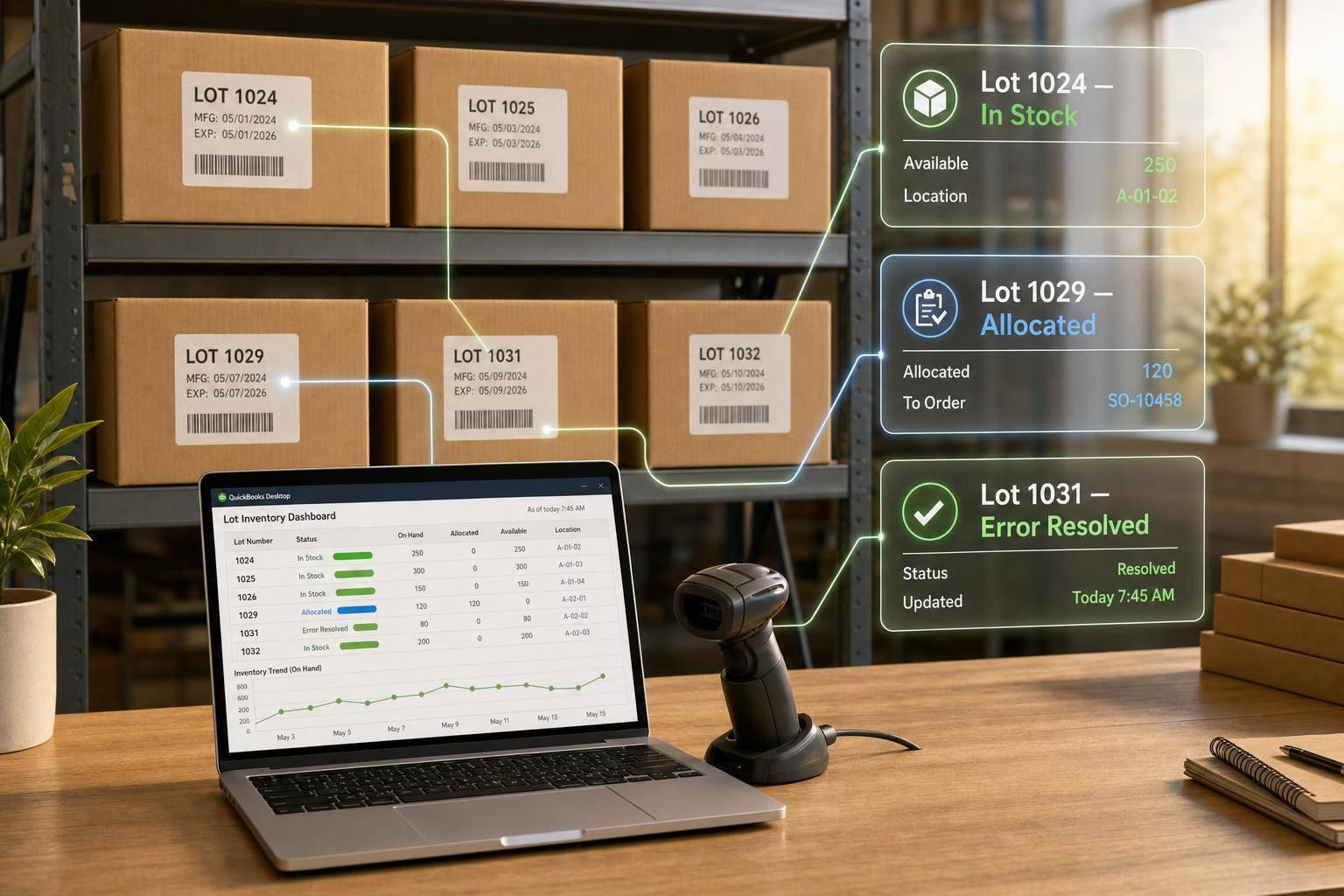
Real-Time Lot Tracking in QuickBooks Desktop
Enable and manage lot tracking in QuickBooks Desktop Enterprise—setup, daily workflows, reports, and fixes for lot errors.
August 3, 2026
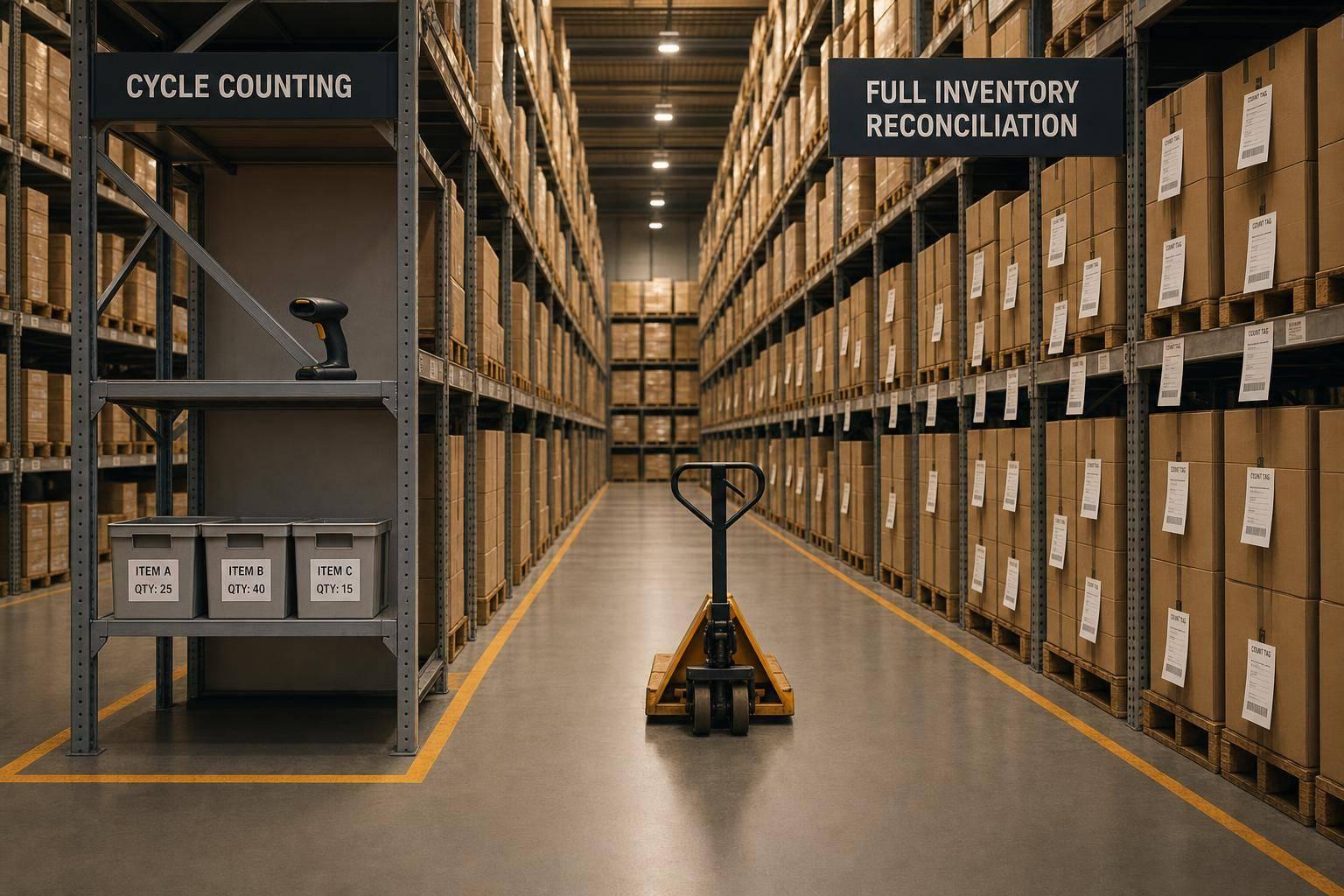
Cycle Counting vs. Full Inventory Reconciliation
Compare cycle counting and full physical inventory to weigh accuracy, disruption, and reporting needs for small and mid-sized businesses.
August 3, 2026
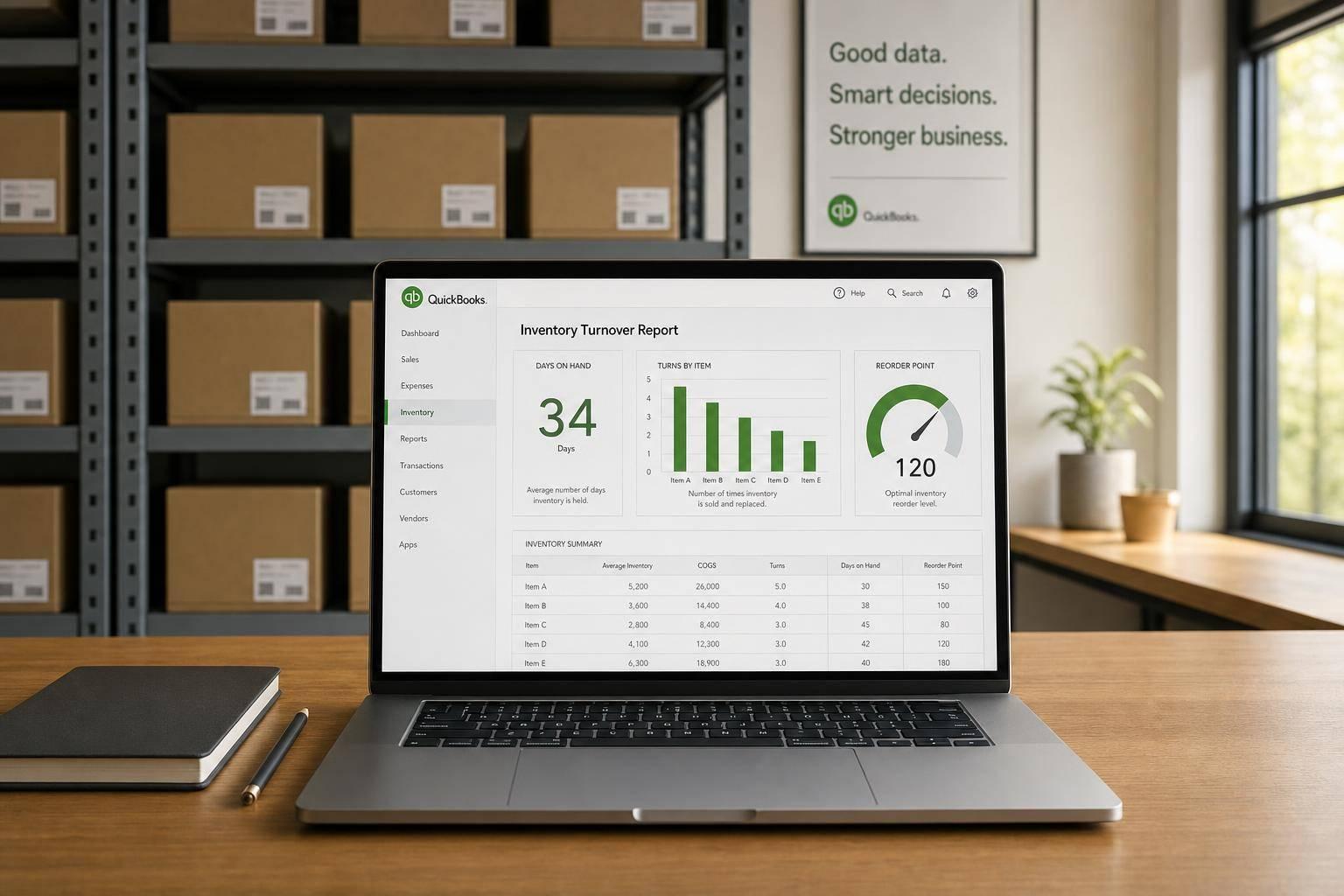
QuickBooks Inventory Turnover Report: Best Practices
Clean item data, run QuickBooks turnover reports, convert turns to days, and adjust reorder points to avoid stockouts and overstock.
July 31, 2026
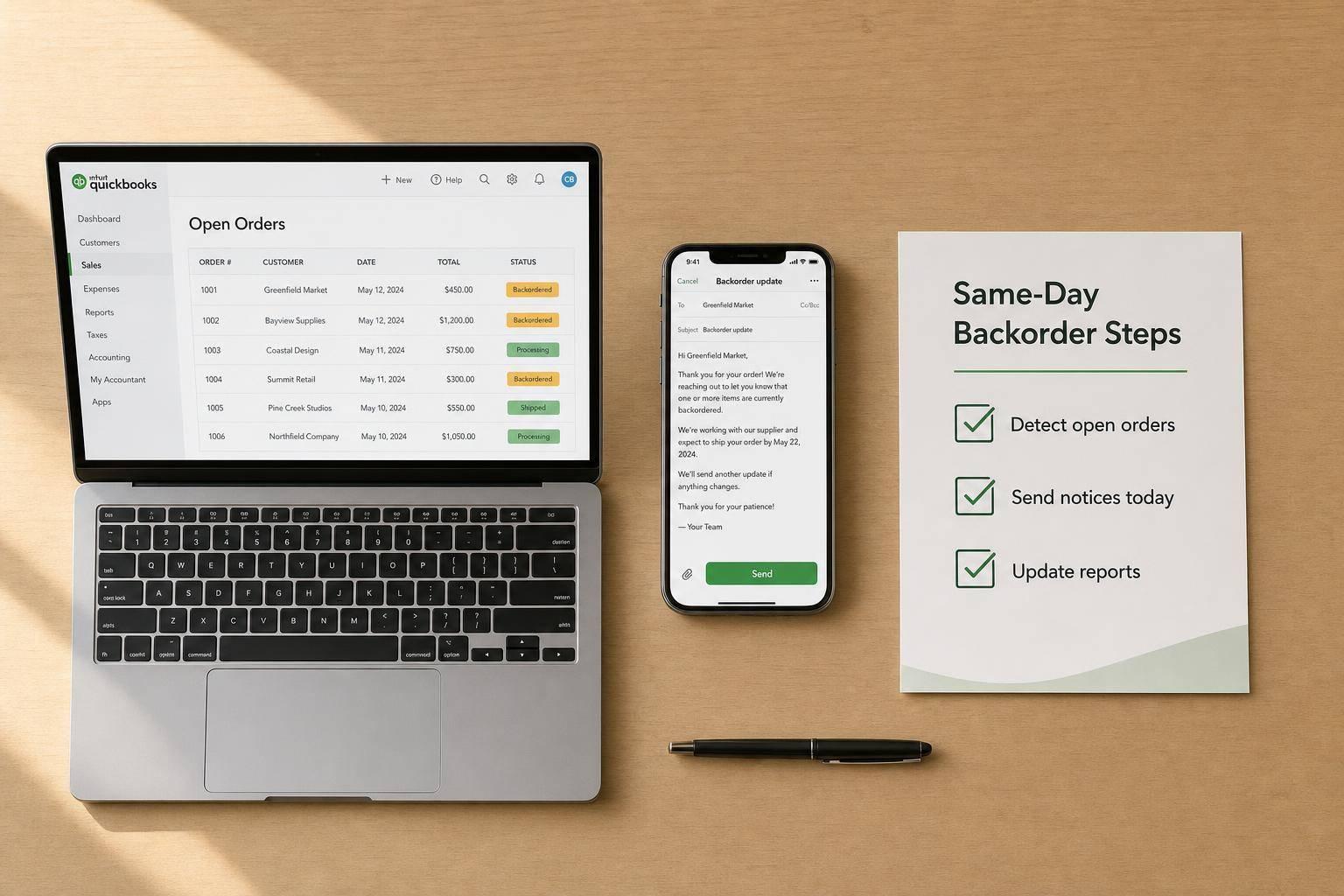
QuickBooks Users: Backorder Communication Tips
Turn backorder chaos into a repeatable process: detect open orders in QuickBooks, send same-day notices, and use templates and reports.
July 30, 2026
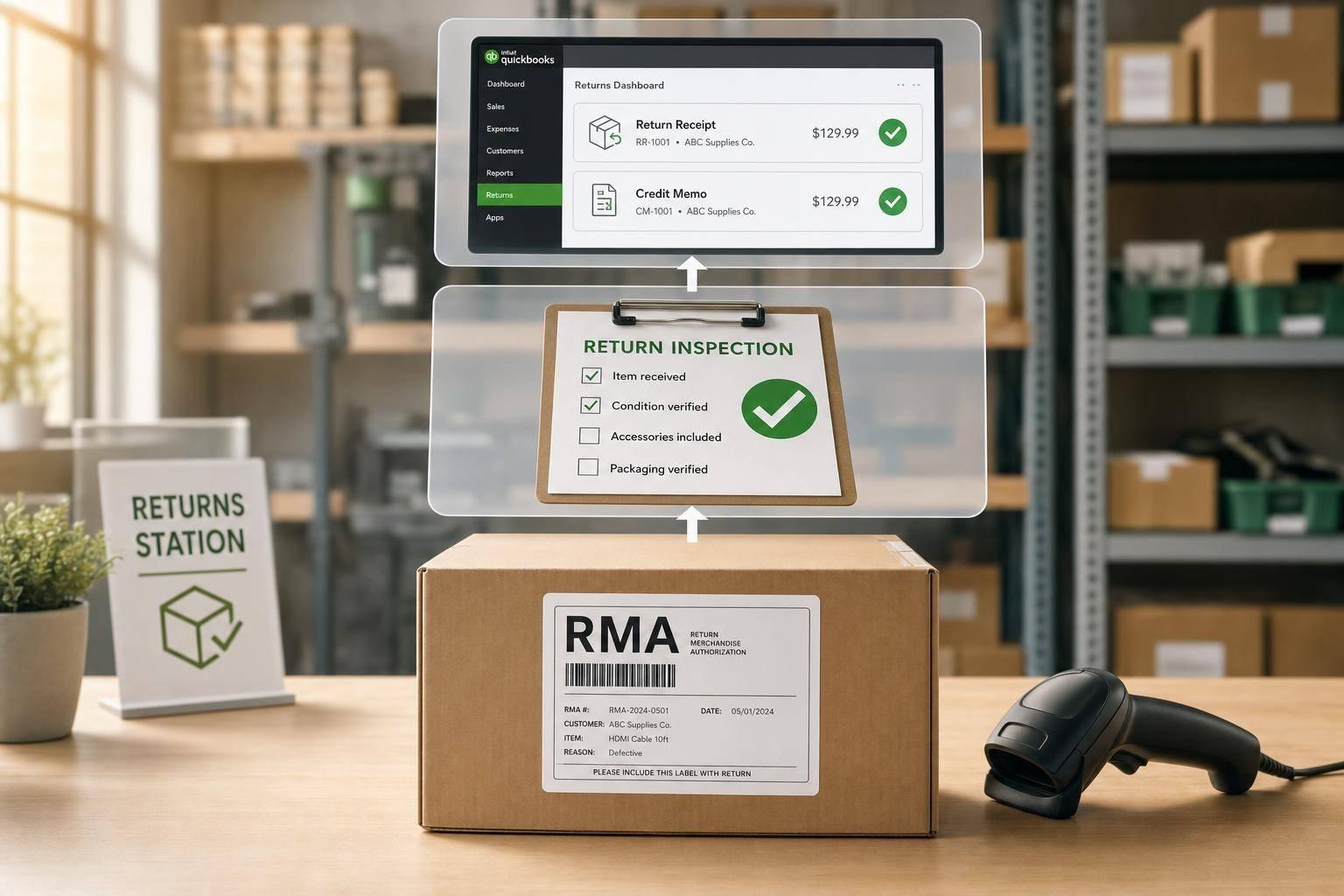
Reverse Logistics Basics for QuickBooks Users
Match physical returns to QuickBooks entries: RMA-to-inspection flows, correct transactions, warehouse controls, and KPIs.
July 28, 2026
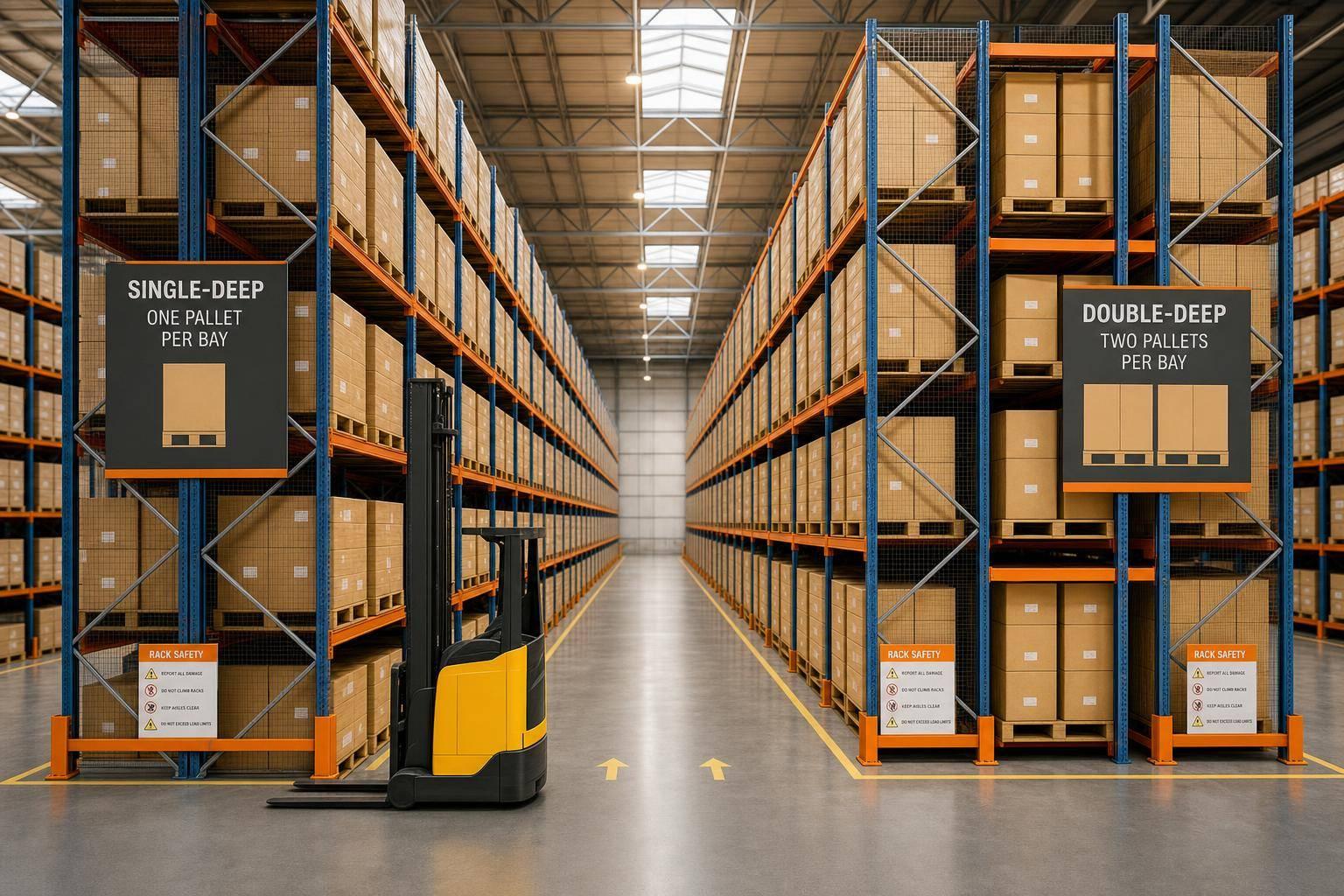
How to Choose Selective Pallet Racking for Your Warehouse
Practical guide to selecting single- or double-deep selective pallet racking: size, capacity, aisle width, safety, and inventory flow.

July 27, 2026
Cloud vs. Local Inventory: QuickBooks Comparison
Cloud vs local inventory for QuickBooks Desktop — compare costs, access, barcode scanning, and which setup fits single-site or multi-location teams.
July 26, 2026
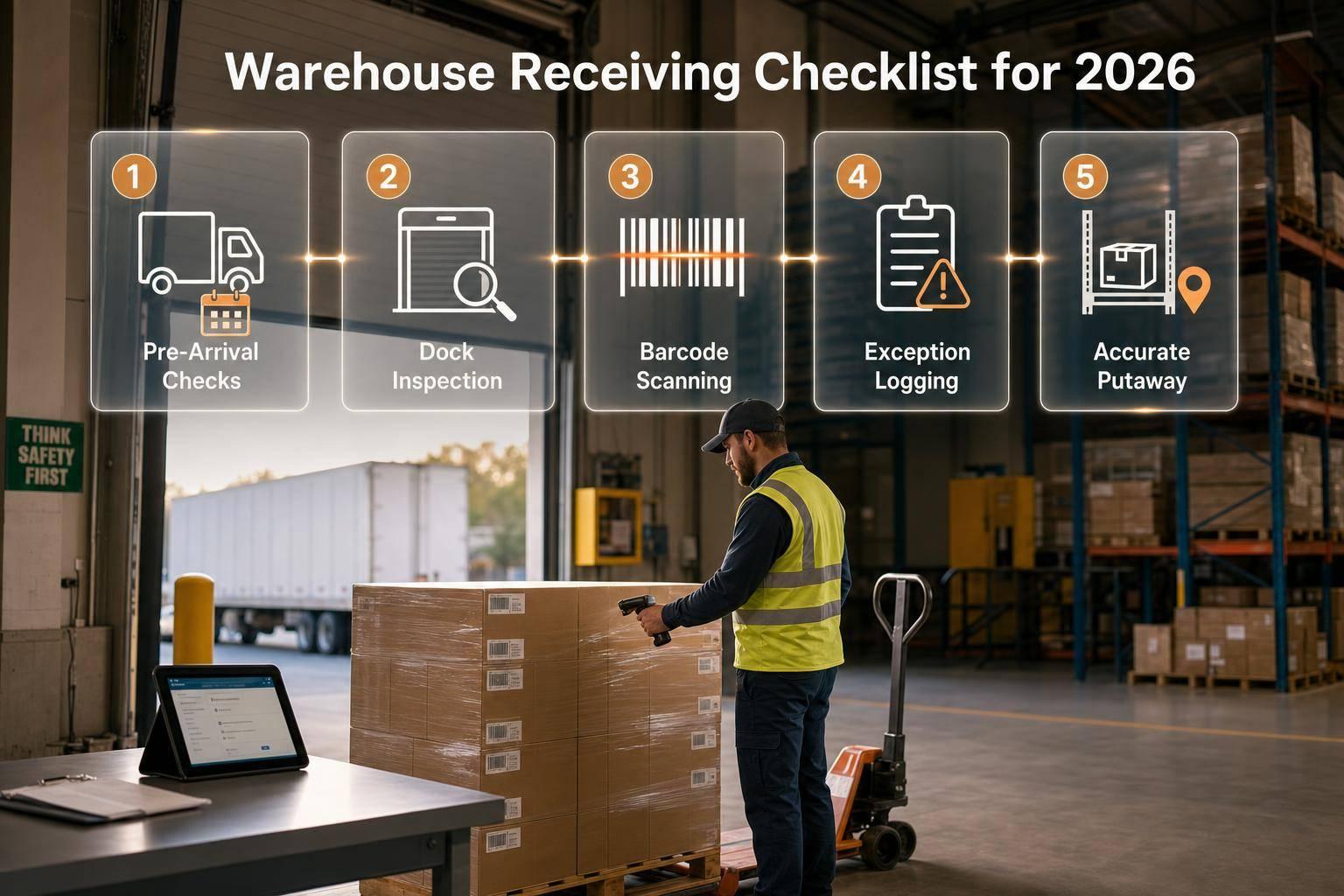
Warehouse Receiving Checklist for 2026
Step-by-step receiving SOP: pre-arrival checks, dock inspection, barcode scanning, exception logging and accurate putaway.
July 14, 2026
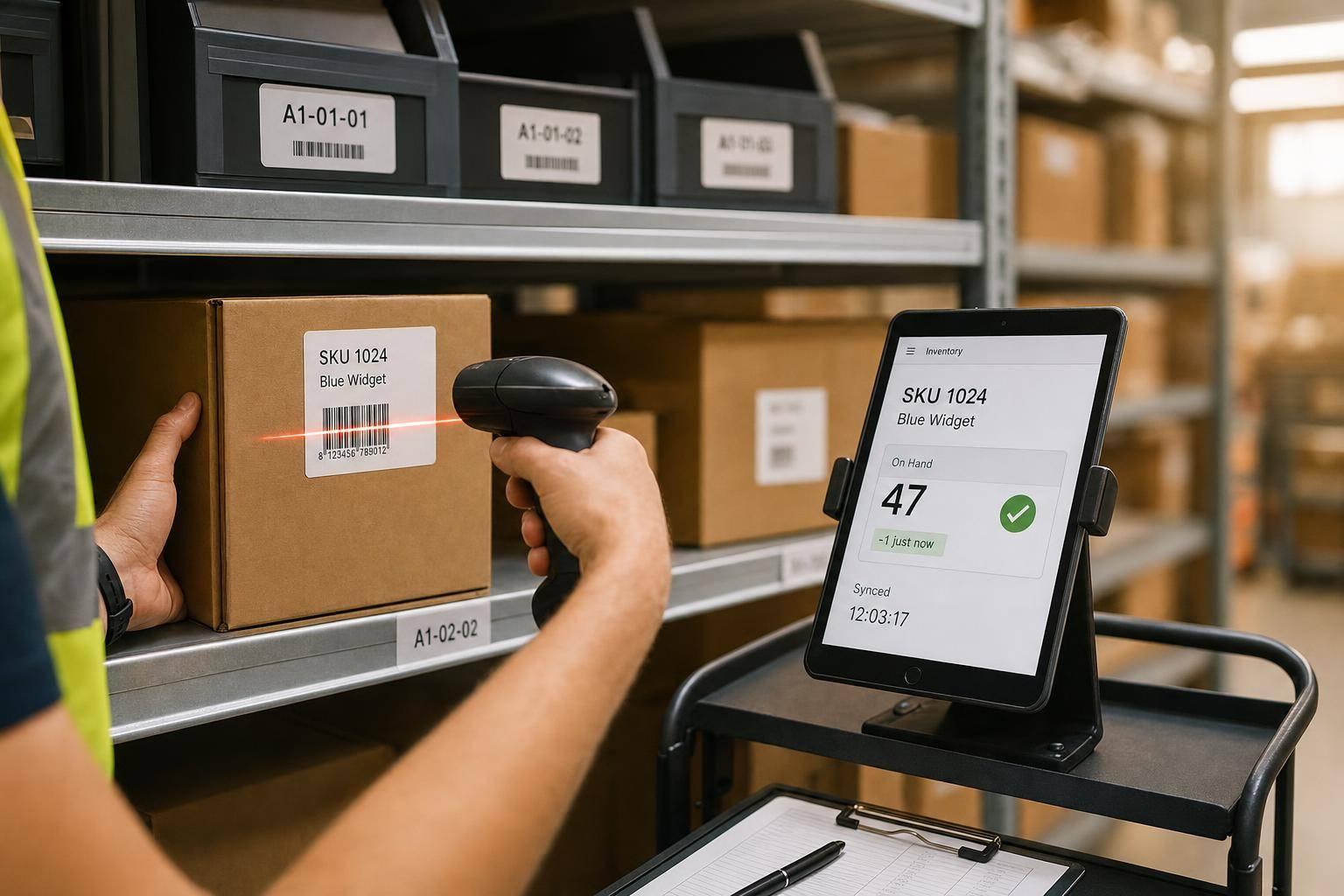
How Real-Time Updates Reduce Inventory Errors
Post every inventory move the moment it happens to prevent overselling, mispicks, transfer errors, and costly stock inaccuracies.

July 13, 2026
Top 5 Inventory Software for QuickBooks Desktop
Compare five inventory solutions for QuickBooks Desktop—features, two-way sync, warehouse fit, and first-year costs.

July 12, 2026
Ultimate Guide to Scalable Warehouse Layouts
Plan warehouse flow, zones, storage, and labeling to cut travel, boost accuracy, and scale capacity without costly rework.

July 11, 2026
How to Check QuickBooks Desktop Software Compatibility
Four-step checklist to verify QuickBooks Desktop setup, connection method, field mapping, and safe backup testing before go-live.
July 10, 2026
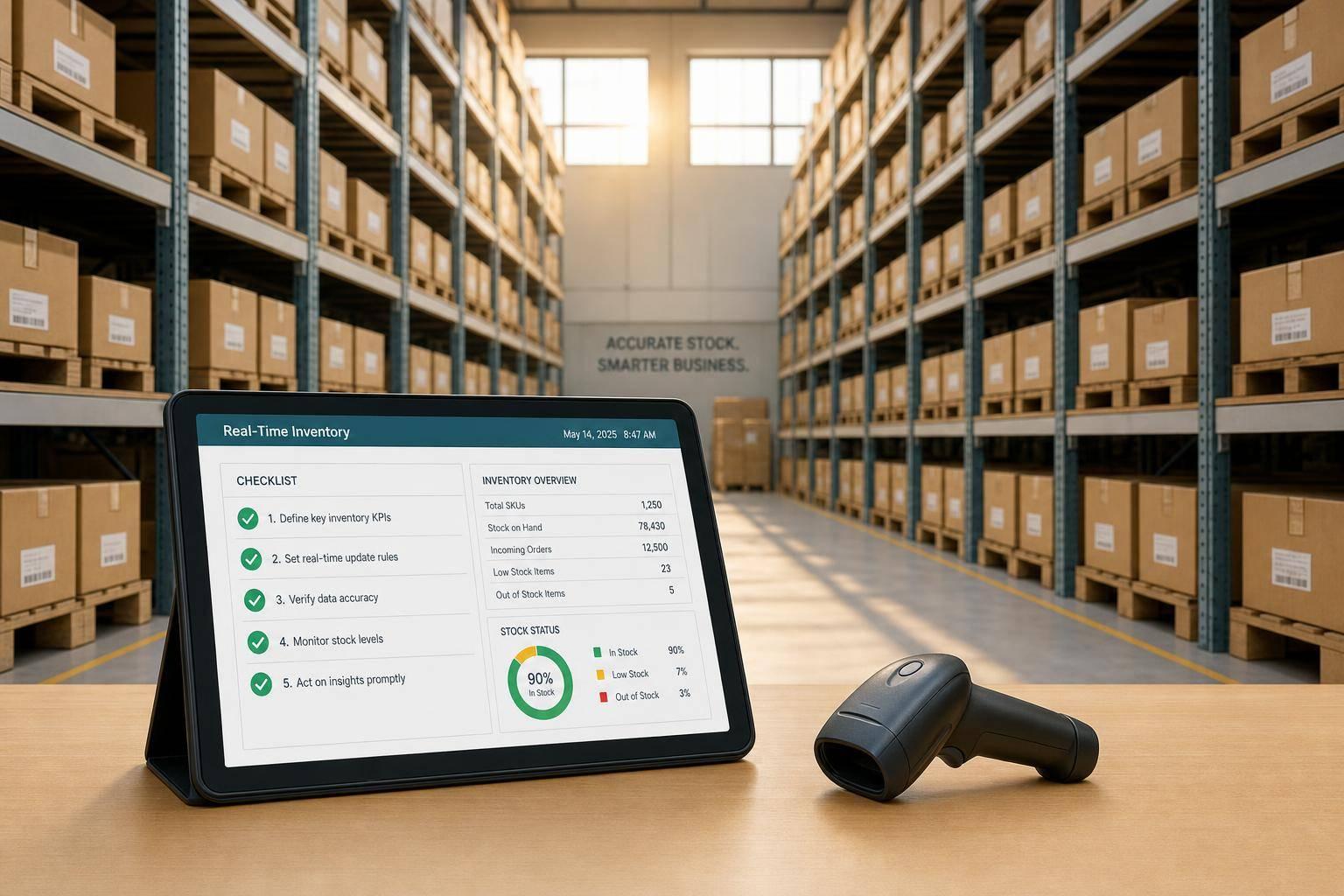
Checklist for Using Real-Time Inventory Reports
Clean data, the right reports, and timely posting are the only way to trust real-time inventory numbers.
July 9, 2026
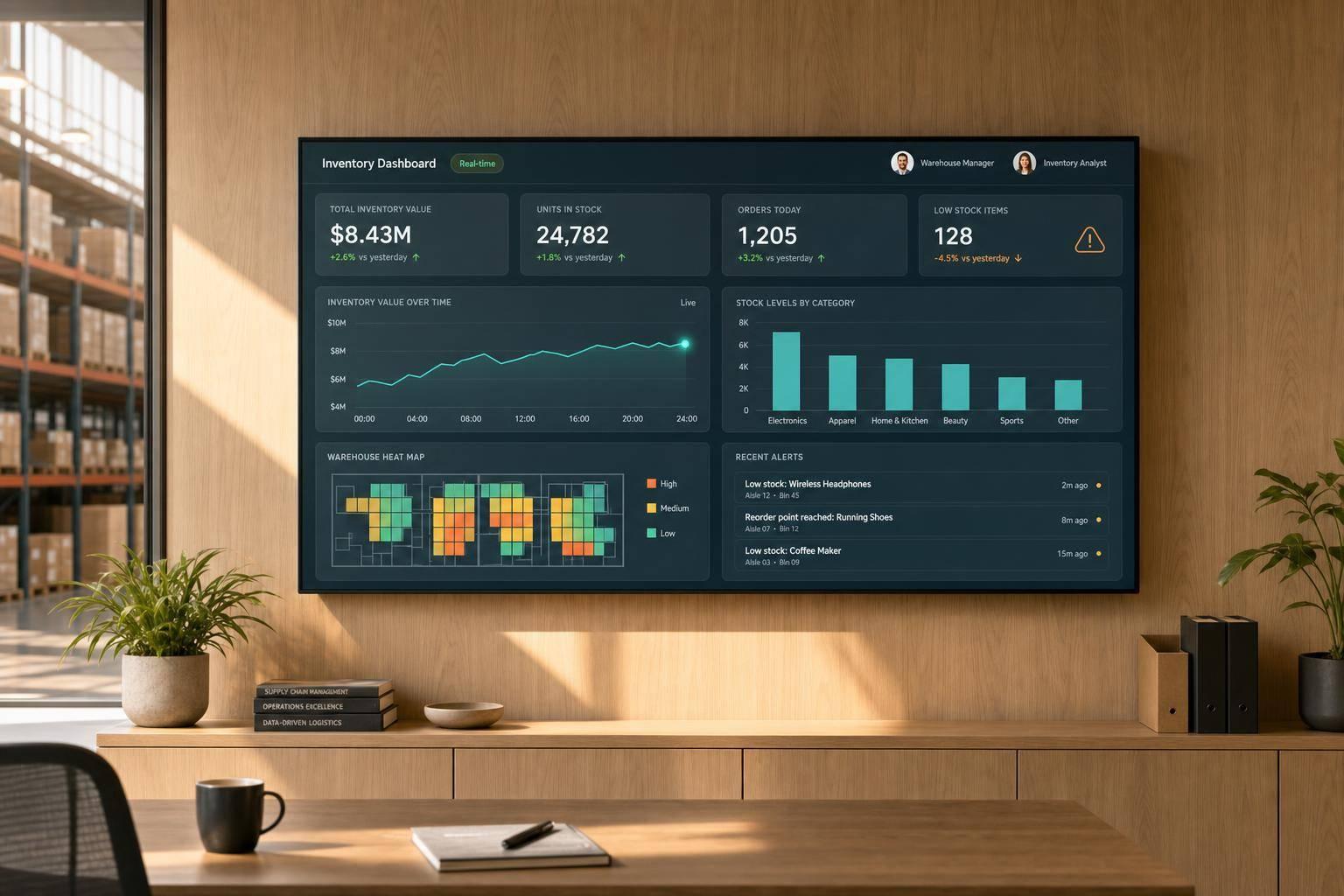
Ultimate Guide to Real-Time Inventory Dashboards
Build a trusted real-time inventory dashboard with correct data feeds, KPIs, layout, refresh rates, and role-based views for accurate stock control.

July 8, 2026
How Backorder Tracking Works in QuickBooks Desktop
Use Sales Orders and partial invoices to track backorders, view open quantities with reports, and fulfill remaining items when stock arrives.
July 7, 2026
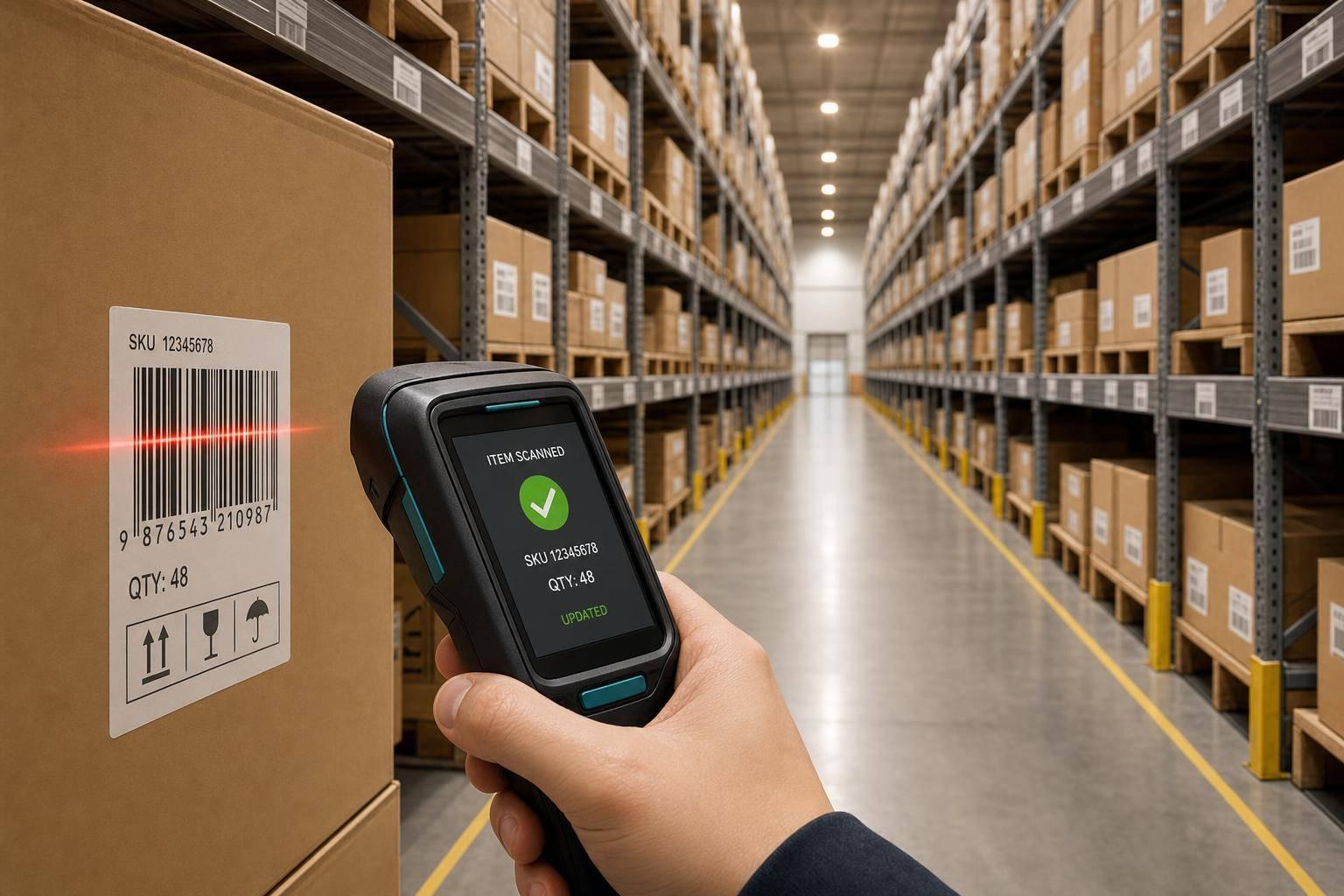
5 Benefits of Barcode-Driven Inventory Automation
Barcode scanning reduces errors, speeds receiving, gives real-time stock visibility, cuts labor costs, and syncs multi-site inventory.

July 6, 2026
Top Slotting Strategies for Multi-Location Warehouses
Use site-level velocity, size, lot dates, and pick-path zoning to cut picking labor with static, dynamic, or hybrid slotting.

July 5, 2026
Lot Number Reports in QuickBooks Desktop
Track lots from receipt to shipment, spot expirations, and run five built-in lot reports—if lot tracking is enabled and used correctly.
July 4, 2026
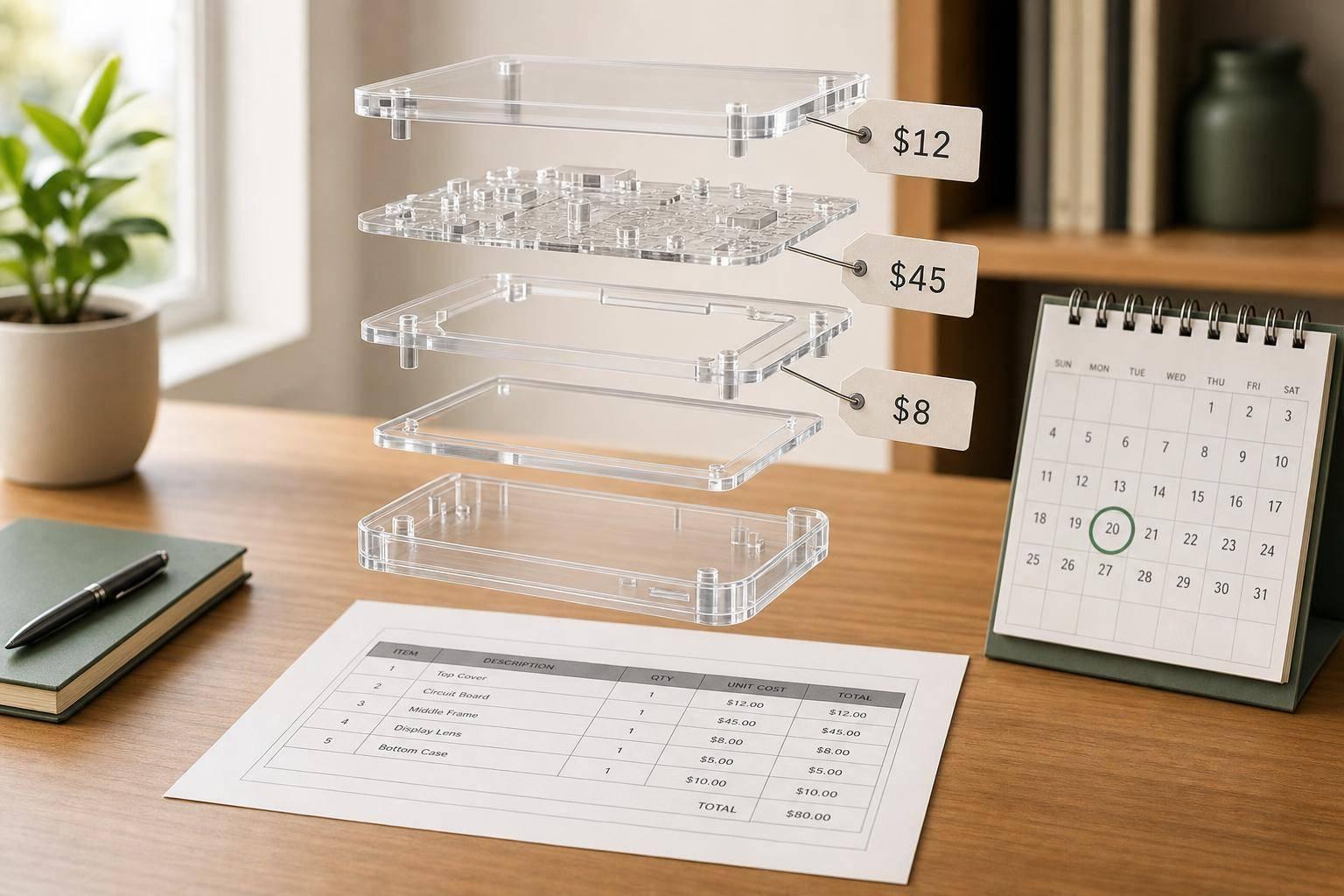
How to Price Inventory Assemblies in QuickBooks
Use current build cost, complete BOMs, and scheduled price reviews to prevent rising part costs from eroding assembly margins.

July 3, 2026
Ultimate Guide to Order Prioritization for SMBs
Clear, repeatable rules—time, customer tier, inventory, then order date—to prioritize SMB shipments and meet carrier cutoffs.

July 2, 2026
Cloud vs On-Premise: Which Fits QuickBooks Desktop Users?
Choose cloud for remote teams and less IT overhead; keep on-premise for single-site control and existing servers.
July 1, 2026
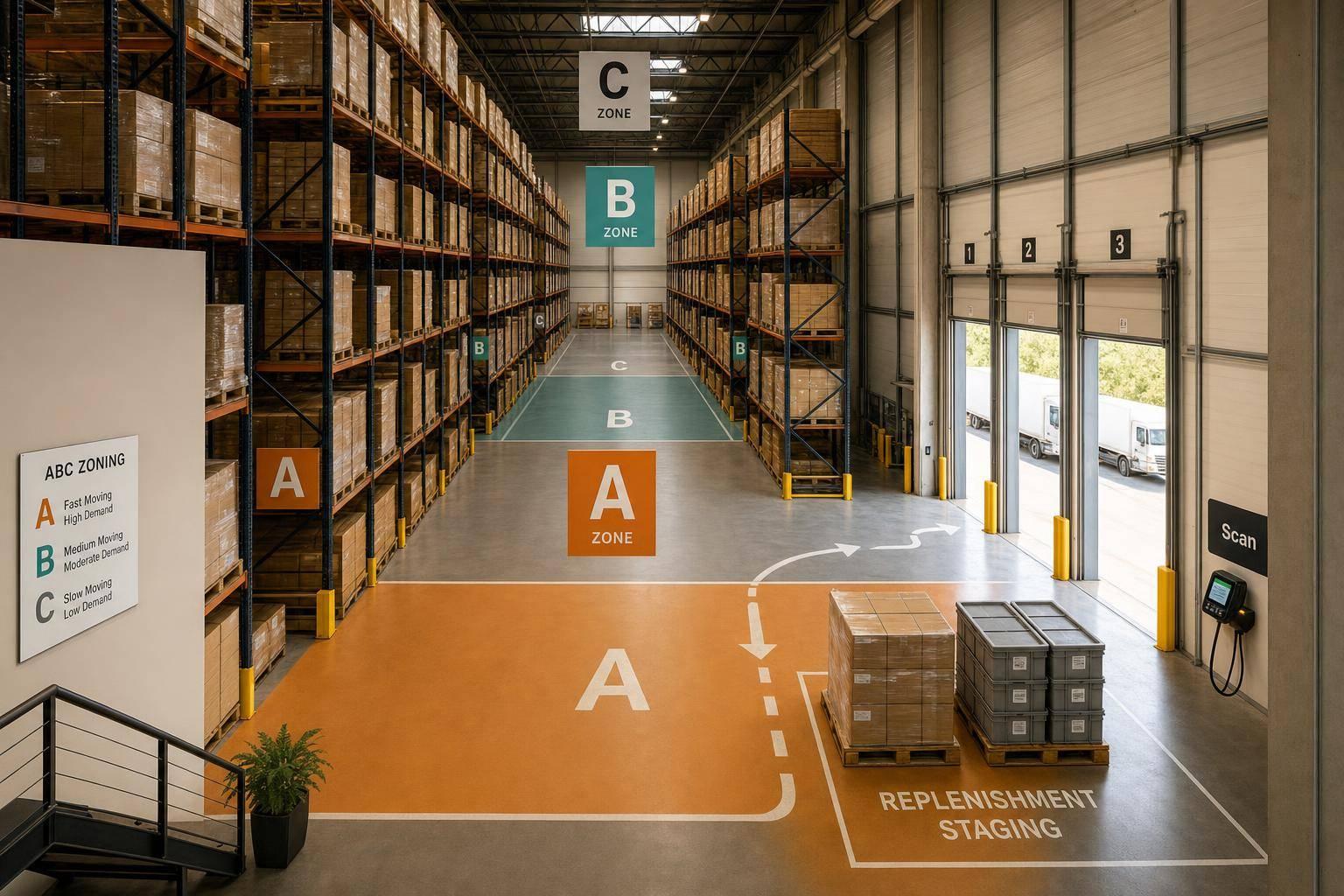
How to Implement ABC Zoning in Your Warehouse
Cut picker travel by classifying SKUs into A/B/C zones, slotting A items near shipping, and enforcing replenishment and scanning rules.
June 30, 2026
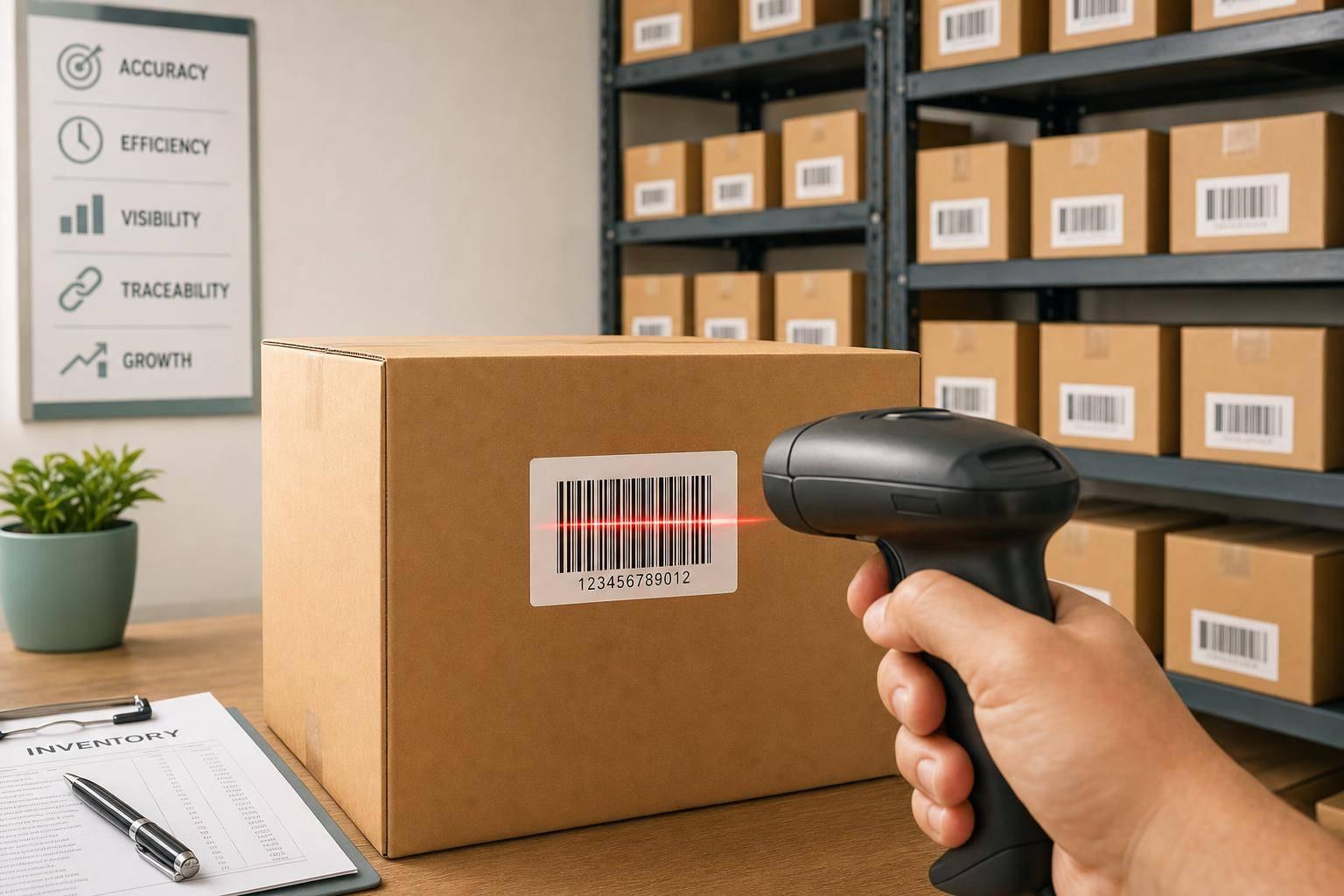
5 Benefits of Barcode Scanning for Small Businesses
Cut errors and labor with barcode scanning—faster receiving, real-time stock updates, lower costs, and improved traceability.
June 29, 2026
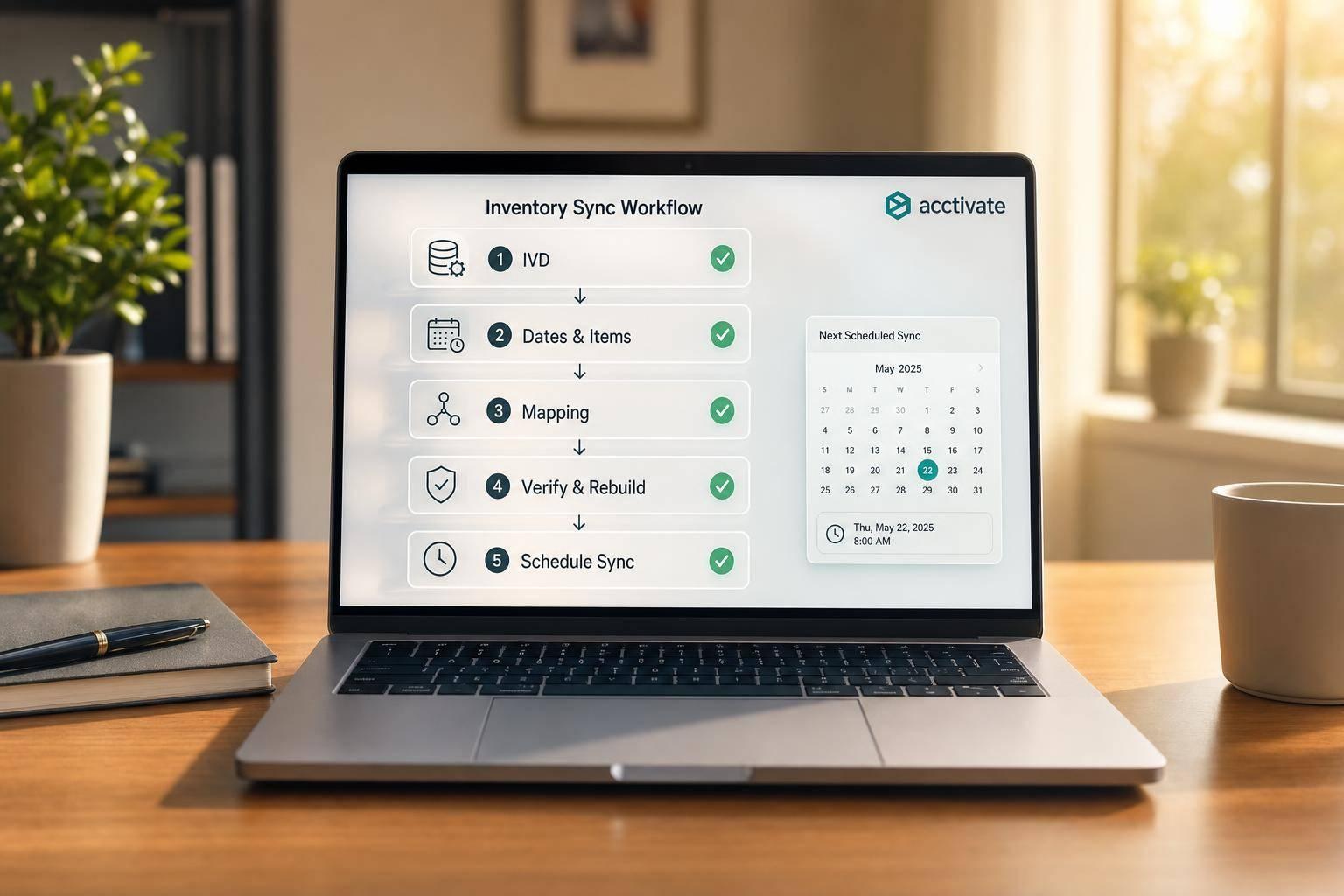
QuickBooks Desktop Sync Issues: Solutions
Quick fixes for QuickBooks inventory sync: run IVD, correct dates/items, fix mappings, run Verify/Rebuild, and set a sync schedule.

June 28, 2026
Ultimate Guide to Mobile Inventory for Small Businesses
Barcode scanning with QuickBooks sync boosts accuracy, speeds receiving and picking, and cuts mispicks.
June 27, 2026
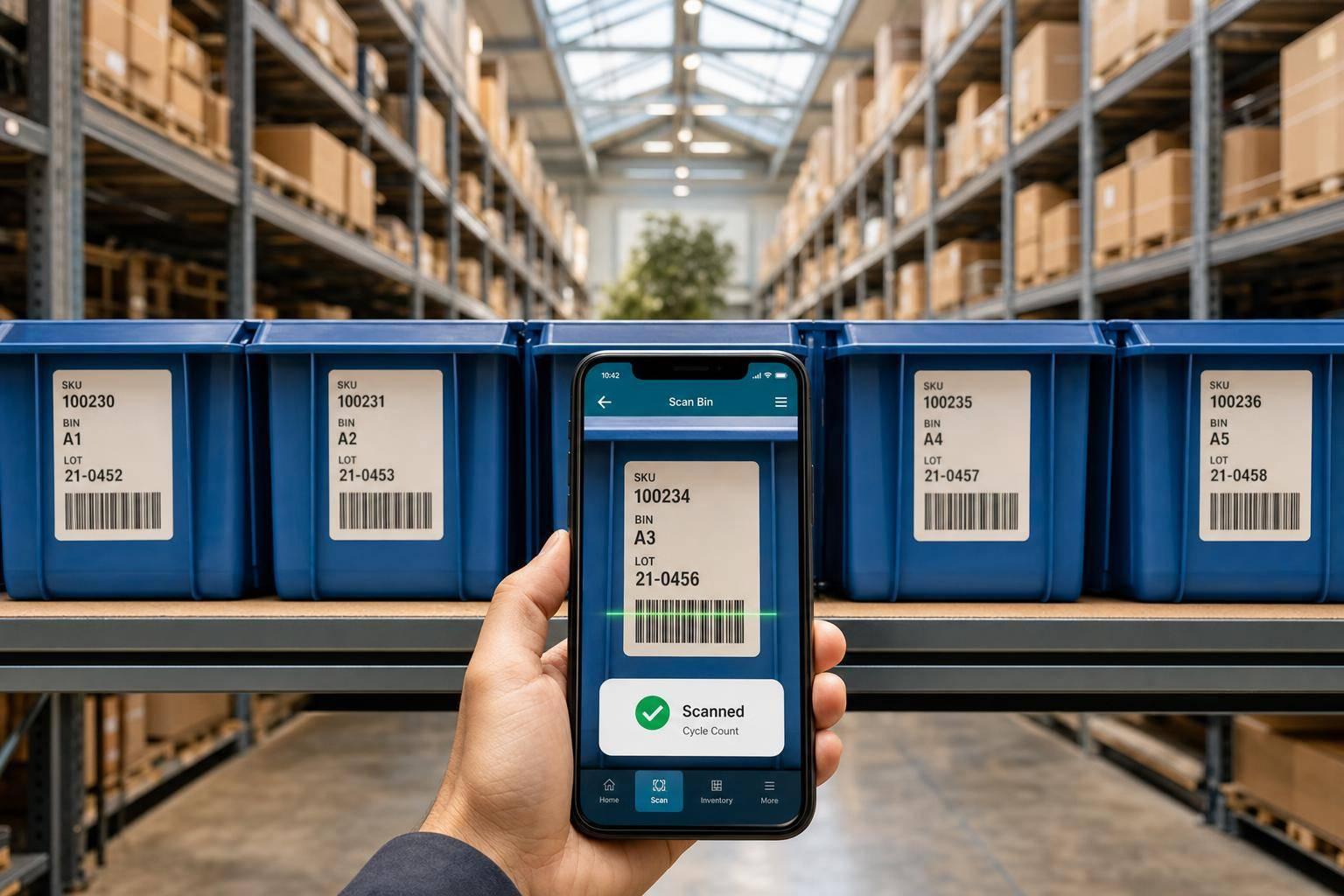
5 Mobile Inventory Tracking Tips for QuickBooks Users
Cut inventory errors in QuickBooks Desktop with a synced mobile app: clean SKUs, required scans, bin/lot tracking, and regular cycle counts.

June 26, 2026
QuickBooks Desktop vs. Online: Inventory Integration Differences
Compare Desktop vs Online inventory: costing methods, bin/serial tracking, multi-location support, and when third-party apps are needed.
June 26, 2026
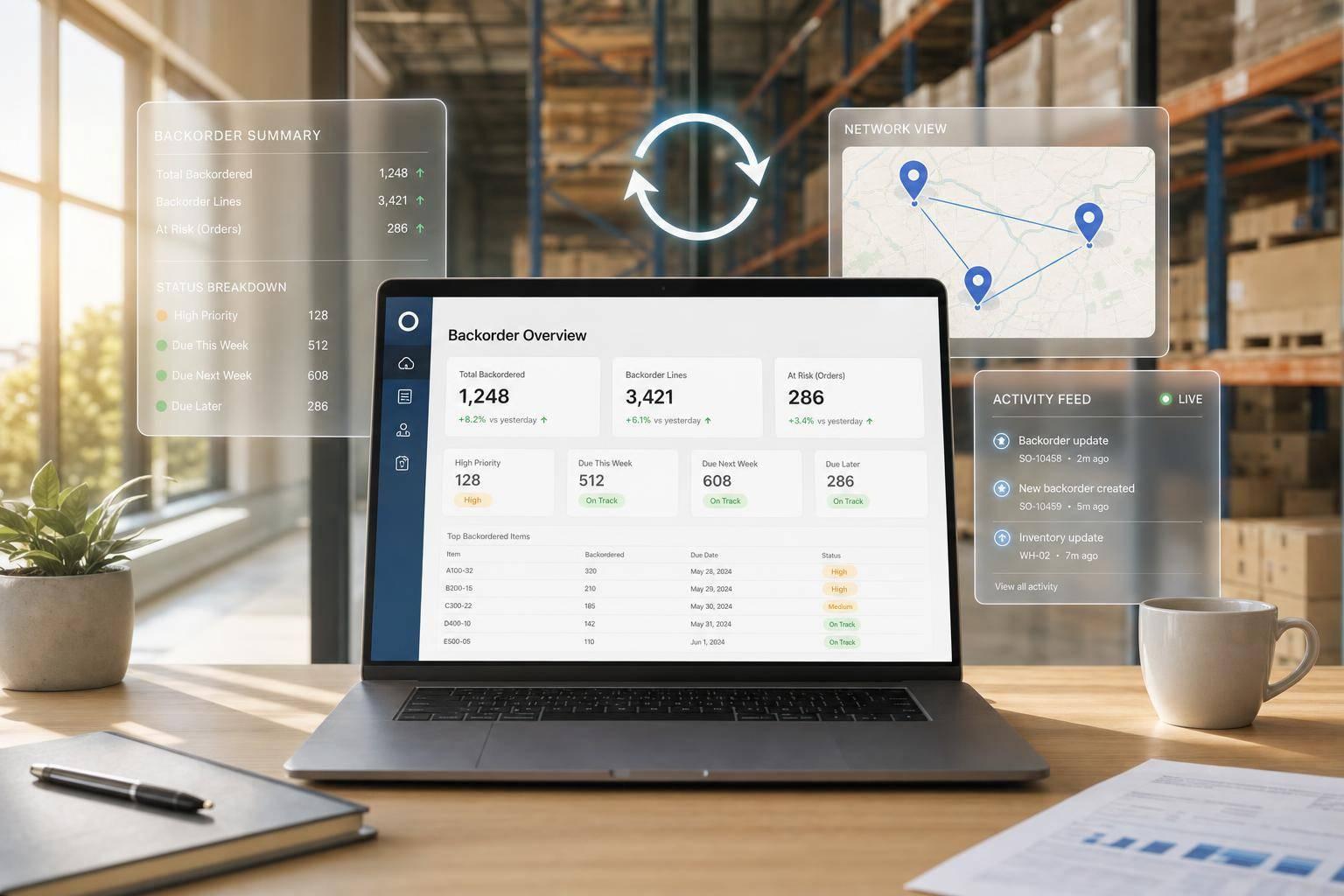
Top Tools for Real-Time Backorder Reporting
Compare QuickBooks Desktop options and inventory add-ons for live backorder visibility, two-way sync, and multi-warehouse tracking.
June 13, 2026
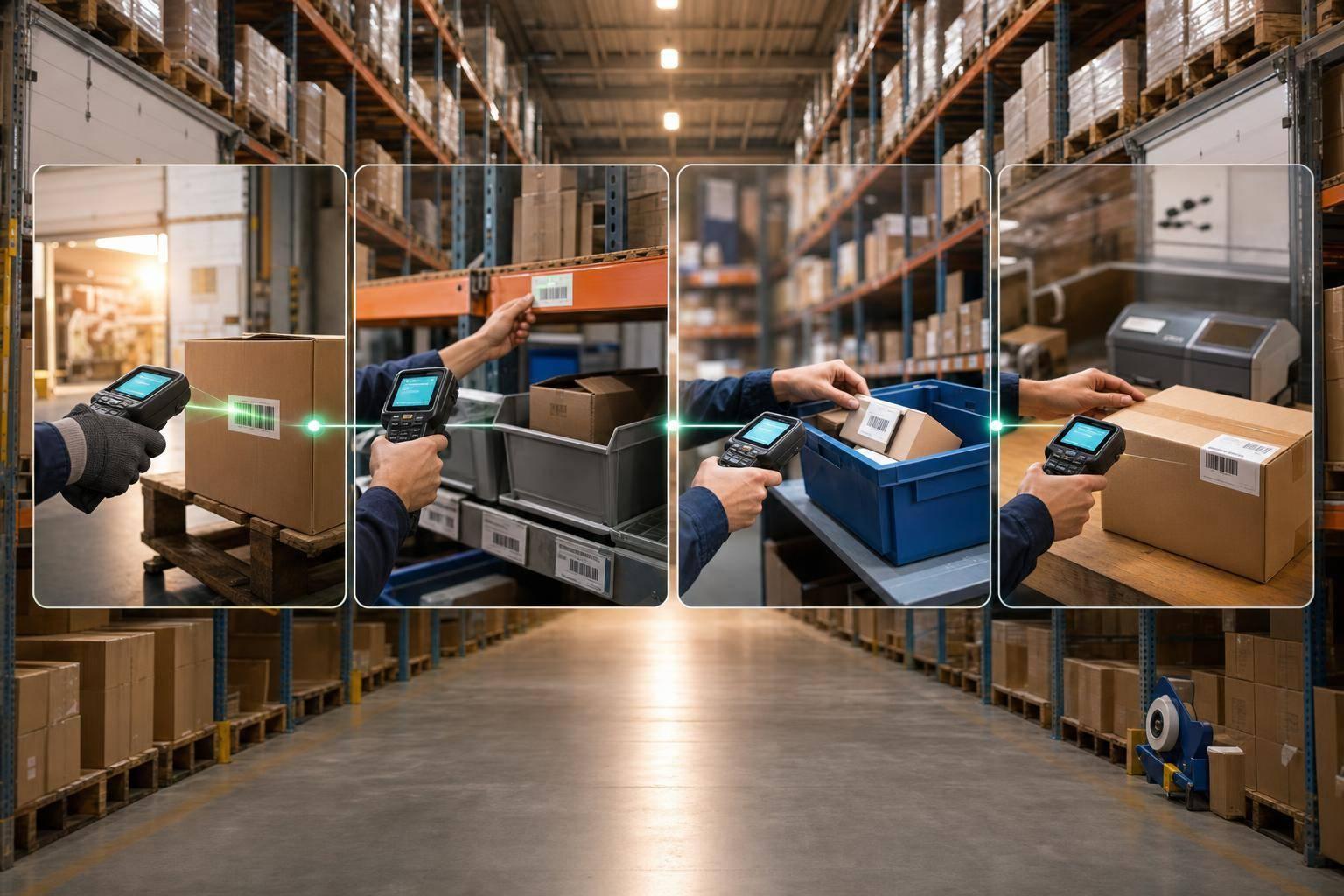
How Barcode Scanning Improves Warehouse Workflows
Cut errors and labor by scanning at receiving, putaway, picking, and packing to keep inventory accurate in real time.

June 12, 2026
Best Practices for Multi-Warehouse Inventory Tracking
One live inventory across sites: log transfers as in-transit, standardize bins and SOPs, set site-specific reorder points and scan moves.

June 11, 2026
Best Practices for Remote Warehouse Tracking
Use cloud tracking, mobile scanning, cycle counts, and QuickBooks sync to keep multi-location inventory accurate in real time.

June 10, 2026
Mobile Shelving vs. Static Shelving: Key Differences
Choose shelving by pick frequency and space: mobile shelving maximizes density and ROI; static shelving favors speed and low cost.
June 9, 2026
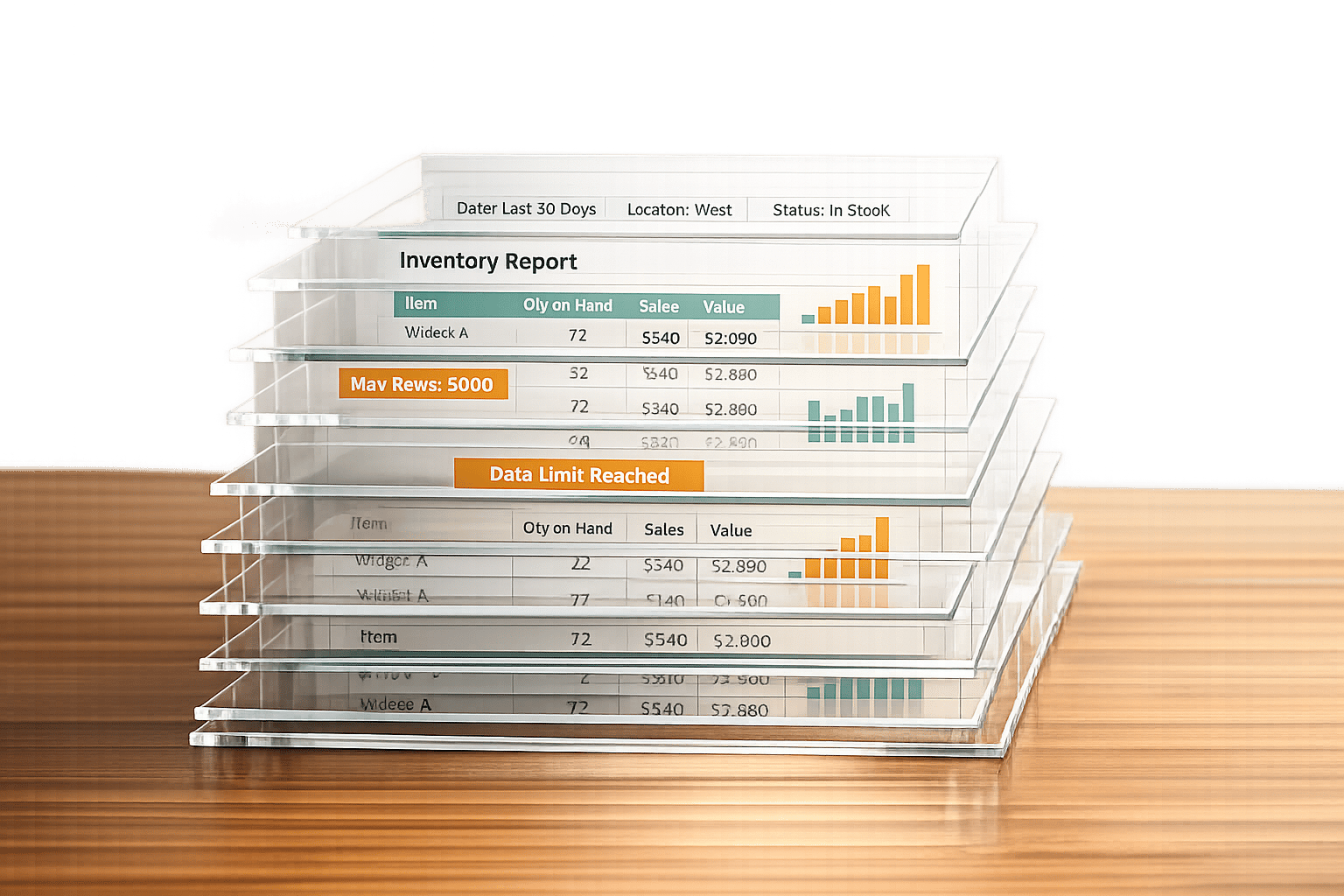
Why Real-Time Reports Fail in QuickBooks
QuickBooks Desktop can't provide accurate real-time inventory due to data corruption, large files, filter errors, and design limits.
June 8, 2026
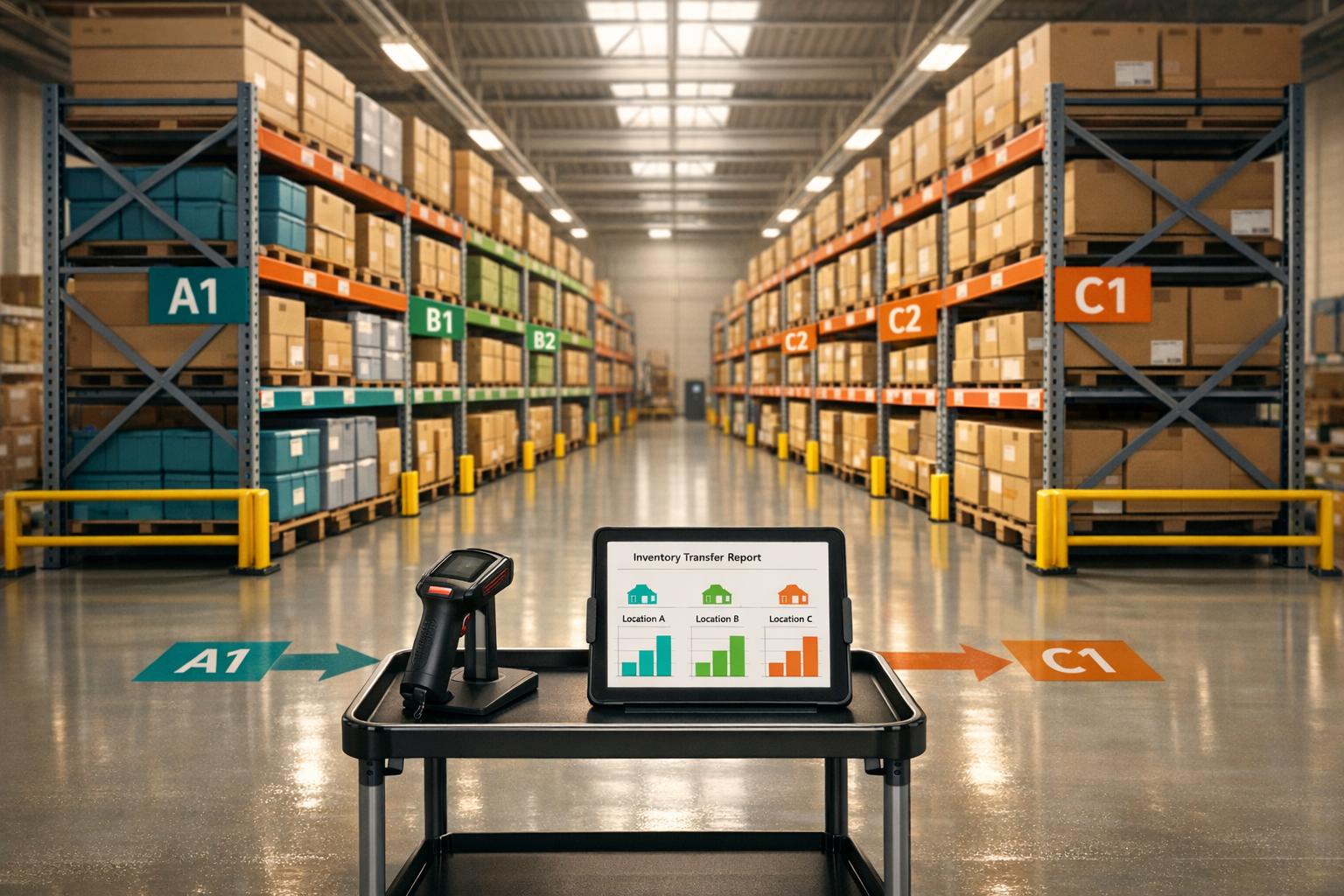
QuickBooks Desktop: Multi-Location Inventory Best Practices
Manage multi-location inventory in QuickBooks Desktop Enterprise: setup sites/bins, transfers, cycle counts, and location reports.
June 7, 2026
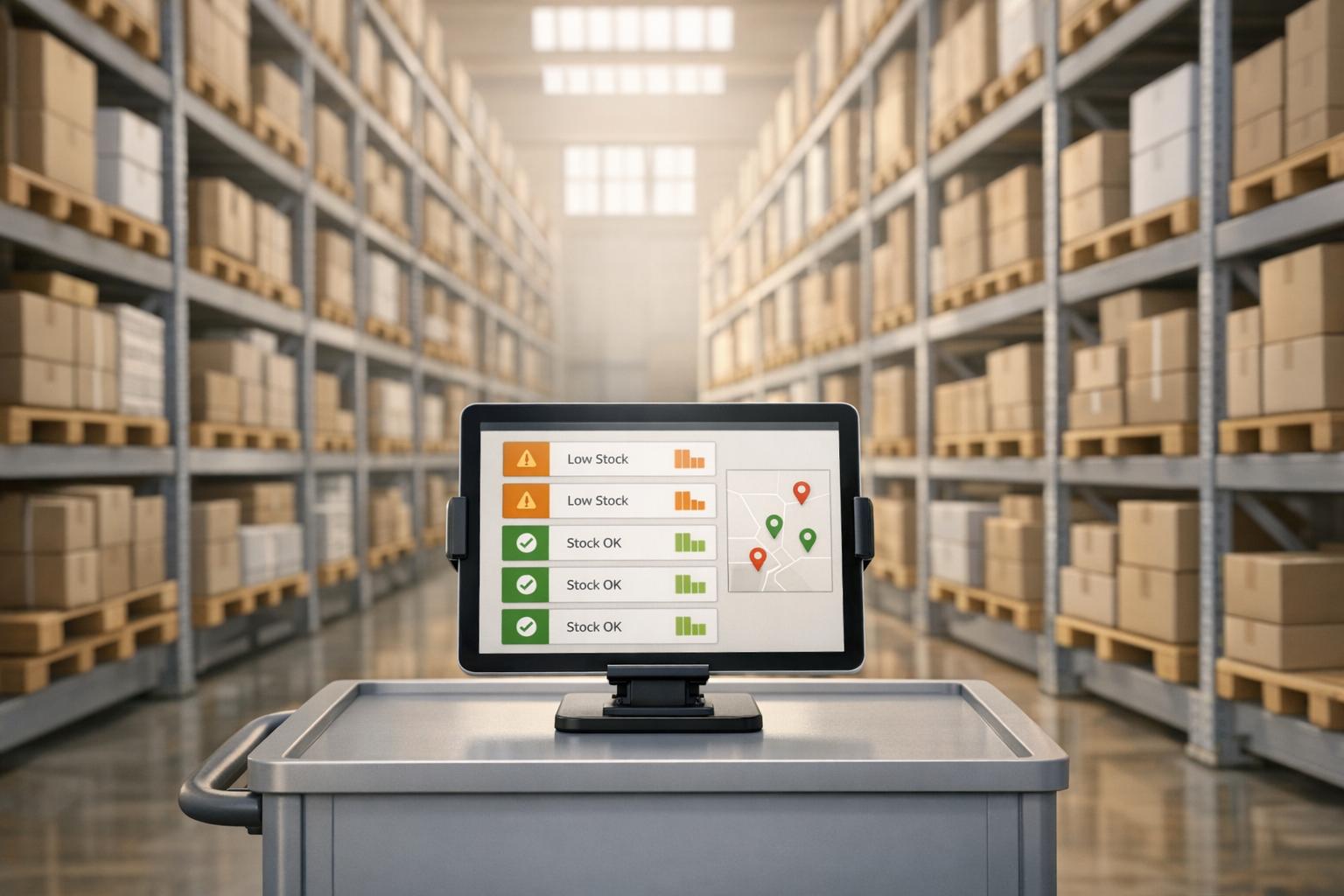
5 Benefits of Inventory Alerts for QuickBooks Users
Automated inventory alerts move QuickBooks users from reactive restocking to proactive, accurate, multi-location inventory control.
June 6, 2026
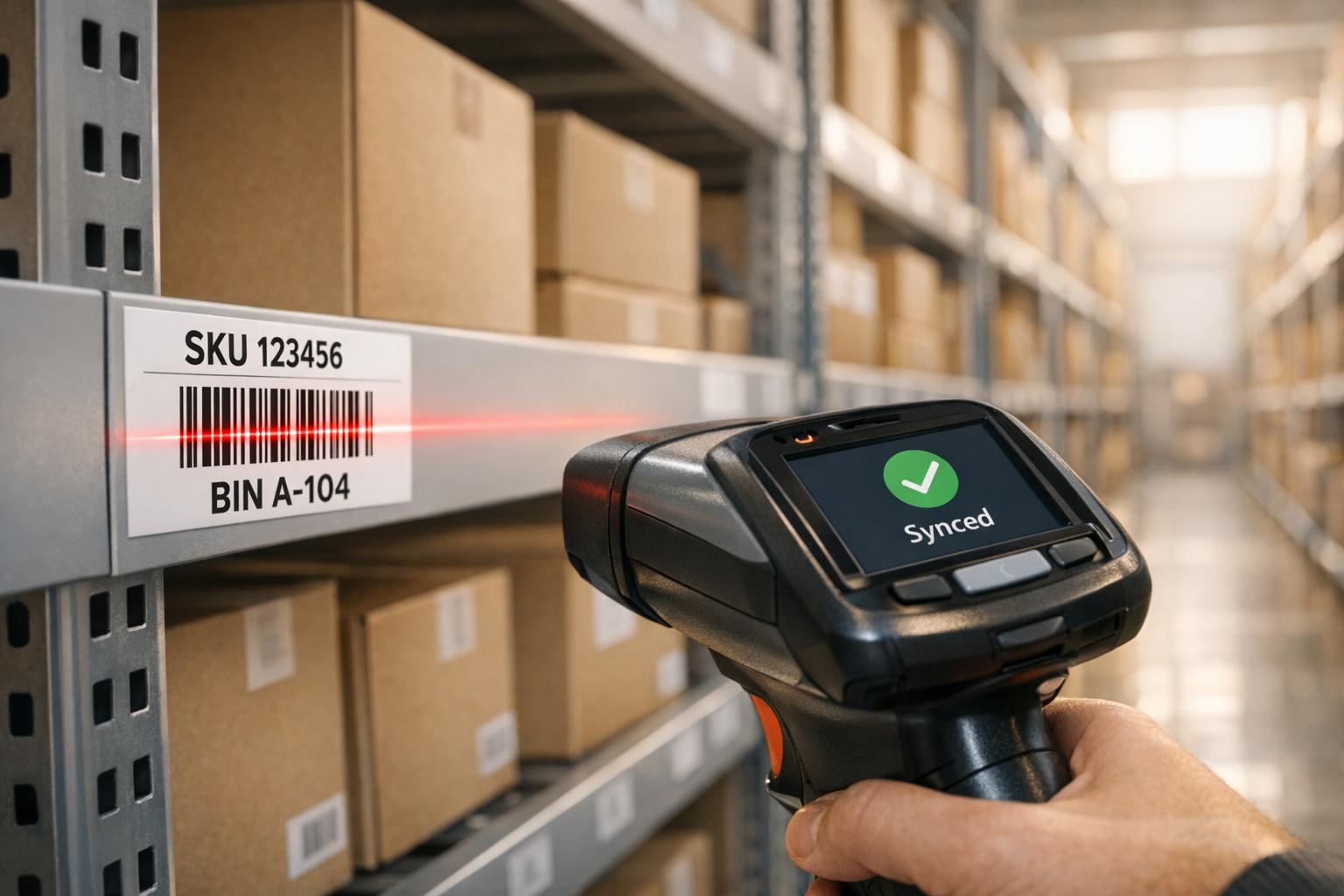
How Barcode Scanning Improves Cycle Counting Accuracy
Speed up cycle counts and raise inventory accuracy with barcode scanning, real-time QuickBooks sync, and clear labeling and workflows.

June 5, 2026
Mobile Barcode Scanning: Benefits for Warehouse Operations
Streamline warehouse operations with mobile barcode scanning: faster scans, real-time inventory, fewer errors, and rapid ROI.

June 4, 2026
10 Inventory Control Policies for Small Businesses
Ten practical inventory control policies to help small businesses cut stockouts, reduce shrinkage, and improve accuracy.
June 3, 2026
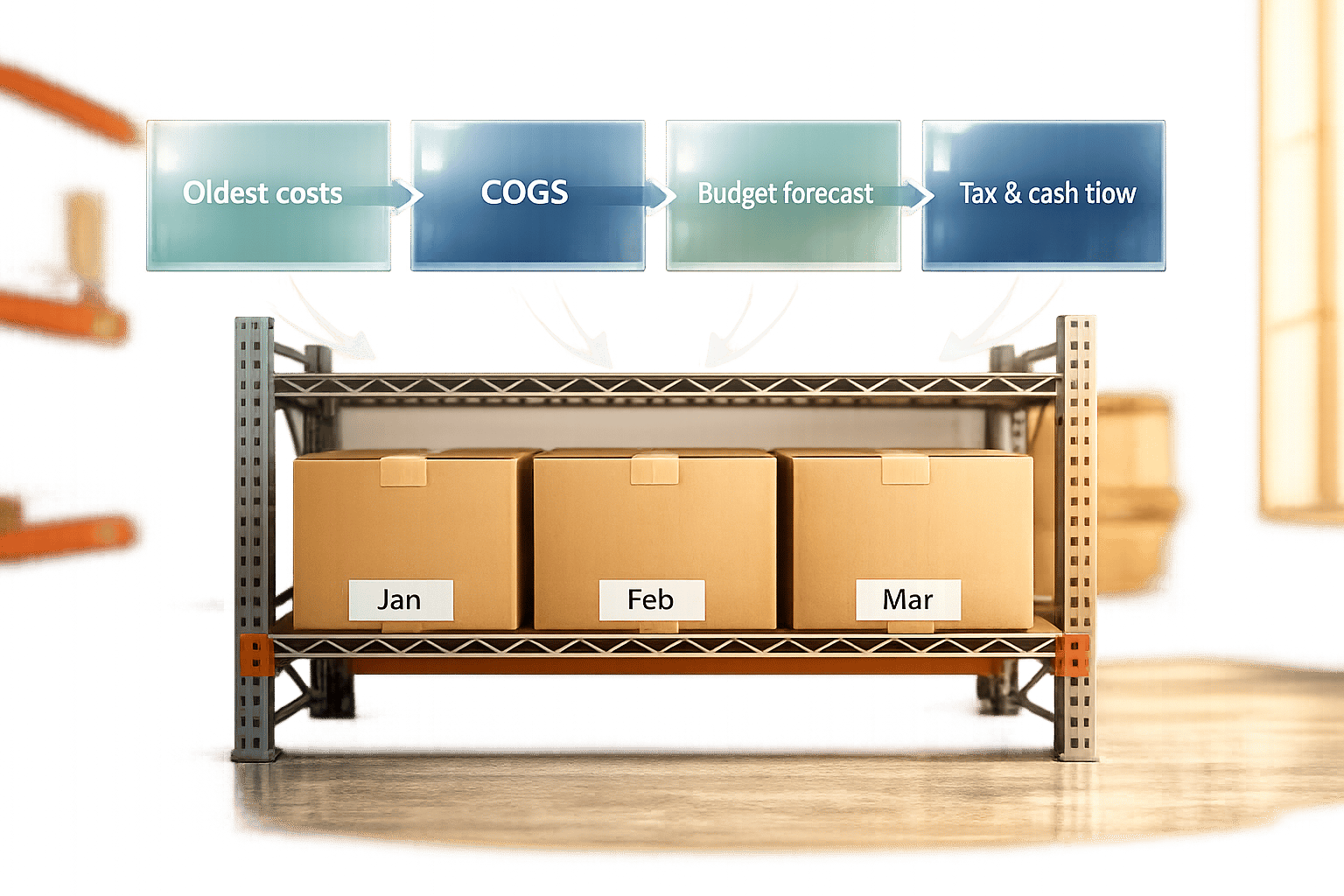
How FIFO Helps Budget Inventory Costs
How FIFO assigns oldest costs to COGS, improves budget accuracy, reveals tax and cash-flow impacts, and needs correct warehouse processes.
June 2, 2026
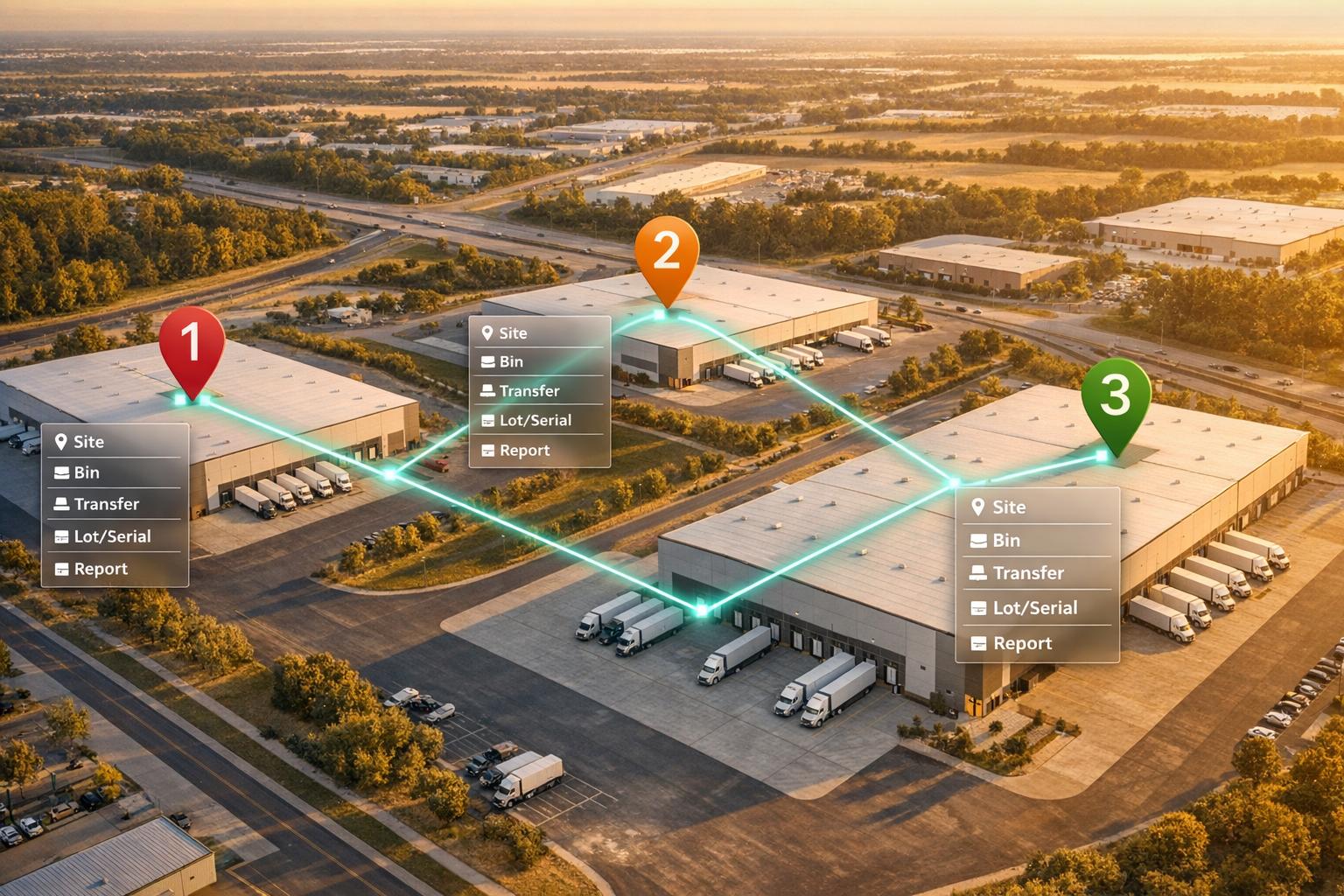
How Multi-Warehouse Tracking Works in QuickBooks
Set up and manage multi-warehouse inventory in QuickBooks Desktop Enterprise, including sites, bins, transfers, lot/serial tracking, and reports.

June 1, 2026
QuickBooks Desktop vs. Enterprise for Inventory Growth
Basic desktop accounting stalls growth when SKUs, users, or locations exceed limits—enterprise inventory tools scale operations.
June 1, 2026
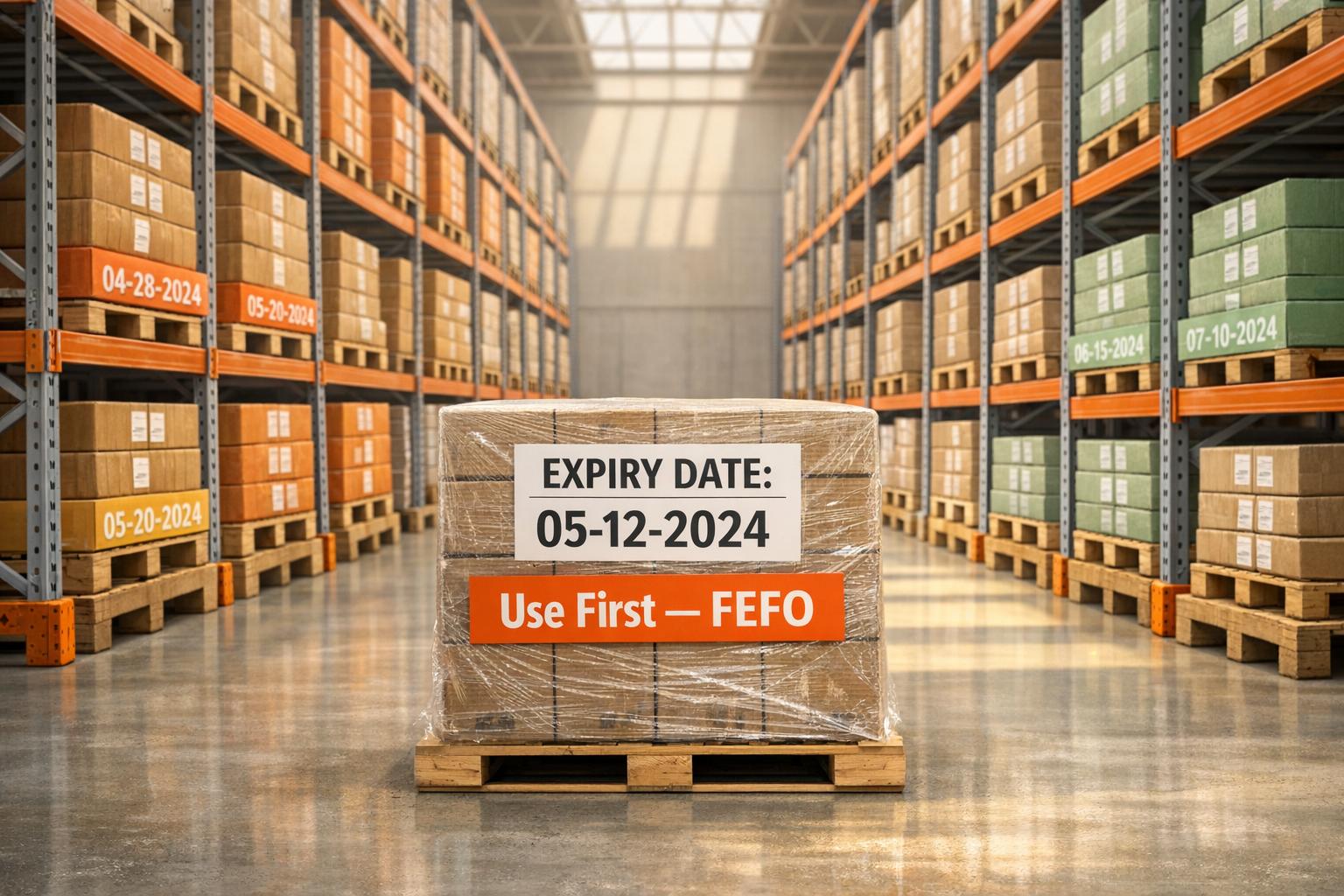
Top 7 Benefits of Using FEFO in Warehousing
Expired stock is avoidable — FEFO prioritizes items by expiration to cut waste, boost quality and ensure compliance.

May 30, 2026
Cycle Counting vs. Full Audits
Compare cycle counting and full physical audits: pros, cons, workflows, and when to use each for accurate inventory and compliance.

May 29, 2026
How Mobile Apps Simplify Inventory Tracking
Mobile inventory apps replace spreadsheets with barcode scanning, real-time sync, and multi-site tracking to speed and improve accuracy.
May 28, 2026
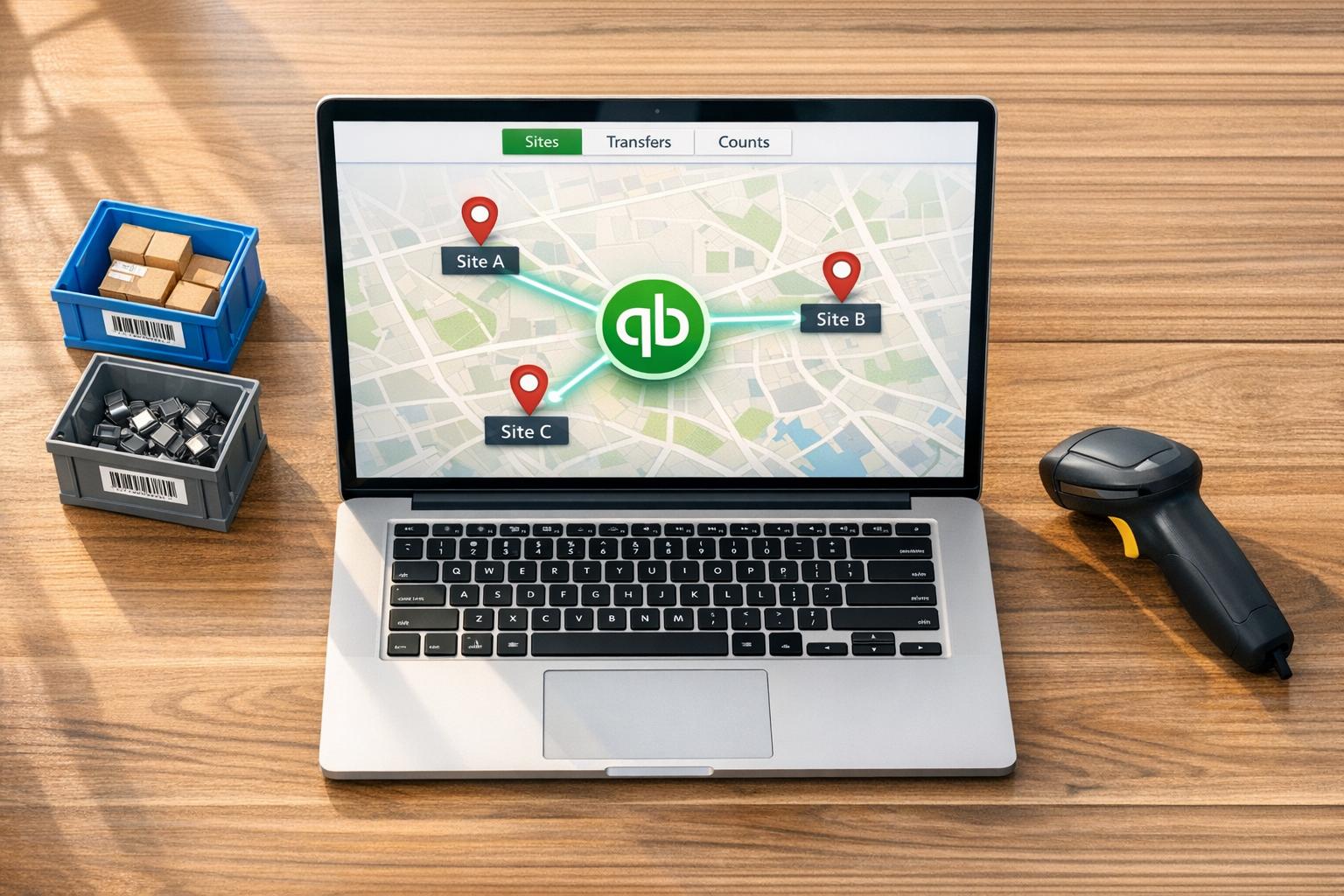
How Multi-Location Inventory Syncs with QuickBooks
Set up and sync multi-location inventory in QuickBooks Desktop: enable Advanced Inventory, map sites, verify transfers, reconcile counts.

May 27, 2026
Cycle Counting Tips for QuickBooks Desktop Users
Cycle counting guide for QuickBooks Desktop: prep, use mobile scanning or Excel, reconcile variances, and improve inventory accuracy.

May 26, 2026
How Barcode Scanning Automates Inventory Updates
Barcode scanning replaces manual entry to update inventory in real time, reduce errors, and sync warehouse activity with accounting.

Best inventory management software for Quickbooks Desktop