
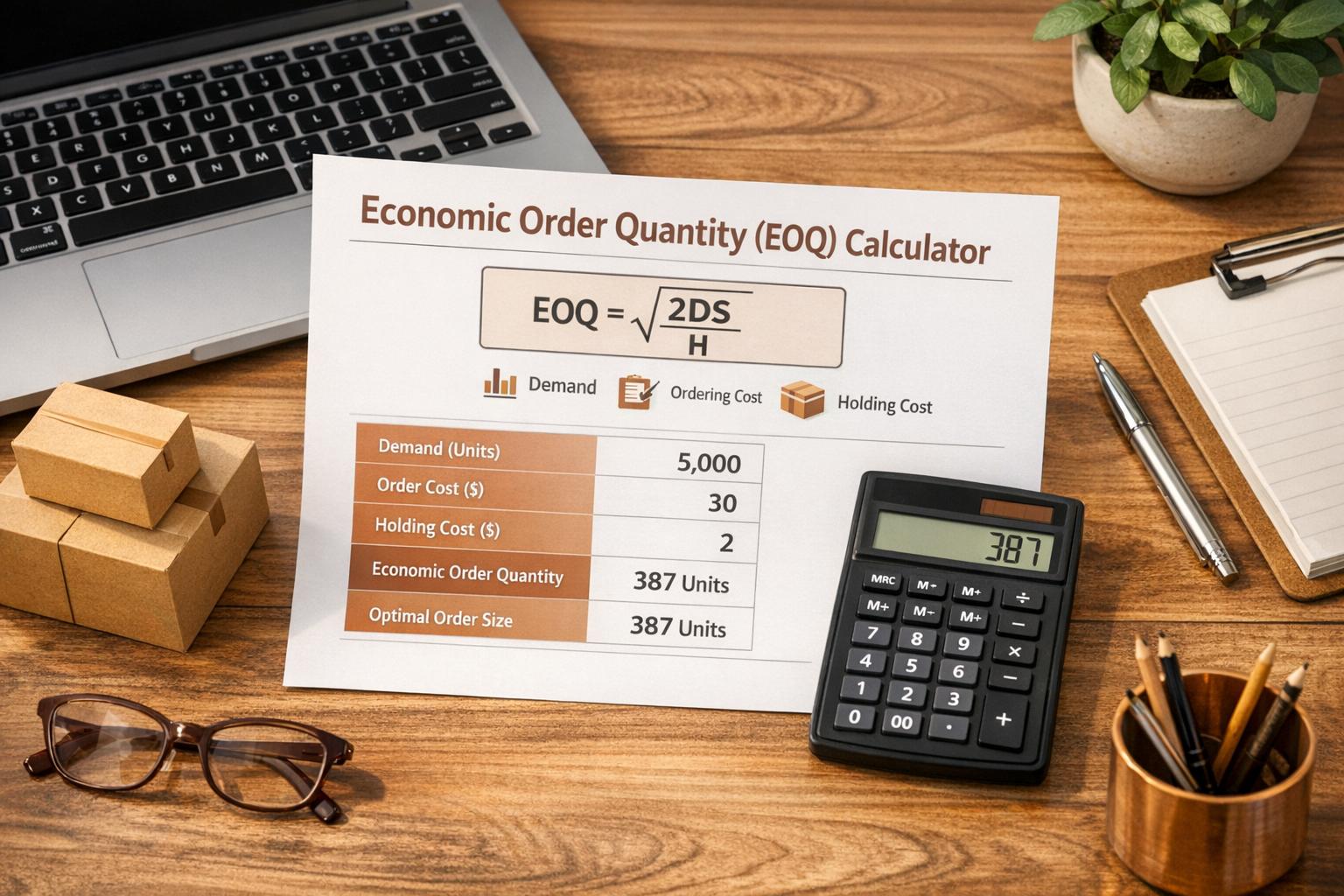
Optimize Your Inventory with an Economic Order Quantity Calculator
Managing inventory can feel like walking a tightrope. Order too much, and you’re stuck with high storage costs; order too little, and you’re constantly shelling out for reorders. That’s where a tool to calculate the ideal order size comes in handy. It’s a simple yet powerful way to keep your business running smoothly without draining your budget.
Why Balancing Costs Matters
Every business dealing with physical goods faces the challenge of balancing expenses. The cost of placing an order—think shipping or administrative fees—adds up quickly if you’re reordering often. On the flip side, holding onto excess stock means paying for warehouse space, insurance, or even spoilage. Finding the right order quantity helps you minimize these combined costs, freeing up cash for other priorities. A smart calculator designed for this purpose uses a proven formula to pinpoint the exact number of units you should order each time.
Take Control of Your Operations
Whether you’re a small retailer or a growing manufacturer, inventory efficiency is key to staying competitive. By using a tool to optimize your order size, you’re not just saving money—you’re also reducing stress. Make data-driven decisions and watch your operations thrive with this practical solution.
FAQs
What exactly is Economic Order Quantity (EOQ)?
EOQ is a formula that helps businesses figure out the ideal number of units to order at one time. It strikes a balance between the cost of placing orders and the cost of storing inventory. Basically, it’s about ordering just enough to keep things running smoothly without wasting money on extra stock or frequent reordering. Think of it as the sweet spot for cost efficiency!
Why should I care about calculating EOQ for my business?
If you’re managing inventory, EOQ can save you a ton of cash. Ordering too much means you’re stuck with storage costs and tied-up capital, while ordering too little leads to frequent, pricey reorders. Using this calculator, you get a clear number to work with, helping you make smarter decisions and keep your budget in check. It’s especially handy for small businesses or anyone with tight margins.
What if my demand or costs change over time?
That’s totally normal—business isn’t static! If your annual demand, ordering costs, or holding expenses shift, just come back and plug in the new numbers. This tool recalculates your EOQ instantly, so you’re always working with the most up-to-date info. It’s a flexible way to adapt to seasonal trends or unexpected changes without breaking a sweat.



