
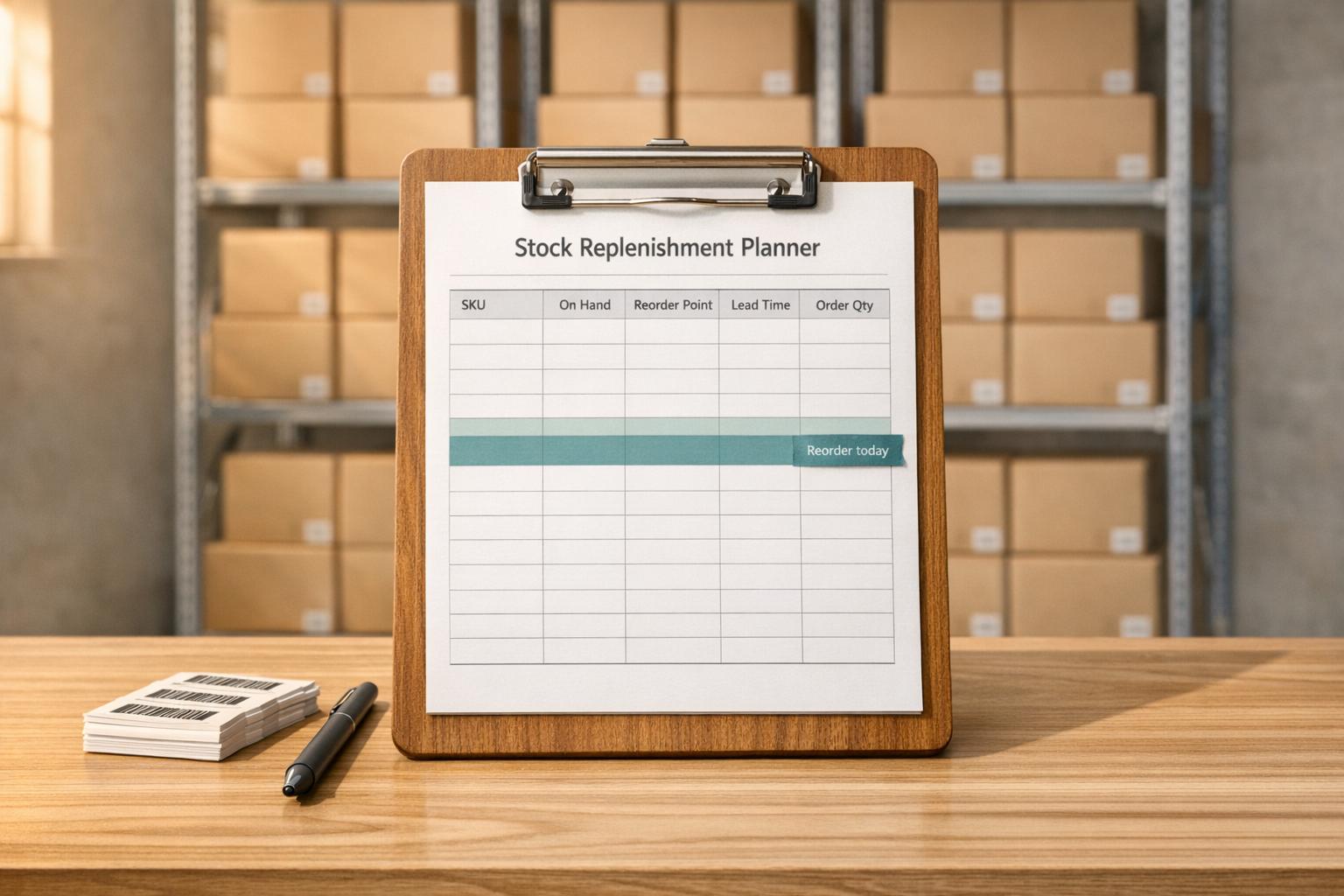
Optimize Your Inventory with a Stock Replenishment Planner
Running a business means juggling a lot of moving parts, and inventory management is often one of the trickiest. Keeping the right amount of stock on hand can make or break your operations. That’s where a tool like our Stock Replenishment Planner comes in handy. It’s designed to help inventory managers and small business owners figure out the perfect time to reorder, ensuring you’re never caught short or stuck with excess goods.
Why Inventory Planning Matters
Poor stock management can lead to lost sales, frustrated customers, or tied-up capital in unsold products. By using a dedicated inventory optimization tool, you can calculate critical metrics like reorder points and timing with ease. This means you’ll know exactly when to restock based on real data—your daily sales, lead times, and buffer levels. It’s not just about avoiding shortages; it’s about running a lean, efficient operation.
Take Control of Your Supply Chain
Whether you’re managing a retail store or a warehouse, having a reliable system to track and plan stock levels is a game-changer. Stop guessing and start planning with a solution that simplifies the process. Try it today and see the difference!
FAQs
What is a reorder point, and why does it matter?
A reorder point is the stock level at which you should place a new order to avoid running out. It’s calculated based on your average daily sales, the time it takes for new stock to arrive (lead time), and any safety stock you want as a buffer. Knowing this number is crucial because it helps you maintain a steady supply without over-ordering, saving both time and money.
How do I determine my average daily sales?
To find your average daily sales, look at your sales data over a specific period—say, a month or a quarter—and divide the total units sold by the number of days in that period. If your sales fluctuate a lot, consider using a shorter, more recent timeframe for accuracy. This tool relies on that number to give you precise reorder timing, so try to keep it updated.
What if I don’t have a safety stock level?
No worries at all! Safety stock is just an optional buffer to protect against unexpected demand spikes or delays. If you don’t have one or aren’t sure what to set, leave it at zero. The tool will still calculate your reorder point and timing based on your other inputs, keeping things straightforward.



