
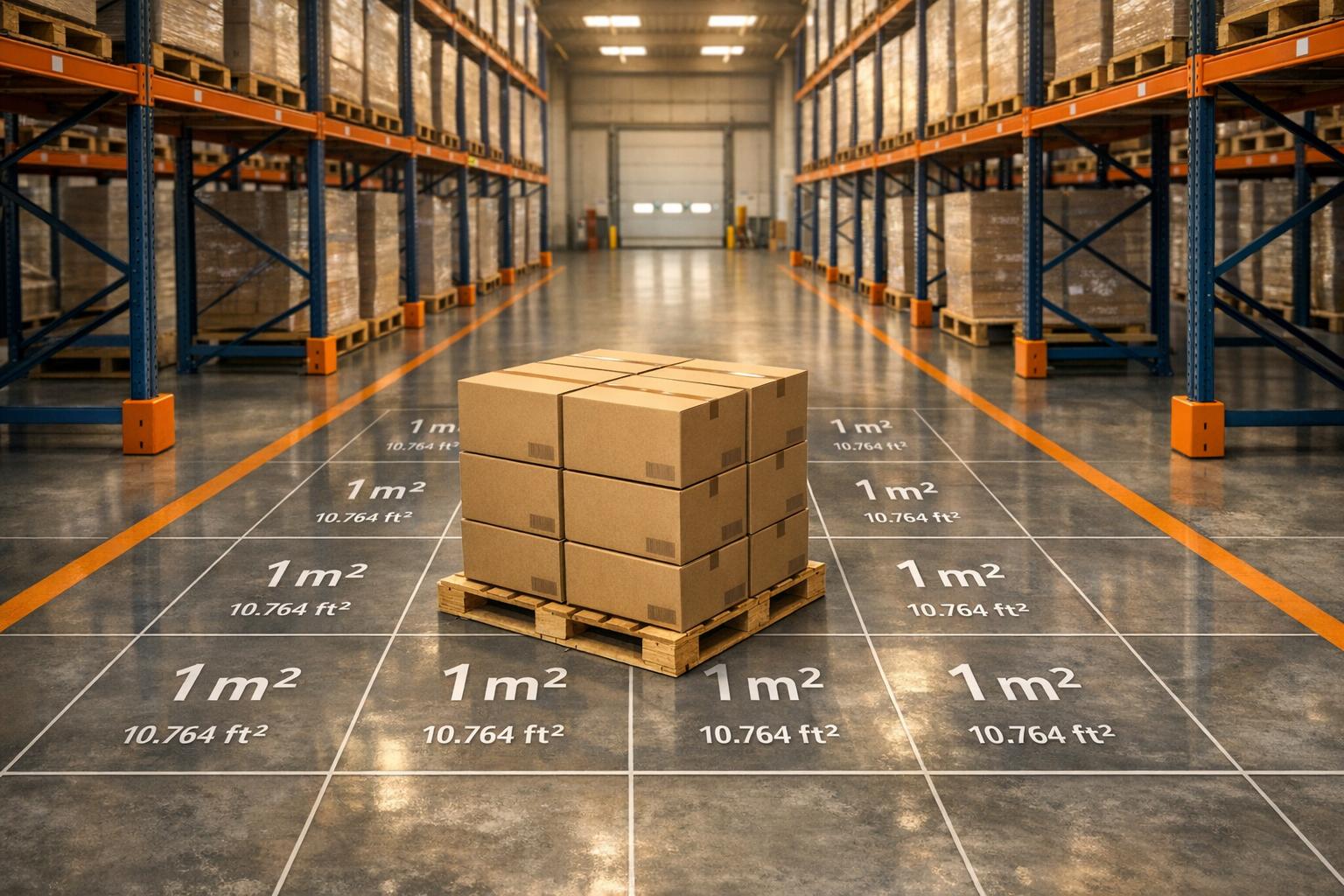
Optimize Your Logistics with a Warehouse Space Converter
Running a warehouse means juggling a lot of details, from inventory to layout. One key challenge? Figuring out how much storage room you’ve got when measurements are in different units. That’s where a reliable tool for converting storage space comes in handy. Whether you’re switching between square feet and square meters or estimating how much room each pallet takes up, having accurate calculations can save you time and prevent costly missteps.
Why Space Planning Matters
In logistics, every inch of floor area counts. Misjudging your available room can lead to overcrowded aisles or wasted space—both of which hurt efficiency. A quick way to translate measurements ensures you’re making the most of your facility. Plus, if you’re coordinating with international partners, unit conversions become even more critical to avoid confusion. Beyond just numbers, smart planning tools help you visualize how many units fit comfortably, streamlining operations. So next time you’re mapping out a new layout or reassessing capacity, don’t guess. Use a dedicated utility to get precise, actionable insights for your storage needs.
FAQs
How accurate is this warehouse space converter?
Our tool uses standard conversion rates, like 1 square foot equals 0.092903 square meters, to ensure precision. Results are rounded to two decimal places for clarity, so you can trust the numbers when planning your storage layout. If you’re dealing with odd measurements, just double-check your input, and the tool handles the rest!
Can I use this tool for non-pallet storage units?
Absolutely! While we often mention pallets since they’re common in logistics, the ‘number of storage units’ field works for anything—crates, boxes, or bins. Just pop in the total count, and it’ll calculate the space per unit based on the converted area. It’s flexible for whatever you’re storing.
What if I enter a negative area or zero units?
No worries—we’ve built in validation to catch that. If you try entering a negative or zero value for area, you’ll get a friendly message like ‘Area must be a positive value.’ Same goes for storage units if you include them. It’s just a little nudge to keep your inputs realistic!



