
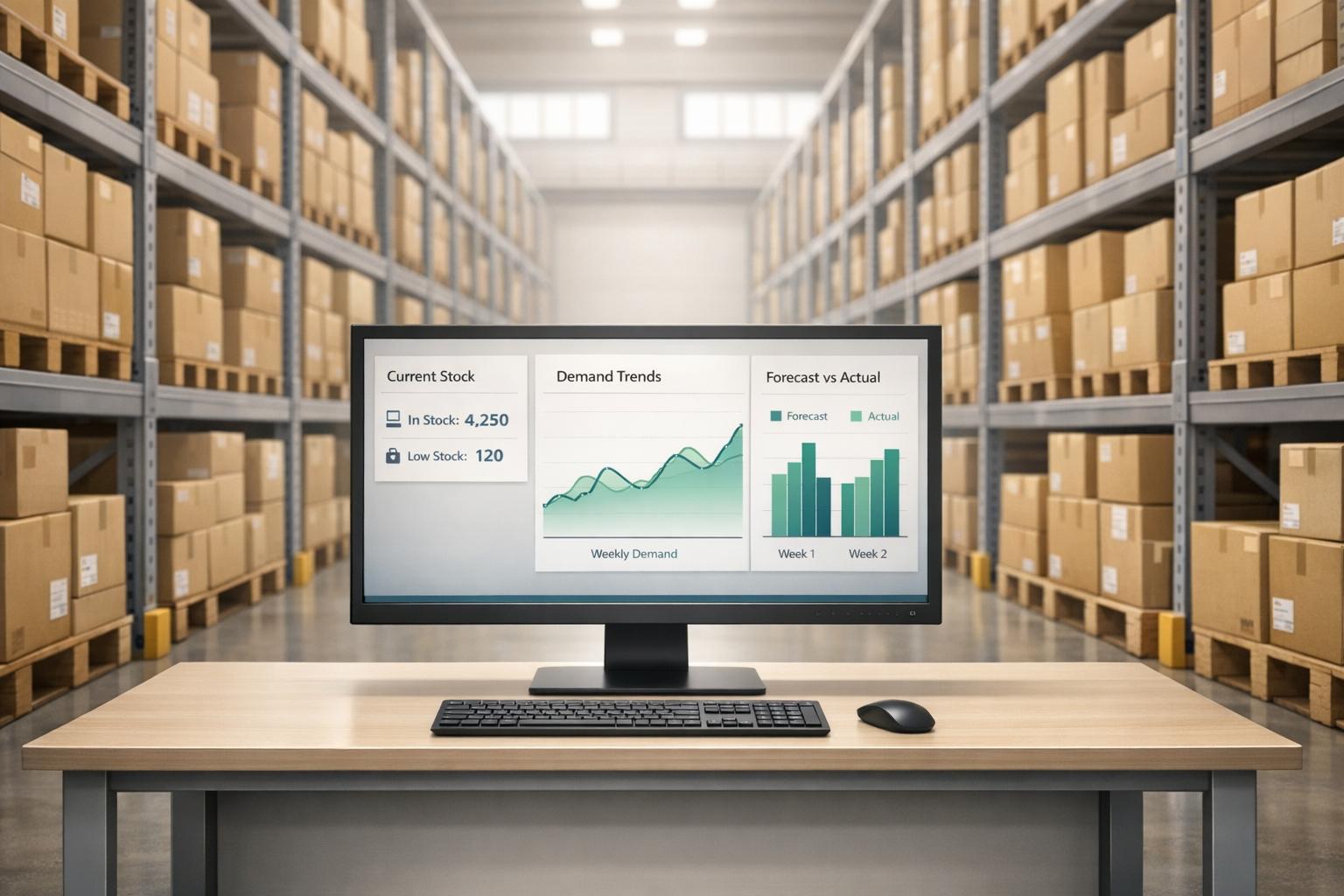
Real-time data is transforming inventory management by eliminating delays, reducing errors, and ensuring accurate forecasts. Unlike outdated methods that rely on periodic updates or manual counts, real-time systems provide instant updates on stock movements, helping businesses avoid stockouts, reduce excess inventory, and make smarter purchasing decisions. Here's what you need to know:
- Outdated Methods Struggle: Older systems often relied on batch updates and manual processes, leading to inventory mismatches, delays, and costly errors.
- Real-Time Advantages: Instant updates from tools like RFID tags and mobile scanners improve accuracy, cut error rates by 25–30%, and enhance visibility by over 60%.
- Key Benefits:
- Improved forecast accuracy by 5–10%, reducing revenue loss from stockouts.
- Lower excess inventory by 25–30%, freeing up capital and cutting storage costs.
- Faster order processing and better demand planning using live sales data.
- Practical Tools: QuickBooks Desktop users can integrate inventory systems like Rapid Inventory for two-way syncing, mobile barcode scanning, and real-time reporting.
Real-time systems not only streamline operations but also strengthen supplier relationships and improve customer satisfaction by ensuring accurate stock levels and timely order fulfillment.

Real-Time Inventory Data: Key Benefits and Impact Statistics
Learn About Forecasting in QuickBooks Desktop

sbb-itb-19ed50f
Problems with Older Inventory Forecasting Methods
Older inventory forecasting methods relied on periodic updates, leaving planners to work with outdated information while new disruptions were already unfolding. Ed Danielov, author of Perfect Planner, explains it clearly:
"Planners are left reacting to yesterday's information when today's disruptions are already in motion".
A 2023 survey revealed that 61% of supply chain leaders felt their planning tools couldn't support real-time decision-making. Without up-to-date data, businesses struggled to handle sudden demand surges from viral trends, unexpected supplier delays, or weather-related disruptions. By the time systems updated, the damage was often done - resulting in stockouts that hurt sales or overstocked warehouses that drained resources. These outdated methods introduced significant risks to operations.
Delayed Updates and Inaccurate Data
Batch updates caused what experts call "inventory latency" - a gap where physical stock changes occur but aren't reflected in the system for hours or even days. For example, a product might appear "available" on a dashboard when it's already been sold, shipped, or relocated. This mismatch leads to rushed shipping, missed service-level agreements (SLAs), and frustrated customers.
Even a 2- to 3-hour delay during busy periods can result in missed shipments and penalties that eat into profit margins. Traditional tools like spreadsheets can't handle the fast-paced data streams or complex interconnections modern businesses require. To manage the uncertainty, companies often overcompensate by maintaining large "safety stock" reserves, which not only tie up capital but also increase the risk of items becoming obsolete.
Higher Risk of Errors
Timing delays aren’t the only problem - manual processes add another layer of risk. Stock counts and data entry done by hand are prone to mistakes, leading to discrepancies between system records and actual inventory. Employees waste valuable time searching for items that should be on the shelf or fixing mismatches caused by outdated updates. These errors erode trust in the data, making accurate forecasting nearly impossible. After all, forecasts can only be as reliable as the data they’re built on, and outdated or incorrect data leads to flawed predictions.
Benefits of Real-Time Data in Inventory Forecasting
Real-time data transforms inventory forecasting from a reactive process into a proactive strategy. By providing constant insight into stock movements, it eliminates the blind spots often associated with traditional methods. This shift leads to greater accuracy, improved demand planning, and better cost management.
Better Forecast Accuracy
When every transaction - whether it's a sale, transfer, or receipt - is captured instantly, all systems, from warehouse management platforms to e-commerce storefronts, stay aligned. This "single source of truth" minimizes reconciliation issues and allows managers to detect discrepancies immediately instead of hours later. Even a slight improvement of 5–10% in forecast accuracy can significantly reduce revenue losses from stockouts during high-demand periods. Such precision supports smarter purchasing decisions and more efficient inventory control.
Better Demand Planning
Real-time data enables forecasting models to incorporate live sales figures and external factors. AI-driven tools can analyze current sales trends alongside variables like weather or promotional events to anticipate demand changes before they happen. For example, Amazon used an AI forecasting model to refine regional demand estimates by 20%. This adjustment allowed the company to place inventory closer to customers, cutting delivery times and reducing last-mile distances. Additionally, 78% of warehouse operators report improved order fulfillment, and 41% note faster order processing when leveraging real-time data. These advancements make supply chain operations more responsive and efficient.
Lower Costs and Less Waste
With continuous visibility into inventory, businesses can maintain optimal stock levels without relying on costly safety buffers. Tracking inventory movements in real time can reduce excess stock by 25–30%, freeing up working capital and lowering storage costs. Emergency orders, which are often expensive, can also be cut by about 25% with live replenishment data. For perishable goods, the impact is even greater. Walmart, for instance, partnered with Avery Dennison to use RFID tracking for fresh products like meat and bakery items. This system gave teams immediate access to stock levels and expiration dates, enabling faster turnover and smarter markdowns. These efforts align with Walmart's goal to cut food waste by 50% by 2030. Additionally, managers can quickly identify slow-moving products and adjust purchasing or promotional strategies to minimize waste and write-offs. These operational improvements make real-time data integration a practical choice for systems like QuickBooks Desktop inventory management software.
How to Use Real-Time Inventory Data in QuickBooks Desktop
Leveraging real-time inventory data in QuickBooks Desktop can significantly improve forecasting. By integrating dedicated inventory software with QuickBooks, you can transform static data into live updates that sync instantly. Here's how to make it work.
Connecting Inventory Management Tools with QuickBooks
The key to real-time inventory tracking in QuickBooks Desktop lies in two-way synchronization. This ensures that items, orders, and stock levels update automatically in both your inventory system and QuickBooks. Most integrations rely on the QuickBooks Web Connector for secure data exchange.
For example, Rapid Inventory integrates seamlessly with QuickBooks Desktop Enterprise, Pro, and Premier. The setup typically takes about a week and follows these steps:
- Days 1–3: Discovery and migration planning.
- Days 4–5: Staging, which includes creating users, mapping warehouses, and preparing the Web Connector.
- Days 6–7: Establishing the live connection and conducting team training.
This centralized setup supports multi-location tracking, triggers reorder alerts specific to each site, and improves demand forecasting by using actual turnover rates instead of estimates. As Nicholas G., a business owner, shared:
"Onboarding was very smooth".
Using Mobile Barcode Scanning
Mobile barcode scanning bridges the gap between physical inventory movements and system updates. When warehouse staff scan items during receiving, picking, or transfers, the data instantly syncs with QuickBooks through the two-way connection. This automation ensures your forecasting reports are always up to date.
To implement this, your barcode scanners must support EAN-13 and Code-128 formats and include a single carriage return per scan. In busy operations, staff can use mobile devices to verify items, locations, and quantities in real time. Fernanda C., Director of Operations, explained:
"Using it since 2015, we especially love the barcode scanning and mobile picking and we've implemented it for all our warehouse operations".
Regular cycle counts with mobile scanning can enhance inventory accuracy to around 97%. This level of precision directly impacts forecasting by ensuring your purchasing decisions are based on verified stock levels, not assumptions.
Training Your Team
Once the system is integrated and real-time data is flowing, team training becomes essential. Training typically occurs during Days 6–7 of the integration process, after the QuickBooks Web Connector is set up and data migration is complete.
Focus training on specific workflows like receiving, picking, mobile barcode scanning, and cycle counting. Teach staff how to use mobile scanners to confirm locations and quantities, and explain why pausing transactions during cycle counts ensures the sync reflects physical stock accurately. Role-based access can also help reduce errors by limiting functions to relevant users.
As Jacob, a CEO, noted:
"My team was up and running in a few days. Very straightforward and easy to use".
Hands-on practice with real workflows, supported by clear documentation and videos, helps minimize errors and ensures your team gets the most out of the system. A well-trained team is key to maintaining accurate real-time data, which in turn sharpens forecasting and improves purchasing decisions.
Using Real-Time Reports for Better Purchasing Decisions
Real-time inventory reports take the guesswork out of purchasing, turning it into a process guided by data. Instead of relying on outdated stock counts, these reports let you track sales velocity - how quickly products are selling - so you can predict demand more accurately and adjust orders before running out of stock. They also provide insight into actual lead times, helping you account for supplier delays when calculating reorder points. This connection between forecasting and purchasing allows for quicker, more precise adjustments to order quantities.
Adopting a data-driven purchasing approach can lead to an 18% reduction in excess inventory and a 40% drop in stockout incidents. Despite these benefits, only 22% of businesses currently operate with a proactive supply chain network. This gap presents a significant opportunity for companies ready to embrace real-time insights.
Preventing Overstock and Stockouts
Real-time stock visibility is key to avoiding the extremes of overstocking and stockouts. By continuously monitoring inventory turnover, you can identify slow-moving items and avoid overstocking them, while also flagging high-demand products to ensure they remain available. This ongoing process keeps capital from being tied up in unsold inventory while ensuring popular items are always on hand.
Dynamic reorder point (ROP) calculations take into account current demand, usage trends, and safety stock levels based on lead times. Dashboards displaying metrics like "days of inventory on hand" and "aging inventory" help prevent wasted capital. Xinrun Han, Marketing Manager at Mailgo, highlighted the benefits of this approach:
"By leveraging historical sales data, you shift from reactive purchasing to a more predictive strategy, allowing you to control your inventory levels better, optimize your cash flow, and serve your customers with the right products when they need them most".
Working Better with Suppliers
Real-time reports do more than just balance inventory - they also improve relationships with suppliers. With data-backed, predictable orders, suppliers can plan more effectively, which reduces shipping costs and improves delivery times and product quality. Tracking supplier metrics like on-time delivery and lead time variability gives you the leverage to negotiate better terms. As Hypersonix pointed out:
"Accurate forecasts lead to more predictable and timely orders, enhancing relationships with suppliers and improving supply chain reliability".
If a supplier consistently delays shipments, real-time data can highlight the trend, allowing you to place orders earlier or turn to backup vendors before running into a stockout. Grant Aldrich, Founder and CEO of Preppy, emphasized this point:
"Lead time analysis helps create a system that operates predictably, supporting a smoother purchasing process that balances cash flow with availability".
Rapid Inventory: Real-Time Data Features for QuickBooks Desktop Users
For businesses using QuickBooks Desktop, Rapid Inventory offers tools designed to improve forecasting accuracy by eliminating delays and reducing errors. With its focus on real-time data, the platform helps businesses make smarter purchasing decisions and close forecasting gaps. Over its 17 years of service, Rapid Inventory has supported more than 400 customers, seamlessly integrating with QuickBooks workflows to deliver actionable insights.
Real-Time Reports and Two-Way Sync
Rapid Inventory features an automatic two-way sync with QuickBooks Desktop, including Enterprise, Pro, and Premier versions. This means every warehouse activity - whether it’s receiving, picking, or counting - updates your accounting records instantly. No more waiting for manual updates or dealing with outdated data. The system provides live visibility into stock levels, purchase orders, and sales orders across multiple locations. With this information, you can calculate lead times and detect demand trends more accurately. Research highlights that forecasting models using real-time data improve accuracy by 20–50% compared to static approaches. This seamless flow of data lays the groundwork for advanced tracking capabilities that take forecasting to the next level.
Advanced Tracking and Picking Methods
The platform supports both FIFO (First-In-First-Out) and FEFO (First-Expired-First-Out) picking strategies, ensuring inventory is rotated effectively and forecasts stay on point. Features like lot, serial, and batch tracking offer a detailed view of product movement, helping you understand which items are selling fastest and which batches customers prefer. This granular insight allows for more precise demand predictions. Additionally, the system generates optimized pick lists, guiding warehouse staff through the most efficient routes and pinpointing exact product locations. This approach minimizes picking errors while maintaining the accurate data flow necessary for dependable forecasting.
Mobile Barcode Scanning and Cycle Counting
Mobile barcode scanning takes accuracy a step further by eliminating manual data entry errors. Every scan - whether during receiving, picking, or cycle counting - is instantly recorded in QuickBooks, ensuring your inventory data is always up-to-date. This real-time accuracy is crucial because even small errors in stock counts can lead to poor purchasing decisions. Rapid Inventory also supports cycle counting, allowing for continuous inventory checks throughout the year instead of relying on an annual physical count. Regular cycle counts, combined with mobile scanning, provide a steady stream of accurate data, creating a strong foundation for forecasting models to deliver reliable predictions.
Conclusion
Real-time inventory data takes the uncertainty out of planning. By providing an up-to-the-minute view of stock levels, businesses can spot demand trends, set precise reorder points, and adjust purchasing strategies on the fly. This shift from reactive problem-solving to proactive decision-making reduces stockouts, minimizes overstock waste, and improves cash flow. As Matt Allen from Acctivate Inventory Software explains:
"With all this data at your fingertips, making decisions becomes an exercise in precision. Reorder levels, purchasing decisions, even warehouse staffing - every choice is informed by solid data, not hunches or rough estimates".
For QuickBooks Desktop users, real-time tracking integrates seamlessly into existing workflows. Tools like mobile barcode scanning and automated two-way syncing ensure accurate data flows consistently into your system. This means every inventory movement - from receiving to storage to checkout - is captured in real time, maintaining data accuracy and ensuring forecasts are based on actual inventory activity, not outdated assumptions.
Beyond improving forecasting, real-time data enhances operational visibility. It helps optimize warehouse staffing, strengthens supplier relationships, and improves customer satisfaction by reducing order cancellations. Whether managing a single location or multiple warehouses, the ability to react quickly to inventory changes provides a critical edge in today’s fast-moving market.
FAQs
What is real-time inventory data?
Real-time inventory data provides constantly updated stock information, capturing changes such as sales, shipments, or adjustments the moment they occur. This ensures businesses have an accurate, up-to-date view of their inventory, enabling quicker and more informed decision-making.
How do I set reorder points using live data?
To determine reorder points using live data, rely on real-time inventory tracking and demand insights from your inventory management system. Start by calculating reorder points using three key factors: average daily usage, lead time, and safety stock.
As demand fluctuates, make sure to adjust these points dynamically to stay ahead. Automated alerts can be a game-changer, notifying you the moment stock levels hit the reorder threshold. Regularly reviewing real-time reports helps fine-tune these points, ensuring your inventory stays balanced and stockouts are avoided.
How can QuickBooks Desktop sync inventory in real time?
Businesses can connect their inventory data to QuickBooks Desktop in real time by using inventory management tools like Rapid Inventory. The process includes enabling inventory tracking within QuickBooks, configuring the Web Connector, and completing the onboarding steps. After integration, inventory updates - such as stock levels, shipments, and adjustments - sync instantly across both platforms. This minimizes errors, ensures accurate inventory counts, and supports features like lot tracking and cycle counting, helping streamline operations.



