If you still track stock by hand, barcode scanning can cut errors, save labor time, and keep inventory numbers current. A basic setup can start at a few hundred dollars, and the payoff often shows up within 6 to 12 months.
Here’s the short version:
- Accuracy goes up: manual entry can cause about 1 error per 300 keystrokes, while barcode scanning can drop that to about 1 in 3,000,000 scans
- Receiving and counts take less time: scans take under 1 second, and businesses handling 15,000 items per week may save about 25 labor hours weekly
- Stock updates happen right away: each scan updates quantities and locations, which helps cut stockouts and phantom stock
- Labor costs go down: small businesses report 30% fewer errors and 20% to 30% lower costs
- Tracking gets easier: scans create a time-stamped history for items, lots, serial numbers, and locations
If I had to sum it up in one line: barcode scanning helps you spend less time fixing inventory and more time running the business.
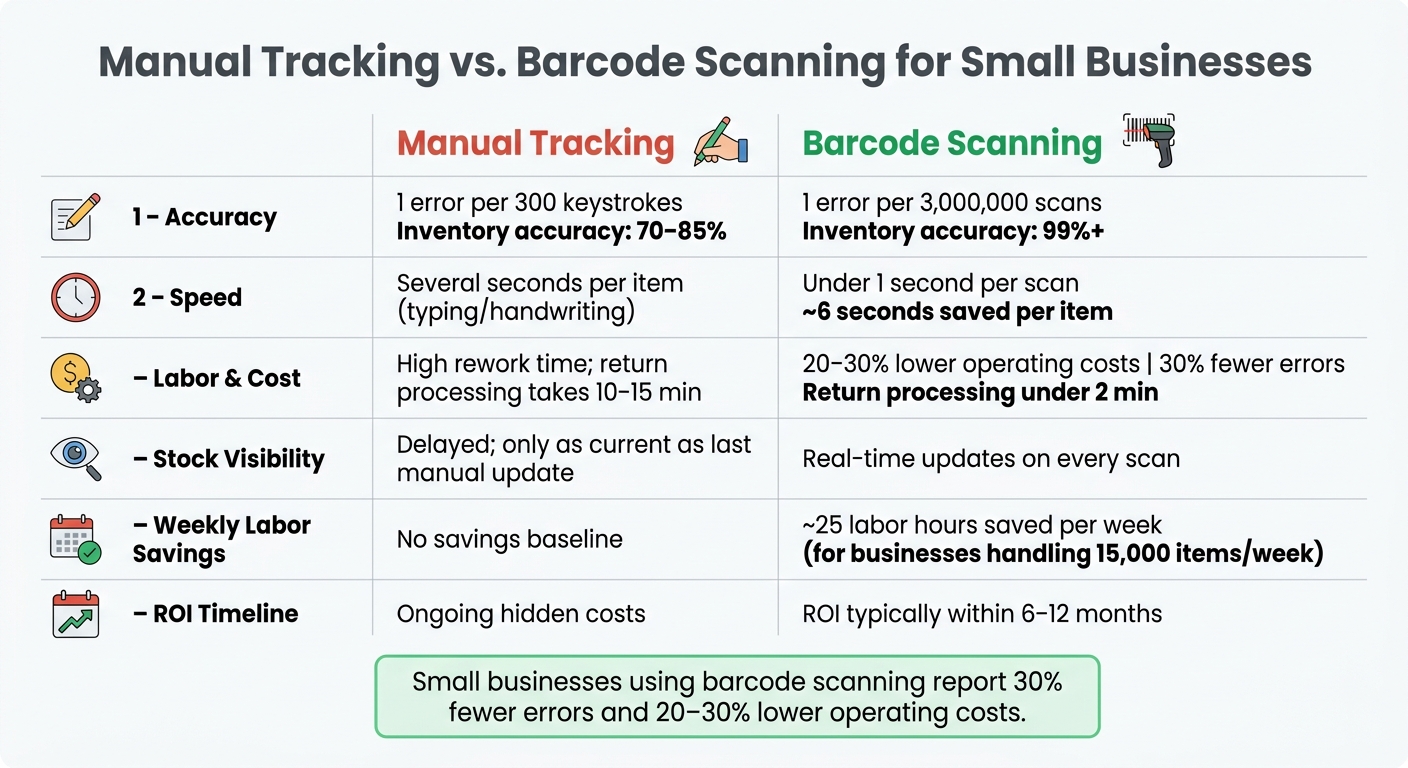
Manual Tracking vs. Barcode Scanning: Key Stats for Small Businesses
Simple and Inexpensive Barcode and Inventory System
sbb-itb-19ed50f
Quick Comparison
| Area | Manual tracking | Barcode scanning |
|---|---|---|
| Accuracy | More typing mistakes | Far fewer entry errors |
| Speed | Slower updates | About 6 seconds saved per item |
| Stock visibility | Often out of date | Updates right away |
| Labor | More time spent fixing issues | Less rework and lower costs |
| Traceability | Harder to audit | Time-stamped scan history |
For a small business, that means fewer inventory problems, less wasted time, and cleaner records without a big upfront cost.
Manual Tracking vs. Barcode Scanning at a Glance
Barcode scanning doesn't just save time. It helps keep your inventory records in line with what's on the shelf.
With manual tracking, small mistakes tend to pile up in the background. One wrong number here, one missed update there, and before long, the records in your system don't match the stock sitting in front of you. That gap gets tougher to fix the longer it sits.
Here's the difference side by side:
| Feature | Manual Tracking | Barcode Scanning |
|---|---|---|
| Accuracy | Mistakes add up quickly | Fewer entry errors and cleaner records |
| Speed | Slow; requires typing or handwriting each entry | Saves about 6 seconds per item scanned |
| Stock Visibility | Delayed; only as current as the last manual update | Real-time; stock levels update instantly |
| Labor Cost | Higher; more time spent fixing records | Lower; can reduce operating costs by 20% to 30% |
That side-by-side view makes the tradeoff pretty clear: barcode scanning gives you better accuracy, more speed, and tighter control.
1. Improved Inventory Accuracy
Data-entry mistakes are one of the biggest reasons inventory goes off track. Every time someone types a SKU by hand, there's a chance of a swapped digit, a missed number, or the wrong product code. Barcode scanning cuts that problem off at the source.
With a scan, the system pulls up the correct product record and logs the item, quantity, and location the right way. That helps stop the small mistakes that pile up over time. It's especially useful for size and color variants, where one wrong code can throw off the whole record.
Barcode scanning reduces the error rate to 1 in 3,000,000 scans, compared to about 1 mistake per 300 keystrokes with manual entry. In practice, that can move inventory accuracy from the 70%–85% range common with manual methods to over 99% with a barcode system.
Reconciliation gets easier too. Since every scan creates a digital record, teams can spot discrepancies early and keep physical stock in line with system records. That makes problems simpler to find and fix. It also helps speed up counts and receiving because the records are cleaner.
2. Faster Receiving and Stock Counts
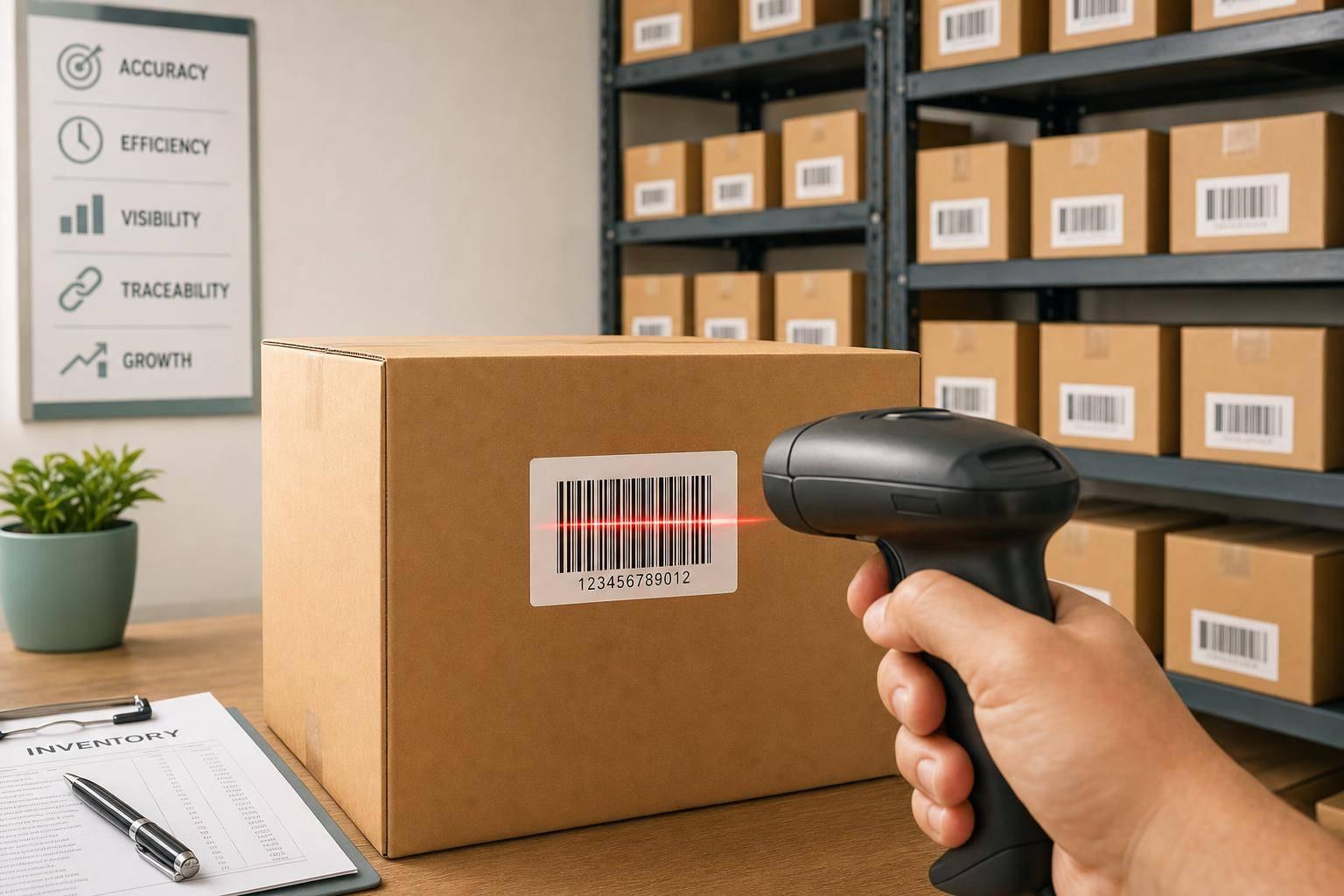
A barcode scan takes under one second. Manual lookup or typing takes a lot longer. That gap shows up fast when goods come in, move into bins, or need to be counted on a tight schedule.
When a shipment arrives, staff can scan each item against the open purchase order and check quantities before the driver leaves. That gives the team a quick way to spot missing or extra items right at the dock.
During putaway, bin and shelf barcodes point workers to the exact location, like "A-01-03". No one has to rely on memory or wander the aisle trying to find the right spot.
A scan to confirm workflow adds another check during picking. It confirms the right SKU and quantity, and if someone grabs the wrong item, the system flags it right away.
The same speed helps with inventory counts too. Teams can count in smaller sections without stopping the whole operation. Instead of shutting down for a full-day annual audit, they can run cycle counts - small counts by section - and scan one area at a time while staying open. Each section can be finished in about 30 minutes.
If your business handles around 15,000 items per week, moving to scanning can save about 25 labor hours per week.
3. Real-Time Stock Visibility
Speed only helps when your numbers stay up to date. With barcode scanning, each scan updates inventory on the spot. When an item is received, moved, picked, or returned, the count changes right then and there.
That matters because in 2024, global inventory distortion - the combined cost of stockouts and overstocks - hit an estimated $1.7 trillion, and $1.2 trillion of that came from stockouts alone. A big reason is phantom stock: your system says an item is available, but the shelf says otherwise. Barcode scanning cuts into that problem because the physical move and the digital record happen at the same moment.
Every scan pushes the transaction into your inventory system as it happens.
It also makes location tracking much tighter. If you label not just products but also aisles, shelves, and bins, staff can scan the item and its location during a transfer. Now the system knows exactly where that item sits, with no manual search. So when a customer calls asking about a certain SKU, you can give a direct answer fast.
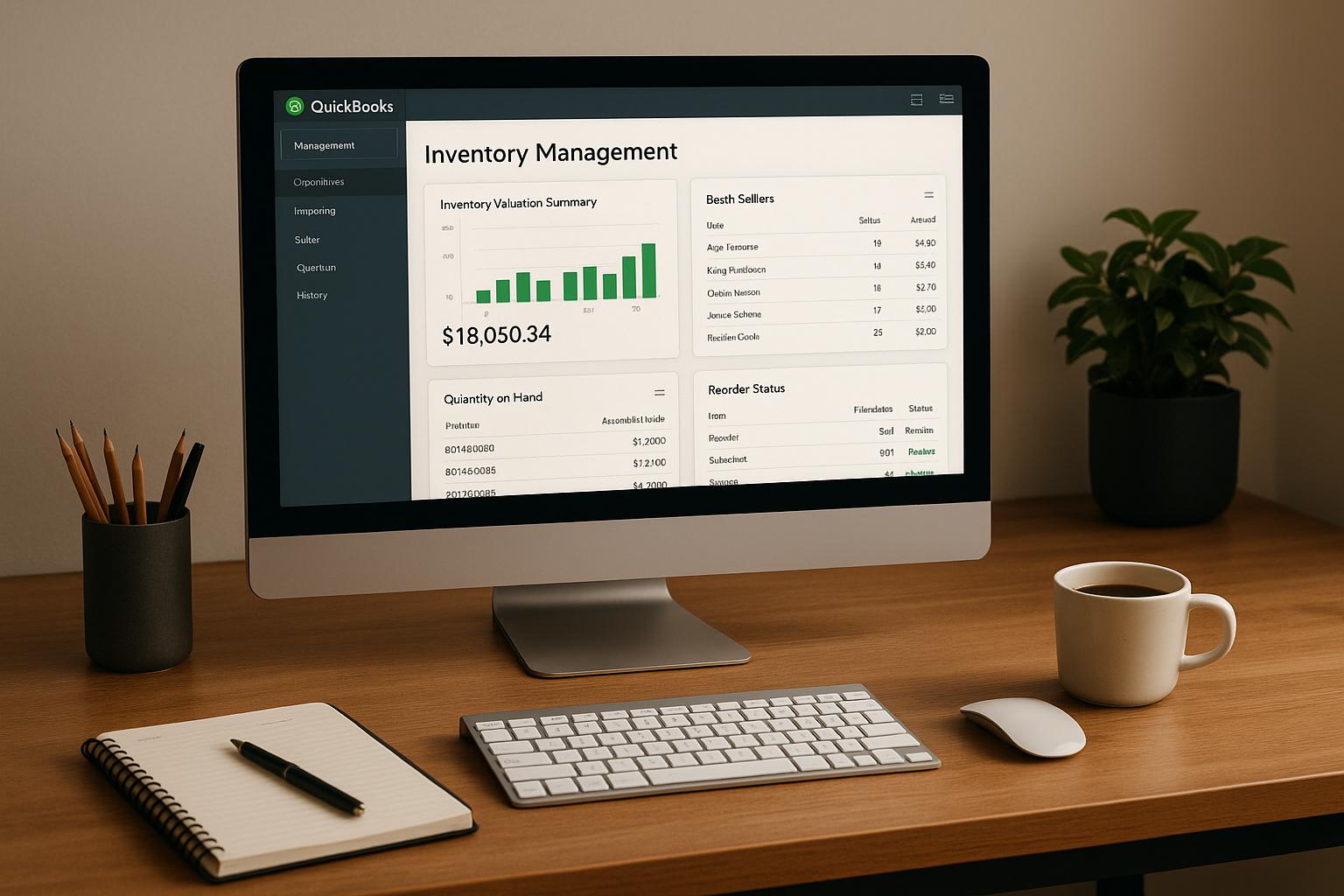
Low-stock alerts also kick in sooner. If a scan drops an item below your safety level, the system can send an alert or create a purchase order on its own. That helps keep bestsellers available and gives you a chance to act before a sale slips away. Rapid Inventory adds mobile barcode scanning and real-time inventory reports for QuickBooks Desktop users.
4. Lower Labor and Error-Related Costs
Faster scans don't just save time. They also cut the cost of fixing mistakes.
With inventory management software, teams make about 1 mistake every 300 keystrokes. Barcode scanning drops that error rate to just 1 in 3,000,000 scans. That's a huge gap, and it matters on the warehouse floor. Fewer errors at the start means less rework later, less wasted labor, and fewer slowdowns.
Wrong picks are a good example. When an item gets picked or shipped by mistake, someone has to deal with the return. If that process is manual, it takes about 10 to 15 minutes. With a barcode system, the same task takes under 2 minutes.
The savings add up fast:
- Small businesses using barcode systems report 30% fewer errors
- They can also cut overall operating costs by 20% to 30%
There's also a staffing angle here. If your team isn't spending time chasing down inventory gaps, re-entering data, or fixing shipping errors, they can handle more work with the people already on the schedule. In plain terms, barcode scanning helps teams move more volume without adding headcount.
Cleaner records help too. They make reporting easier, and they give teams a simpler way to track items when traceability matters.
5. Better Traceability and Reporting
Cleaner records also give you a timestamped audit trail. Every scan adds a time-stamped record, which makes it easier to trace an item from receipt to shipment.
A quick scan can log product details, quantity, location, and movement history. Getting that kind of end-to-end visibility by hand is tough. If something looks off, you can check the item's movement history and narrow the gap fast.
Labeling bins, shelves, and aisles makes traceability much more exact. When each location has its own barcode label, every move is recorded from a specific source to a specific destination. So you’re not just tracking the move itself. You’re also tracking where it came from and where it went.
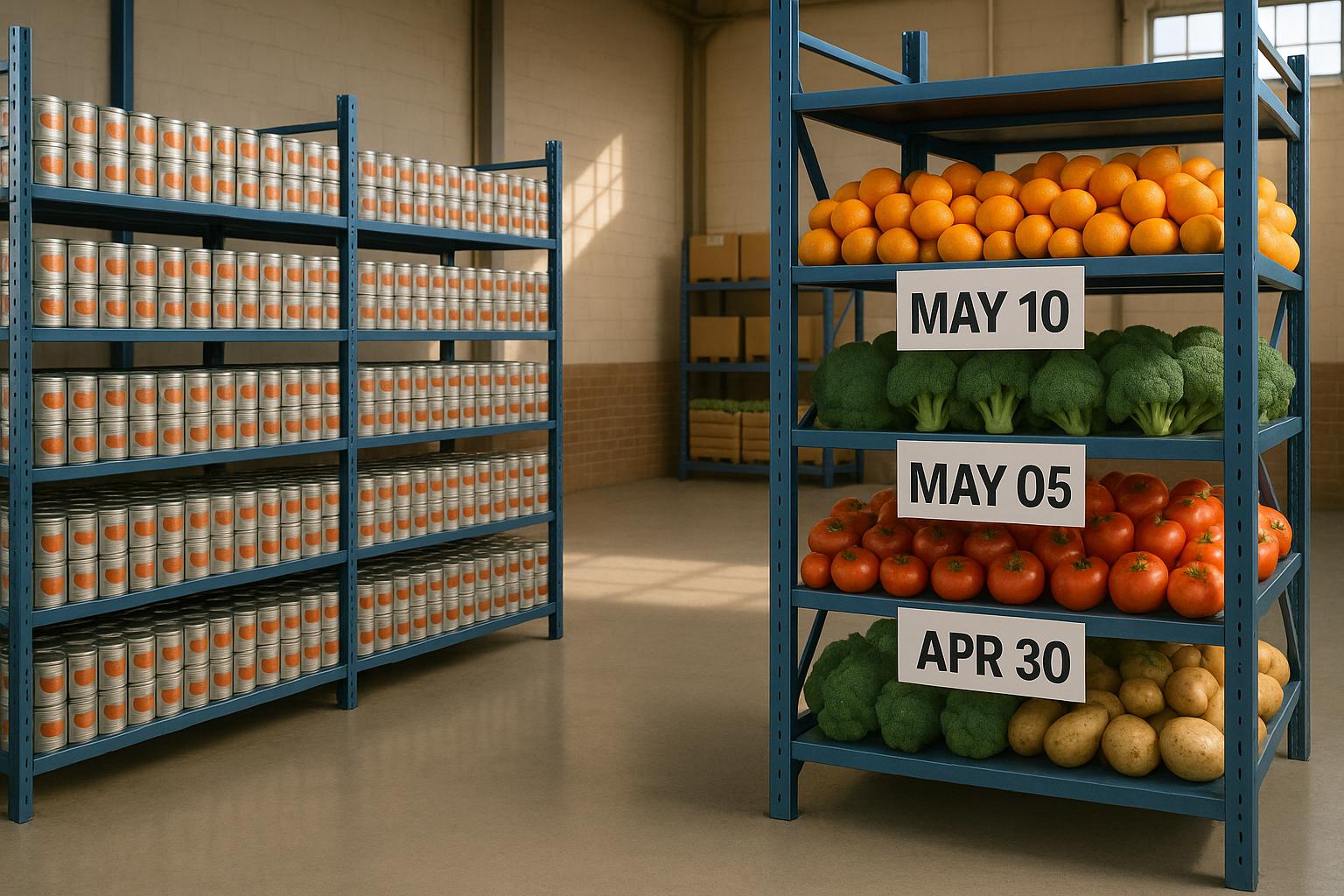
For perishables, regulated items, and high-value inventory, 2D barcodes can store lot, serial, manufacture, and expiration data to support recalls and compliance.
Reporting matters just as much. Data only helps if scan activity flows straight into reports. Those scans can feed reports that show adjustments, movement history, and item velocity over time. That makes it easier to spot slow-moving inventory, see which SKUs need reordering, and set better reorder thresholds based on actual movement data instead of estimates.
Rapid Inventory includes lot and serial tracking, multi-location and warehouse tracking, and real-time inventory reports for QuickBooks Desktop users.
How Barcode Scanning Software Fits In
Those gains only happen when software turns each scan into a usable inventory record.
Inventory software takes barcode scans and updates product, location, quantity, and item history as they happen. The big difference comes down to how the system stores each scan. Some systems simply overwrite the stock total. A ledger-based system does more: it logs every scan as a Stock In, Stock Out, or Adjustment transaction, then updates live stock levels on its own. That’s what turns a quick scan into a record you can trace.
For QuickBooks Desktop users, this software layer can also sync scans straight into accounting records. Rapid Inventory supports QuickBooks Enterprise, Pro, and Premier, with a two-way sync that sends items and orders from QuickBooks into the scanning platform, while mobile scans during receiving or picking sync back to QuickBooks in real time. It also includes:
- Multi-location and warehouse tracking
- Cycle counting
- Lot and serial number tracking
Conclusion
Put it all together, and barcode scanning stands out as one of the simplest ways to get tighter control over inventory. It gives small businesses something manual tracking just can't match: speed and accuracy at the same time. Small retailers using barcode systems report 30% fewer errors and can cut operating costs by 20% to 30%.
With real-time stock visibility, teams can answer availability questions faster and reduce lost sales. Better inventory data also makes it easier to reorder on time, avoid excess stock, and grow without piling on extra admin work. For QuickBooks Desktop users, direct sync keeps inventory, COGS, and margin data aligned.
It’s a small upgrade with a fast payoff, and many businesses see ROI within 6 to 12 months.
FAQs
What do I need to start barcode scanning?
To start barcode scanning, you need three basics:
- Barcode scanning hardware
- Compatible inventory management software
- Barcode labels for each product
The hardware should match the way your team works day to day. Your software also needs to read scan data and update inventory records in real time.
For QuickBooks Desktop users, Rapid Inventory makes this easier with mobile barcode scanning, real-time tracking, and support.
How quickly can a small business see ROI?
Small businesses can often see a return on investment within 12 months of putting barcode scanning in place.
With Rapid Inventory, the payoff usually comes from a few clear areas: cutting labor time by up to 60%, pushing inventory accuracy to 99%, and moving receiving, picking, and shipping much faster.
That matters because setup costs can be paid back sooner than many owners expect. In some cases, a business can get started for a few hundred dollars.
Can barcode scanning work with QuickBooks Desktop?
Yes. QuickBooks Desktop supports barcode scanning through its built-in Advanced Inventory feature for jobs like invoices, purchase orders, and inventory transfers.
Rapid Inventory also connects with QuickBooks Desktop and adds mobile barcode scanning. That means your team can scan items on the go while keeping inventory records up to date in real time. It also supports lot and serial tracking, multi-location management, and automatic sync between physical inventory activity and accounting records.