
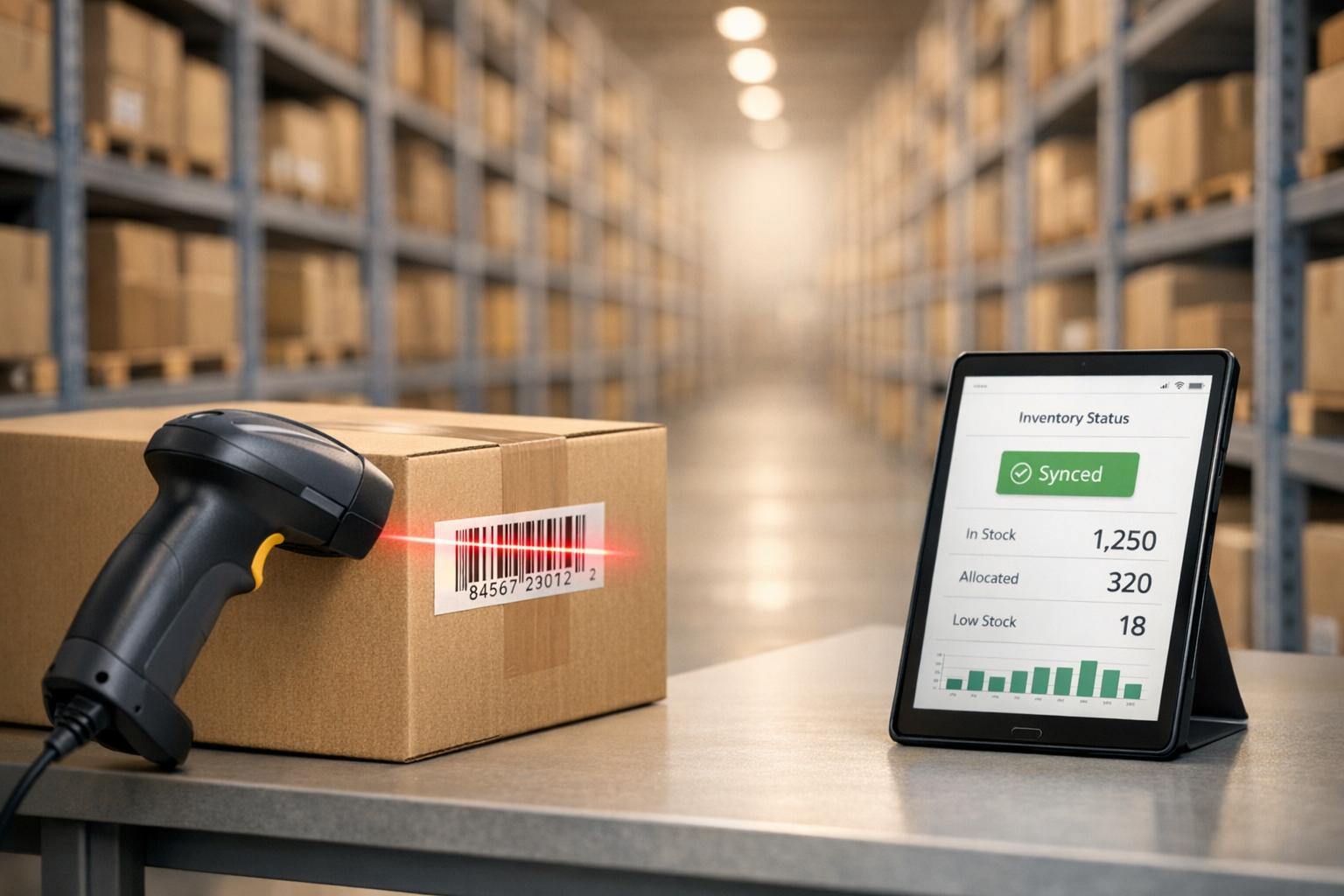
Barcode scanning has transformed inventory management by reducing manual errors, improving efficiency, and updating stock levels instantly. Businesses using barcode systems achieve up to 99.9% accuracy, compared to error rates of 10%-15% with manual tracking. This not only saves time but also prevents costly mistakes, such as overstocking or stockouts.
Key takeaways:
- Error Reduction: Manual data entry errors drop by over 90% with barcode scanning, ensuring precise inventory counts.
- Time Savings: Scanning is 5–10 times faster than manual entry, cutting inventory count times by up to 70%.
- Real-Time Updates: Stock levels adjust instantly, providing live visibility across locations and sales channels.
- Cost Efficiency: Businesses save on labor and reduce safety stock by 5%-10%, freeing up working capital.
- Advanced Tracking: Barcodes store detailed product data, aiding compliance and quality control.
For QuickBooks Desktop users, barcode scanning integrates seamlessly, syncing inventory movements with accounting records. This eliminates duplicate data entry, simplifies operations, and ensures accurate financial tracking. Whether you're receiving shipments, picking orders, or auditing inventory, barcode scanning is a reliable solution to streamline workflows and improve accuracy.
QuickBooks Enterprise Barcode Scanning Tutorial
sbb-itb-19ed50f
How Barcode Scanning Improves Inventory Accuracy
Barcode scanning has transformed inventory management by virtually eliminating the errors that come with manual data entry. Dr. Alex Wong, CEO & Co-Founder of RedBite Solutions, highlights this impact:
"Barcode scanning cuts data entry mistakes down to just 0.1% versus manual tracking."
While manual inventory tracking can lead to error rates between 10% and 15%, barcode scanning systems achieve an impressive 99.9% accuracy rate. This precision can significantly influence a company’s financial health, as inventory mistakes - like rushed shipping or replacement products - can cost businesses 2% to 4% of their revenue.
Reduction in Human Errors
Barcode scanning ensures accurate item identification, even when handling products that look alike. Advanced systems can notify users if an item doesn’t match the order or if the scanned quantity is incorrect. Once scanned, the data updates instantly in the inventory software.
Modern AI-powered scanners further enhance reliability by automatically selecting the right barcode in cluttered environments and successfully reading damaged or poorly printed labels that might confuse the human eye. For example, one electronics company saw a 67% drop in customer complaints after adopting a robust scanning system.
Real-Time Data Updates
In addition to reducing errors, barcode scanning speeds up processes through real-time updates. Every time an item is moved, sold, or received, stock levels adjust immediately, providing a live view of inventory across multiple locations and sales channels. Real-time dashboards enable teams to quickly spot discrepancies and make adjustments as needed, avoiding the delays associated with periodic audits.
This real-time capability also slashes the time needed for inventory counts. For instance, a logistics center that implemented barcode labeling for pallets and tools reduced its inventory audit time by 70%, turning a three-day process into just one day. The same center also saw an 80% drop in lost items, saving over $60,000 in a single year. On top of that, automation can boost warehouse efficiency by up to 50% while reducing staffing needs by as much as 40%. These benefits integrate seamlessly with tools like QuickBooks Desktop, simplifying inventory management.
Better Tracking Capabilities
Barcode scanning doesn’t just make updates faster - it also enables more detailed tracking. By using barcodes to track lot and serial numbers, businesses can maintain tighter inventory control and meet regulatory requirements. Advanced barcodes can store detailed information, such as manufacturing dates, batch numbers, expiration dates, and supplier details, offering far more than just basic SKUs.
This level of tracking is critical in industries like healthcare and manufacturing, where recalls and quality control are high priorities. Take VF Corporation as an example: during the pandemic, the company faced a 15% cancellation rate for online orders due to inventory inaccuracies. After switching to mobile scanning technology, VF Corporation achieved 100% inventory accuracy and saw a significant increase in omnichannel revenue. Andrea Comi, Global Director of Digital and Technology DTC at VF Corporation, explained:
"The accurate inventory levels we get with Scandit Smart Data Capture have ultimately boosted our omnichannel revenue."
Durable barcodes applied to items, bins, shelves, and pallets also allow businesses to track precise warehouse locations. With approximately 10 billion barcodes scanned daily worldwide, barcode scanning has become the go-to method for maintaining accurate and compliant inventory records.
Research Findings on Barcode Scanning Performance

Manual vs Barcode Scanning Inventory Accuracy Comparison
Accuracy Rates
When comparing manual inventory tracking to automated methods, the difference in accuracy is striking. Manual entry typically has an error rate of 1%–3%, which can increase during longer shifts. In contrast, barcode scanning consistently achieves an error rate of just 0.1%–0.2% - a reduction of over 90% in errors.
What makes barcode scanning even more reliable is its ability to maintain this high level of accuracy regardless of operator fatigue or warehouse activity levels. This consistency not only minimizes mistakes but also leads to noticeable time and cost savings in everyday operations.
Time and Cost Savings
The speed advantage of barcode scanning is undeniable. While manual entry takes 15–30 seconds per item, scanning reduces that to under 2 seconds - making it 5 to 10 times faster.
For example, processing a 200-item shipment manually would take 50–100 minutes, but with barcode scanning, that same task can be completed in just 10–15 minutes. Businesses managing 500 transactions daily could save as much as 40–50 labor hours per week simply by adopting scanning technology. Additionally, total inventory count times can be reduced by 60%–70%, significantly boosting operational efficiency.
Beyond the time saved, the decrease in manual errors also has a direct impact on costs and resource allocation, making barcode scanning a practical solution for streamlining workflows.
Error Reduction Data
Barcode scanning nearly eliminates common errors, such as transposition mistakes, cutting the correction workload by 85%–90%.
This improved accuracy has financial benefits too. Businesses can reduce their safety stock by 5%–10%, freeing up working capital that would otherwise be tied up in extra inventory kept as a buffer against data inaccuracies. Moreover, new employees using manual methods often have error rates of 5%–7%, while barcode scanning systems deliver consistent, reliable results regardless of the operator's experience level.
Barcode Scanning Integration with QuickBooks Desktop

Mobile Barcode Scanning
Mobile barcode scanning eliminates the need for paper pick lists and manual data entry. Using mobile devices, employees can scan items as they receive shipments, pick orders, or count inventory. This process ensures precise tracking of the item, quantity, and location, with every warehouse movement recorded in real time.
This mobile-first approach also improves warehouse efficiency by optimizing picking routes. Employees can follow the most efficient path to collect items for an order, and each scan confirms they’ve selected the correct product. This step reduces errors, helping businesses achieve near-perfect order accuracy by catching mistakes before shipments leave the warehouse. Plus, this streamlined process integrates seamlessly with QuickBooks Desktop.
Two-Way QuickBooks Sync
Two-way synchronization ensures warehouse operations and QuickBooks Desktop stay in perfect sync. Every time an item is scanned - whether during receiving, picking, or another process - QuickBooks Desktop updates automatically via the Web Connector, removing the need for duplicate data entry.
This integration supports key transactions like Sales Orders, Purchase Orders, Invoices, Item Receipts, and Inventory Transfers. For users of QuickBooks Pro and Premier that lack built-in barcode features, tools like Rapid Inventory bridge the gap. These tools connect warehouse activities directly to QuickBooks, ensuring real-time updates for inventory levels, values, and reorder points - no waiting for nightly batch updates.
"Rapid Inventory with Quickbooks Desktop is exactly what we need to run our company. We've been using it for 6 years and love it. Simple and straightforward, very easy to learn and easy to work with." - Nicholas G, Owner
Additional Features for Inventory Control
Barcode integration offers more than just syncing; it comes with features that enhance inventory management. For example, cycle counting allows for regular, focused inventory checks using mobile scanners, eliminating the need for disruptive annual counts. This method can improve inventory accuracy to around 97%.
The system also supports FIFO (First In, First Out) and FEFO (First Expired, First Out) picking strategies, ensuring older stock is used first to minimize waste. Lot and serial tracking make it easier to comply with regulations and manage product recalls by pinpointing which units went to specific customers. Multi-location tracking provides visibility across multiple warehouses or even down to specific bins. Additionally, backorder tracking and partial shipping features help businesses manage situations where not all items are immediately available, keeping orders on track without manual interventions.
Conclusion
Barcode scanning technology brings automated precision to inventory management, eliminating the risks of manual entry errors. Research highlights an impressive benefit: businesses using this technology can achieve 100% order picking accuracy. With every scan - whether during receiving, picking, or transfers - inventory levels update instantly, offering real-time visibility into stock and location.
For QuickBooks Desktop users, barcode scanning offers seamless integration through two-way syncing. This ensures warehouse operations and accounting records stay aligned without the need for duplicate data entry. As Raeann Salter, a QuickBooks Advanced ProAdvisor, puts it:
"By using barcode scanning with QuickBooks Enterprise, U.S. service businesses, wholesalers, and product-based operations can eliminate guesswork, save time, and gain real-time inventory control."
The benefits go beyond just accuracy. Businesses save time and reduce costs on every transaction, with labor savings often covering the upfront investment in barcode technology. Implementation is quick - sometimes completed in as little as one business day. Plus, with declining hardware costs and easier integration, adopting this technology is more accessible than ever. The system also provides detailed historical data, helping businesses make smarter purchasing decisions and maintain optimal inventory levels.
Rapid Inventory enhances these advantages for QuickBooks Desktop users by offering a web-based solution with integrated mobile barcode scanning, two-way syncing with QuickBooks, and comprehensive inventory management tools. This real-time data equips businesses to improve decision-making, streamline operations, and achieve greater accuracy and efficiency.
FAQs
What hardware do I need to start barcode scanning?
To begin using barcode scanning for inventory management, you'll need a scanner capable of reading formats like Code-128 and EAN-13. Look for models that connect through USB or Bluetooth for flexibility. It's important to configure the scanner to add a single carriage return after each scan to ensure accurate data entry.
Some reliable options include the Honeywell 1300G Hyperion, Granit 1911i, and Voyager 1202G. These models are known for seamless integration with systems like QuickBooks Desktop and other inventory management tools.
How does real-time barcode scanning sync with QuickBooks Desktop?
With the Advanced Inventory feature in QuickBooks Desktop, real-time barcode scanning becomes a seamless process. When you scan a barcode, the system instantly updates inventory levels and relevant data in QuickBooks. This ensures your records stay accurate and current without requiring manual adjustments.
Can barcode scanning track lots, serial numbers, and expiration dates?
Barcode scanning offers the ability to track lots, serial numbers, and expiration dates, making inventory management more accurate and organized. By delivering real-time updates and detailed tracking, this feature helps minimize errors and simplifies processes for better efficiency.



