I’d put Rapid Inventory on your shortlist for QuickBooks Desktop - but test your exact setup before paying. Listed plans cost $90 per user per month or $900 per month for unlimited users, with hardware priced separately.
Here’s what I’d check first:
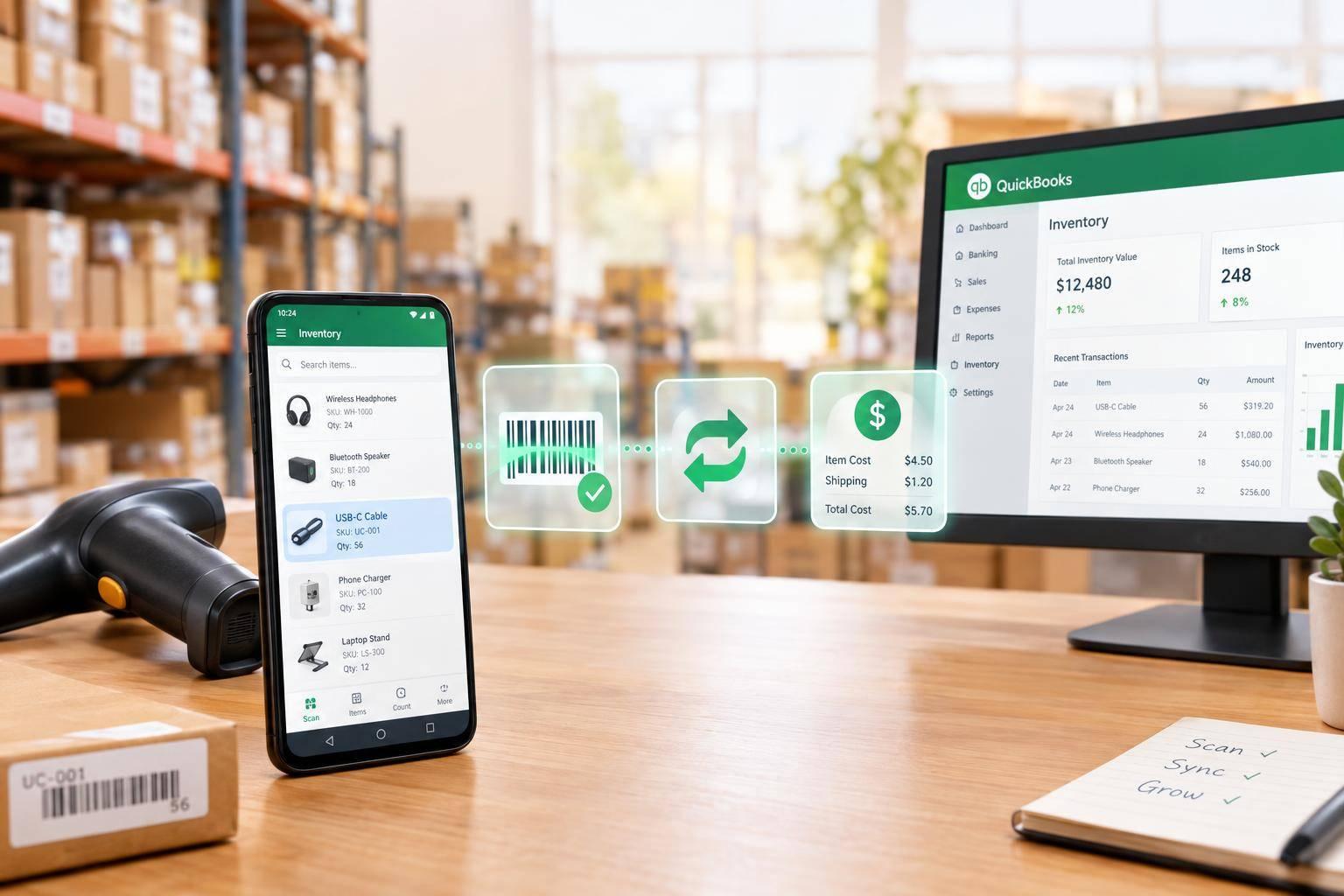
- Rapid Inventory: Android barcode scanning, two-way sync through QuickBooks Web Connector, multiple warehouses, lot and serial tracking, and receiving-to-shipping workflows.
- Intuit’s Android warehouse tools: Confirm the current product, availability, supported Desktop editions, installation process, and costs. The article does not establish a current offering.
- Before buying: Verify hosting and scanner support, sync timing, offline behavior, training, support terms, and total cost.
My final check? <u>Run a small pilot in your own QuickBooks Desktop file.</u> Test receiving, picking, shipping, and a dropped connection. Real-time reports don’t necessarily mean QuickBooks has finished syncing.
Simplify inventory and fulfillment with mobile barcode scanning | QuickBooks Enterprise
sbb-itb-19ed50f
Rapid Inventory: Web-Based Warehouse Management
After confirming compatibility, check how mobile warehouse tasks sync with QuickBooks. Rapid Inventory supports QuickBooks Desktop Enterprise, Pro, and Premier, including hosted setups such as Rightworks, Whizz, Swizznet, and Visory. Confirm your QuickBooks Desktop version and hosting setup before subscribing.
Warehouse Locations, Scanning, and Traceability
For Android teams, Rapid Inventory provides mobile visibility into stock locations within and across warehouses. It syncs warehouse locations with QuickBooks sites and supports lot, serial, and batch numbers, expiration dates, and real-time inventory reports. FIFO/FEFO picking helps teams select stock.
Receiving, Picking, and Shipping
Mobile workflows cover partial receiving, route-optimized pick lists, partial shipping, backorder tracking, cycle counting, inventory assemblies, and label printing.
Items, sales orders, and purchase orders sync from QuickBooks. Receiving, picking, counting, moving, and transferring sync back. Check whether these workflows fit your warehouse before comparing total cost.
Pricing and Included Support
Rapid Inventory bills monthly, with no contracts or hidden fees:
- Pro: $90 per user per month for 1–9 users, including email support.
- Unlimited: $900 per month for unlimited users, including priority phone and email support plus a dedicated account manager.
Onboarding typically takes 6 to 7 days. Confirm how your data and hosting setup may affect that timeline.
Intuit Android Warehouse Tools: Current Availability
Intuit’s current Android warehouse tool is not publicly documented. Confirm the product name, availability, and installation path before purchasing. Check whether it works with your QuickBooks Desktop setup before comparing features and costs.
Required Desktop Editions and Android Devices
Before buying hardware, ask which QuickBooks Desktop editions and Android OS versions the tool supports. Also confirm how it’s deployed and installed.
Receiving, Picklists, and Scanning
Check whether the tool supports your daily warehouse tasks: receiving, picklists, picking, packing, and barcode scanning. Ask how it handles QuickBooks sync, warehouse visibility, and serial numbers.
Subscription, Hardware, and Support Costs
Get the full cost before committing. Request subscription pricing, hardware costs, setup fees, training details, and support terms.
Compare Features, Sync, and Total Cost

QuickBooks Desktop Inventory Sync: Pilot Checklist
Once you’ve confirmed compatibility, compare Rapid Inventory’s sync method, warehouse controls, mobile scanning, order handling, support, and total cost.
| Product | Key workflows | Prerequisites | Limitations | Subscription and hardware costs |
|---|---|---|---|---|
| Rapid Inventory | Two-way sync and receiving-to-shipping workflows | Rapid Inventory account, Android device, and QuickBooks Web Connector | Web-based; connectivity required for sync | Pro: $90/user/month; Unlimited: $900/month. Hardware sold separately. |
Feature and Cost Checklist
Check warehouse reporting and QuickBooks sync timing separately. Real-time reports don’t tell you when a sync finishes.
| Check | Documented capability or cost | What still needs confirmation |
|---|---|---|
| Sync | Automatic two-way sync through QuickBooks Web Connector. | Sync schedule and typical delay |
| Records | Items, sales orders, purchase orders, and inventory levels. | How records map to Desktop |
| Warehouse tracking | Multiple warehouses and locations; lot/serial tracking and FIFO/FEFO. | How locations map to Desktop |
| Mobile scanning | Barcode scanning for warehouse tasks. | Scanner and barcode compatibility |
| Order handling | Partial receiving/shipping and backorders. | How partial transactions appear in Desktop |
| Stock visibility | Real-time reports and activity logs. | When reports update compared with when sync finishes |
| Offline behavior | Web access; connectivity required for sync. | Whether entries are saved if connectivity drops |
| Support | Support, training, and migration included; Unlimited adds priority support and an account manager. | Support hours and response targets |
| Cost drivers | Hardware costs extra; Web Connector configured during setup. | Total hardware cost and any connector fee |
Before buying, test the full receiving-to-shipping process in your own Desktop file.
Test the Receiving-to-Shipping Workflow
Use the free trial or demo to check your workflow and confirm that changes appear correctly in QuickBooks Desktop. Track when updates show up in reports and in Desktop. Then briefly disconnect, reconnect, and retry sync to check that it recovers.
Conclusion: Confirm Compatibility Before Buying
After comparing features and cost, Rapid Inventory fits QuickBooks Desktop warehouses that need location tracking and lot or serial tracking. Confirm your exact Desktop version during a Demo & Discovery session.
Before buying, get written confirmation of Rapid Inventory’s two-way sync, scanner support, order handling, total cost, and support terms.
Run a small receiving-to-shipping pilot on your actual Android device using a limited set of items. Check quantities, order status, and how lot or serial data appears in both Rapid Inventory and QuickBooks Desktop. Approve rollout only after the pilot passes.
FAQs
How does Rapid Inventory prevent duplicate entries after a failed sync?
Rapid Inventory helps prevent duplicate entries with automatic two-way synchronization with QuickBooks Desktop, keeping items, orders, and warehouse actions in sync. Required barcode scans during receiving and picking flag mismatches, duplicate serial numbers, and inventory errors before they reach your company file.
Activity logs and cycle count status tracking put discrepancies in Pending Review for manager approval, keeping unverified data out of your records.
Can I use my existing Android barcode scanners?
Yes. The system supports barcode scanning with your Android device’s built-in camera, external USB or Bluetooth scanners, and rugged mobile scanning devices from Zebra, Honeywell, Datalogic, and Motorola for high-volume use.
To use a Bluetooth scanner, pair it with your Android phone or tablet, then set it to use the appropriate serial port profile.
How should I resolve inventory discrepancies with QuickBooks Desktop?
Start by cleaning up your existing data: standardize SKUs and merge duplicate records. Then use real-time, two-way synchronization instead of matching records manually.
With Rapid Inventory, you can run cycle counts on mobile devices using barcode scanning. Count adjustments update QuickBooks Desktop instantly, keeping accounting and warehouse records in sync without manual data entry - and helping prevent errors caused by manual updates.