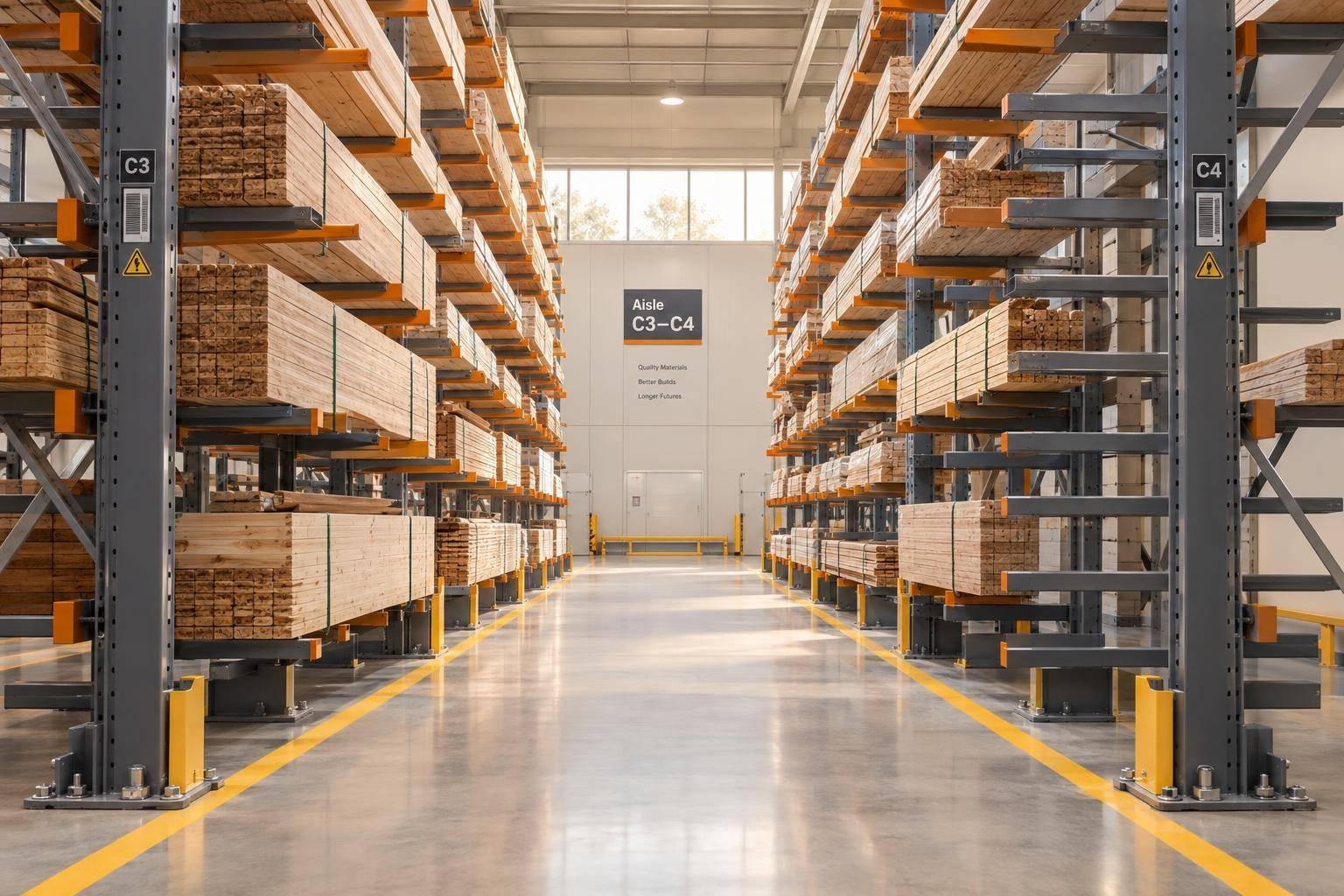
I start cantilever rack selection with the heaviest load - not the rack’s price. Measure your stock in feet, inches, and pounds, then get written approval for the rack configuration. A 2,400 lb load spread evenly across three arms puts 800 lb on each arm, but that math alone does not confirm rack capacity.
My selection checklist covers four things:
- Loads: Product dimensions, weight, support spacing, and arm and upright ratings.
- Layout: Loaded rack depth, equipment turning space, overhead clearance, and safe access.
- Installation and cost: Slab condition, anchors, load stops, inspections, and an itemized installed quote in U.S. dollars.
- Growth and tracking: Space for the next 3–5 years, barcode locations, and item records linked to inventory management software.
<u>Empty rack space does not mean spare load capacity.</u> I keep approved load limits separate from inventory counts and confirm both before stock goes into storage.

Cantilever Rack Selection: 4-Step Checklist
Tutorial Guide to Structural Cantilever and Lumber Racks
sbb-itb-19ed50f
Step 1: Measure Products and Calculate Rack Loads
Start with a load profile for each material type. Group stock by length, depth, weight, shape, stiffness, and handling method rather than assigning one capacity to every SKU. Record the center of gravity, tendency to roll, planned rack levels, and whether the rack will be single- or double-sided. Separate typical loads from the heaviest expected loads, and use the heavier figure for rack selection. This profile guides the rack configuration and load checks below.
Measure Load Length, Depth, and Weight
Measure the entire handling unit, including packaging, bands, skids, blocking, and dunnage. Length runs along the rack; depth runs from the upright to the arm tip. Record height and gross weight, too. If bundle sizes vary, measure several and document any planned overhang separately. Note uneven weight distribution and flexible materials that could sag between supports.
Arm length should generally accommodate the load depth while providing secure support and meeting the manufacturer’s clearance requirements. Longer arms can affect bending capacity and upright requirements. Have the rack supplier confirm arm length, support spacing, and allowable overhang for the material you’ll store.
Calculate Loads on Arms and Uprights
Choose the number of supports based on material stiffness and manufacturer guidance - not weight alone. For evenly distributed loads, estimate the load per arm by dividing the total level weight by the number of supporting arms.
The worksheet below shows the math only. These figures are not approved capacities or layouts. Flexible pipe may need more supports; confirm each spacing with the manufacturer. Use the worksheet to compare load patterns before requesting a final rack design.
Product category Load length Load depth Weight per level Proposed arm length Supporting arms Preliminary load per arm Bundled conduit 20 ft 30 in 2,400 lb 30 in 3 800 lb Steel tubing bundle 24 ft 36 in 3,000 lb 36 in 3 1,000 lb Lumber package 16 ft 48 in 1,800 lb 48 in 2 900 lb Flexible pipe bundle 20 ft 36 in 2,000 lb 36 in 4* 500 lb *The four-arm example reflects a preliminary rigidity concern.
For each upright, add the loads on its attached arms across all occupied levels and both sides. Track loads resting on the base separately when the manufacturer’s rating requires it.
Off-center, concentrated, or partly supported loads need engineering review. The weakest component sets usable capacity, not the arm rating alone. Require written validation of arm, upright, base, connection, and anchorage capacities, plus impact allowances. Use these confirmed limits to size aisle widths and rack spacing in Step 2.
Step 2: Plan Rack Layout and Aisle Space
Once load limits are set, plan the layout around access, clearance, and equipment movement.
Check Clearances and Rack Access
Map the usable floor space, ceiling height, columns, doors, docks, utilities, damaged floor areas, and fixed setbacks. Mark exits, fire equipment, electrical panels, and pedestrian routes as keep-clear areas. Then overlay the full stored-load envelope, including projecting material, load-retention components, and the space needed for loading and retrieval.
Base upright spacing on the shortest and longest materials, required support points, and allowed overhang. Have the rack engineer sign off on the layout. At rack ends, leave room for overhang, equipment approach, and protection. A bundle must clear nearby columns and doors throughout the move, not just while stored.
| Layout factor | Single-sided racks | Double-sided racks |
|---|---|---|
| Usable capacity | One storage face; fits perimeter spaces | Two storage faces; compare usable positions after subtracting aisle space |
| Perimeter wall use | Suitable when rear clearances and wall conditions permit | Usually freestanding, with access on both sides |
| Access | Needs one loading and retrieval aisle | Needs access to both operating sides |
| Floor space | Rack depth plus one aisle | Loaded depth on both faces plus two aisles |
Check clearance above the highest stored load, accounting for lights, ducts, and sprinkler deflectors. OSHA guidance commonly identifies 18 inches below sprinklers, while ESFR applications may require 36 inches. Neither figure replaces a review of the actual sprinkler system, commodity, and storage arrangement by the fire-protection professional and local authority having jurisdiction.
Once you’ve chosen the rack orientation, match aisle width to the equipment that will use it.
Verify Aisle Width for Your Equipment
Start with the equipment manufacturer’s aisle specifications for the actual load and attachment. Check load orientation, turning radius, approach angle, rack-end clearance, and visibility. Also verify lifting capacity at the highest planned level and actual load center.
OSHA does not prescribe one universal warehouse aisle width. Check the aisle against the specific truck, load, and maneuver. Give manufacturer data priority over generic aisle estimates.
| Handling method | Load orientation | Turning room | Effect on storage density |
|---|---|---|---|
| Conventional forklift | Carries the load in front; typically turns to approach the rack | Allow for turning, alignment, and the load’s swept path | Turning space can reduce usable storage area |
| Side-loader or multidirectional truck | Can travel parallel to long stock and move laterally | Check travel modes, wheel sweep, and aisle-end transitions | May improve long-stock storage density where equipment clearances permit |
| Crane or manual handling | Cranes follow defined lifting paths; manual handling needs direct access | Cranes need overhead clearance and exclusion zones; manual access must stay unobstructed | May reduce forklift aisle demand, but safe access still controls spacing |
Mark initial aisle widths as pending equipment verification. Check the narrowest points at columns, rack ends, and projecting loads - not just the aisle centerline.
Before installation, test movement with the actual truck or a manufacturer-approved model under controlled conditions. Confirm placement and retrieval at the highest planned level. Limit manual handling to loads and procedures workers can safely manage, and keep turning zones and emergency routes clear.
Step 3: Specify Rack Components, Safety, and Cost
With the layout set, confirm the rack structure and site requirements so the design is safe and ready to build.
Choose Uprights, Arms, and Load Retention
Specify upright height, base size, arm length and style, arm elevations, number of levels, upright spacing, bracing, and connection hardware. Match arm length to storage depth and upright spacing to product lengths. Set loading levels based on load weight and available floor space.
State whether the rack is single- or double-sided and freestanding or wall-supported. Require written ratings for each arm, level, upright, and bay in the complete configuration. Those ratings must account for the worst-case load pattern, including packaging and accessories. Ask the supplier which ANSI MH16.3 design basis applies.
| Consideration | Adjustable arms | Fixed arms |
|---|---|---|
| Flexibility | Change arm elevations as product dimensions change | Best suited to consistent product sizes |
| Capacity verification | Recalculate or reconfirm ratings after moving arms or changing the configuration | Verify the original engineered configuration |
| Cost | Typically cost more upfront but can reduce future reconfiguration costs | Often cost less upfront |
| Maintenance | Inspect adjustment hardware, pins, and connections after changes | Fewer adjustable components to inspect |
Specify manufacturer-approved decking, stops, lips, and dividers separately. Decking supports bundled or small items. Stops and lips limit roll-off, while dividers keep loads aligned. None increases rated capacity. Before ordering, confirm each accessory’s weight, attachment method, equipment clearance, and effect on usable dimensions.
Check Site Requirements and Installed Cost
Once the rack design is defined, verify that the floor and anchors can support it. Have the supplier or a qualified structural engineer check slab thickness, strength, condition, flatness, and anchor capacity. Check for underground utilities before drilling.
Require an approved anchor schedule that covers type, diameter, embedment, spacing, and base plates - not a generic anchor allowance. Any connection to a wall or building column also needs structural approval.
Provide the project address for seismic and wind checks. Outdoor and partially exposed racks need weather-load review, drainage, and corrosion protection suited to the exposure. Specify finishes for the actual conditions, and confirm compliance with manufacturer instructions and applicable building, fire, and workplace safety rules.
Request an itemized installed quote in U.S. dollars covering equipment, engineering, freight, unloading, labor, anchors, slab work, permits, protective barriers, inspections, signage, training, and tax. Identify exclusions. Budget separately for future bays and replacement parts, accounting for reserved expansion space.
Require load plaques, approved load patterns, operator training on loading and damage reporting, and recurring inspections. Remove damaged components from service until evaluated. This configuration sets the baseline for expansion space and location labeling in Step 4.
Step 4: Plan for Growth and Inventory Tracking
Once the rack layout is approved, lock in reserved bays and the item-location data that will guide put-away and picking.
Reserve Space and Capacity for Future Stock
Forecast SKU counts, peak stock, and product mix for the next 3 to 5 years. Account for the longest and heaviest products you expect to store. Mark bays reserved for growth, maintain aisle and turning clearances, and track occupied, reserved, and remaining capacity separately.
Standardize compatible components and location labels. Confirm that the approved rack pattern allows future bays without changing aisle or turning clearances. Then use the reserve map to create location records before stock enters the rack.
Keep a capacity register linked to the approved rack documents. It should show current loads and remaining allowable loads under the approved loading pattern. Mark restricted positions:
“Do not load.”
Empty arms or levels don’t mean you can add more weight. Require approval before introducing longer or heavier products.
Connect Barcode Locations to Item Records
Before stock moves in, create linked records for each item’s SKU, dimensions, weight, unit conversions, assigned locations, and lot, serial, or expiration data. For U.S.-based operations, use consistent U.S. customary units and document any metric source data. Keep item barcodes separate from location IDs, and place durable, human-readable location labels at scan points.
For scan-based operations, connect location records to receiving, put-away, picking, transfers, and cycle counts. Verify the item, location, and quantity at every step. Test the workflows before launch, including unit conversions, unreadable labels, incorrect destinations, and count discrepancies. Resolve exceptions before normal use.
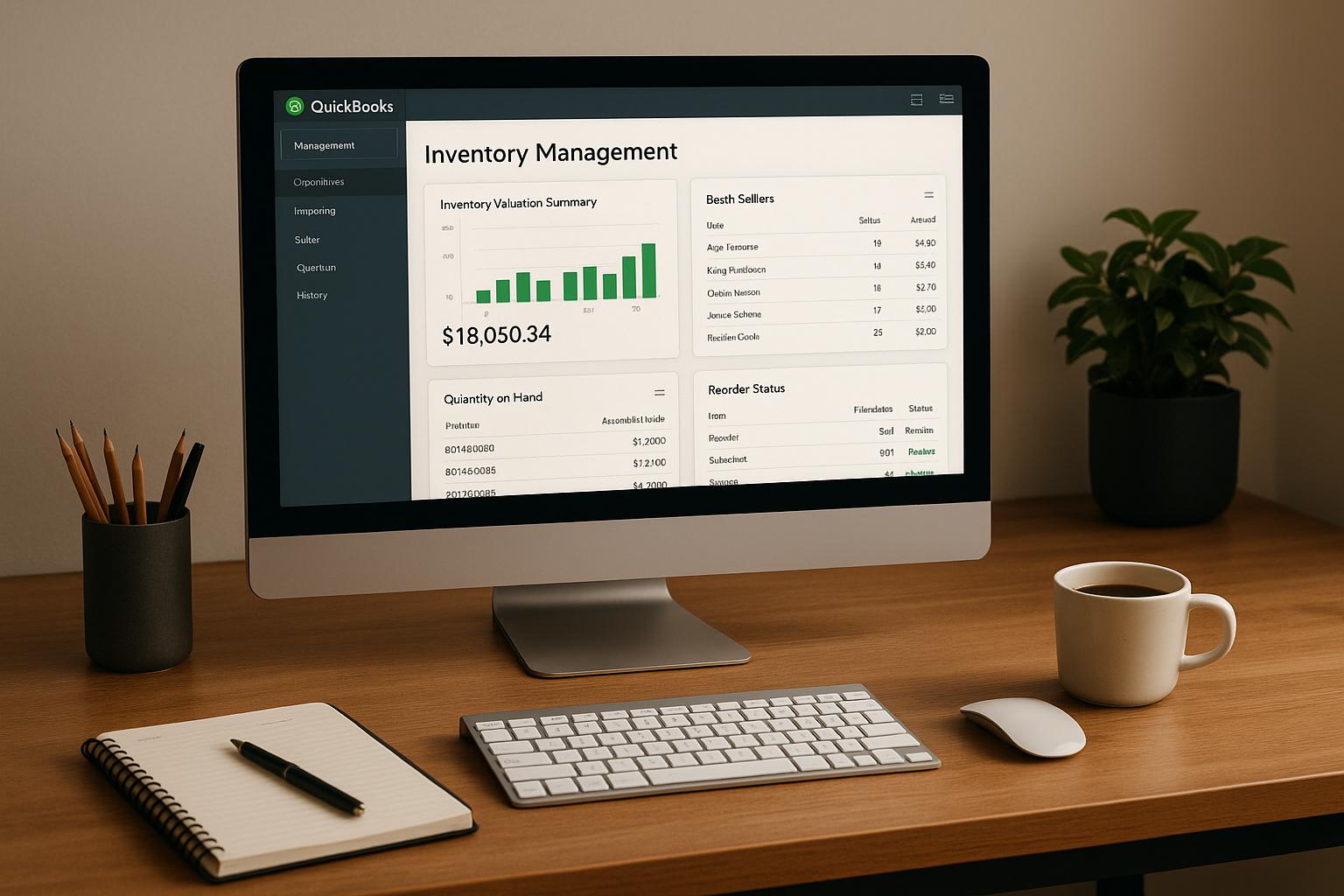
For QuickBooks Desktop users, Rapid Inventory supports mobile barcode scanning, two-way QuickBooks sync, multi-location and warehouse tracking, and real-time inventory reports. During setup, confirm supported Desktop editions, field mappings, location detail, and transaction workflows.
Keep rack ratings and clearances in approved rack documents or linked records; don’t rely on QuickBooks to store them. Review location accuracy, scan exceptions, and reserved-space usage monthly for the first quarter, then quarterly.
Conclusion: Review Your Rack Selection Checklist
Use this checklist to confirm your rack matches the approved design and the load and aisle plan you’ve already built. Before ordering, check the final layout against product dimensions, maximum loads, clearances, and room for equipment to maneuver. Verify arm and upright ratings against load overhang and sag during handling.
Get written manufacturer or engineering approval for the configuration, slab, anchoring, and load-retention features. Check that the installed quote includes freight, unloading, installation labor, permits or engineering review, floor repairs, and protective barriers. After approval, proceed to labeling and receiving only when the installed system matches the documents.
Leave room for growth. Add barcode locations to the rack plan before stock arrives, and include those locations and item records in the handoff package. Inventory software helps track locations and quantities, but it does not validate rack capacity. Before loading, check anchors, braces, arms, capacity labels, and protective features against the approved documents.
FAQs
Can one cantilever rack safely store mixed-length loads?
Yes. Cantilever racking works well for long, bulky items of varying lengths, such as pipes or lumber. Its arms extend from a central column, so shelf bays don’t restrict storage space.
For safe storage, calculate the load capacity using the heaviest items you plan to store. Space the arms to support each load’s dimensions, and follow the manufacturer’s guidelines to keep the setup stable and within rated limits.
When should I expand my racks instead of reconfiguring them?
Expand your racks when capacity utilization reaches your target - typically 80%–85%. You may also need more rack space for inventory growth, new product lines, or temporary staging. Rack expansion is usually the preferred option when you have reserved space or unused vertical height.
Modular beam-and-upright racks often let you adjust beam heights or add sections to existing rows without a complete overhaul. Build up before building out: use available vertical space before considering horizontal facility expansion.
How can barcode scanning help prevent incorrect rack placement?
Barcode scanning checks each inventory movement. During putaway, you scan the item and the destination location barcode. The system then confirms that the item belongs in that approved spot.
This removes manual entry errors and keeps physical locations matched to digital inventory records in real time. Rapid Inventory syncs these scans with your QuickBooks Desktop data to keep location tracking accurate.